Topic
Construction software integrations
Construction runs on five to fifteen systems that don't share an ID. These pieces cover how to connect them so data flows once, matches correctly, and stays owned by your team.
Start with the guides
Integrations · November 21, 2026
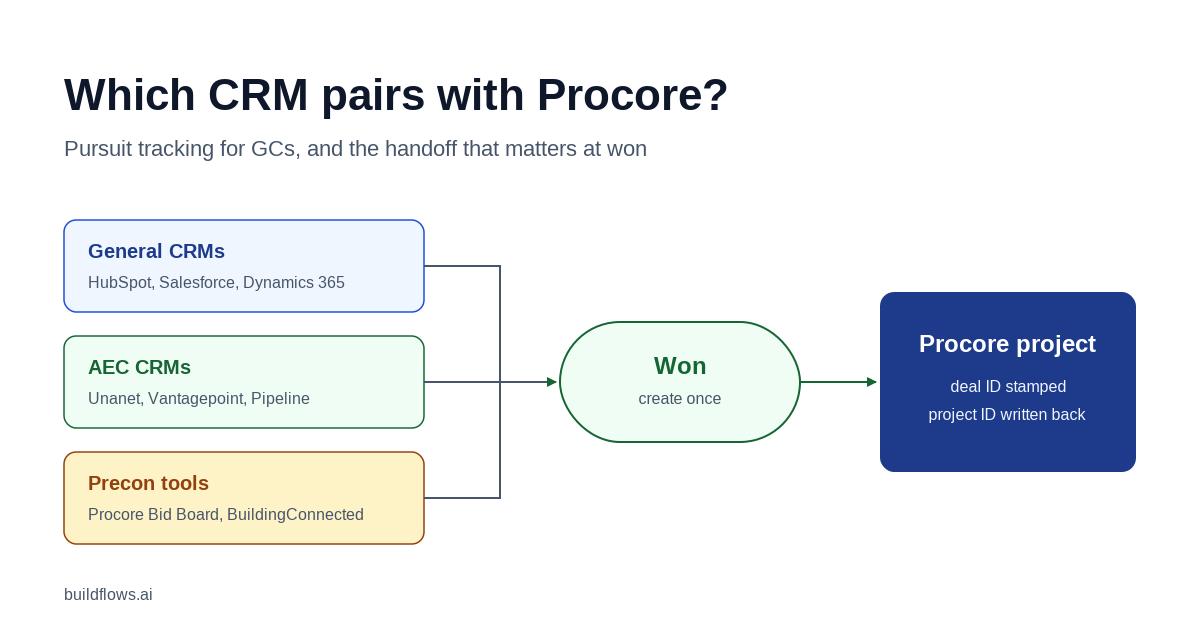
CRM for Procore: Comparing Options for GC Pursuit Tracking
A fair buyer's comparison of CRMs general contractors pair with Procore for pursuit and preconstruction pipeline tracking: what each one connects with, how, what syncs and what pricing is public, plus the won-deal handoff pattern and the HubSpot webhook retry trap that creates duplicate projects.
Integrations · November 21, 2026
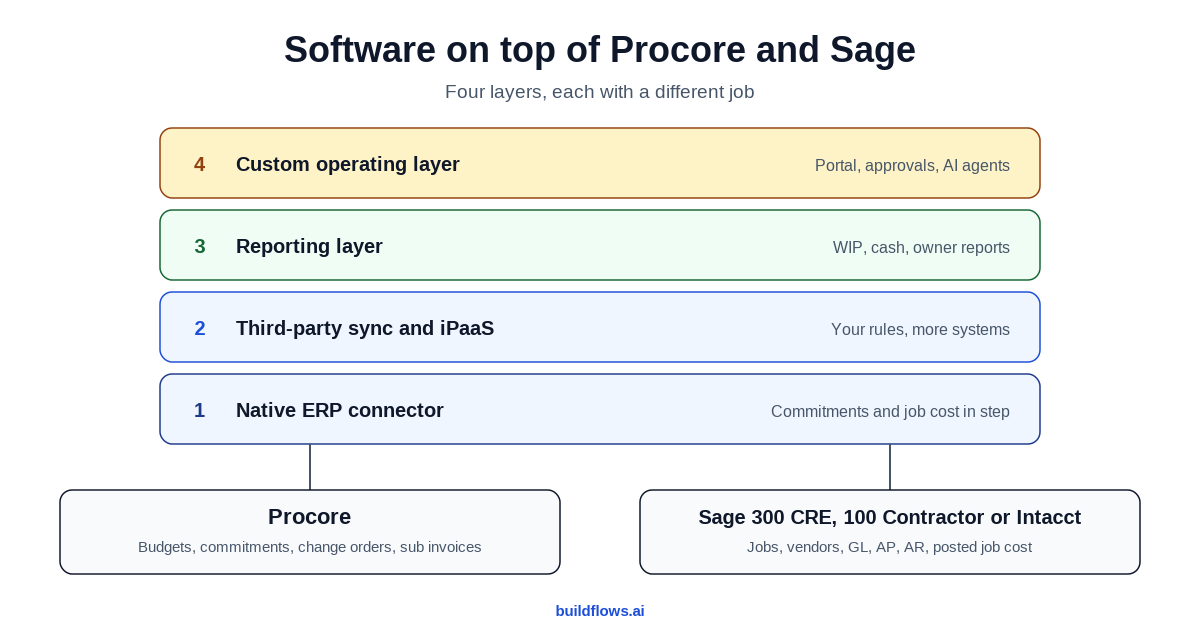
Software That Sits on Top of Procore and Sage: The Four Layers and Which to Use
Four kinds of software can sit on Procore and Sage at the same time: Procore's native ERP connectors, third-party sync platforms, a reporting layer that reads both, and a custom operating layer with AI agents. What each does, a decision grid, which system should own each record, and how Sage 300 CRE, Sage 100 Contractor and Sage Intacct differ.
Integrations · November 14, 2026
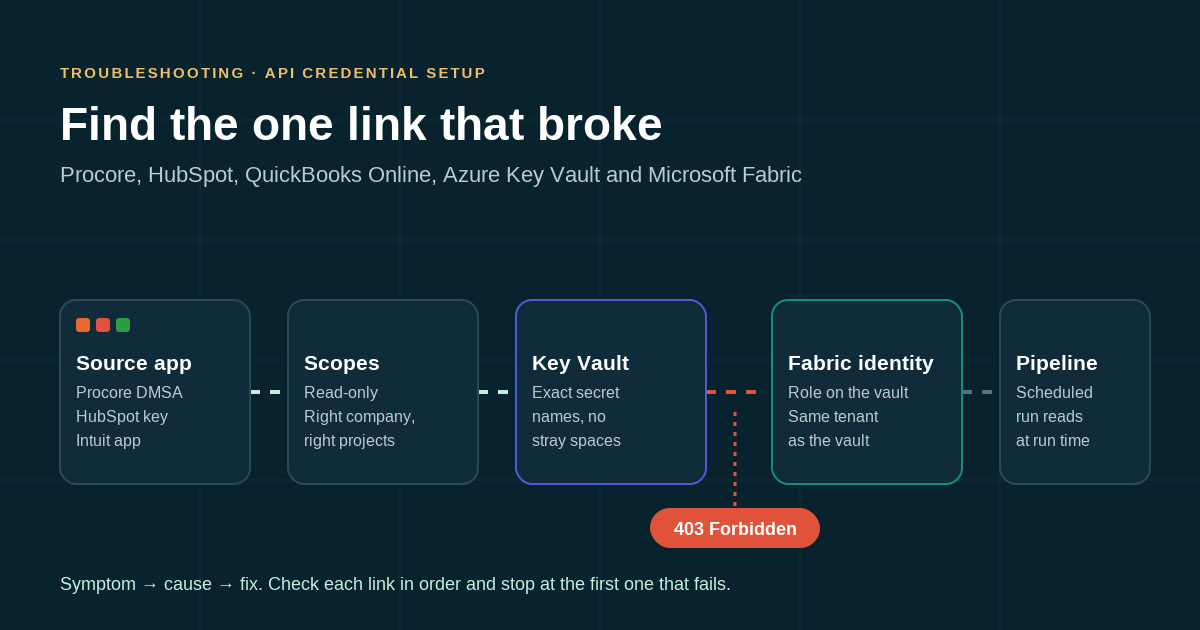
Troubleshooting API Credential Setup: Procore, HubSpot, QuickBooks, Key Vault and Fabric
A symptom, cause and fix guide for the errors that stop a read-only reporting integration: Key Vault roles, Procore service accounts, HubSpot service keys, QuickBooks tokens and Fabric identities.
Integrations · November 14, 2026
Read-Only API Scopes for Construction Reporting: Procore, HubSpot, QuickBooks, Azure and Fabric
A reference that starts from the report (WIP, backlog, pipeline, AR aging, cash) and maps it to the smallest read permission in Procore, HubSpot and QuickBooks Online, plus the right Azure Key Vault and Microsoft Fabric roles, with every name checked against vendor docs.
Integrations · November 14, 2026
QuickBooks Online API Credentials: Intuit Developer App, Production Keys and Refresh Tokens
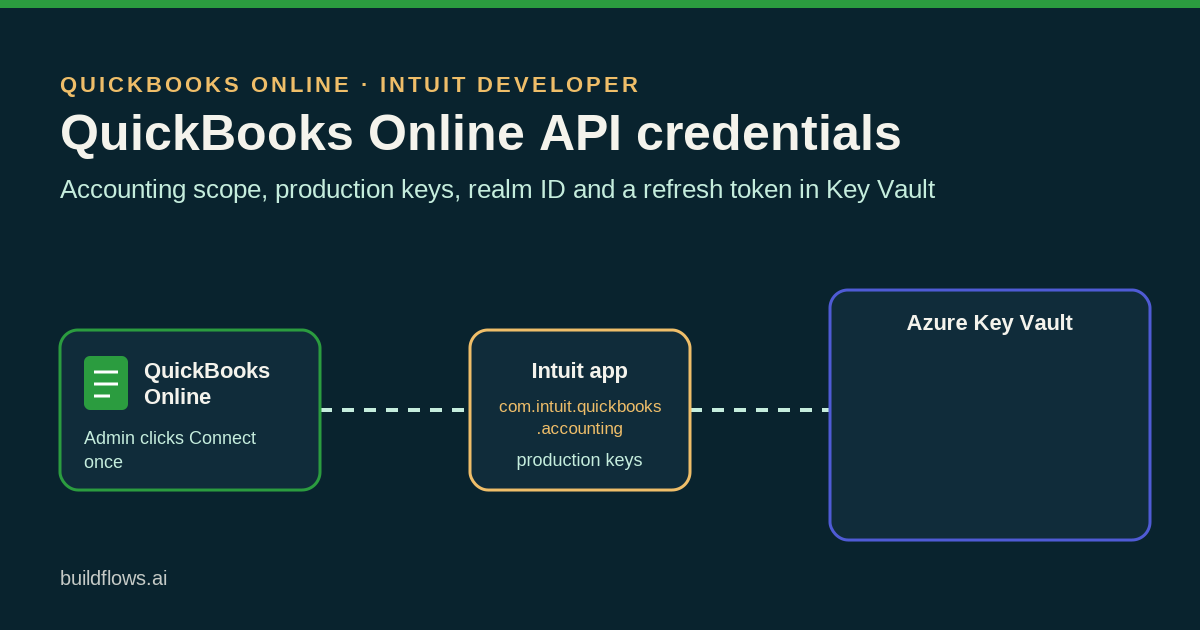
A step-by-step guide to QuickBooks Online API credentials for reporting: the Intuit developer account, an app with only the Accounting scope, development versus production keys, the production-keys tasks, the realm ID, the one-time Connect step, and how refresh tokens rotate and expire under Intuit's current policy, with every value stored in Azure Key Vault.
Integrations · November 14, 2026
Procore Developer Managed Service Account (DMSA) Setup for Read-Only Reporting
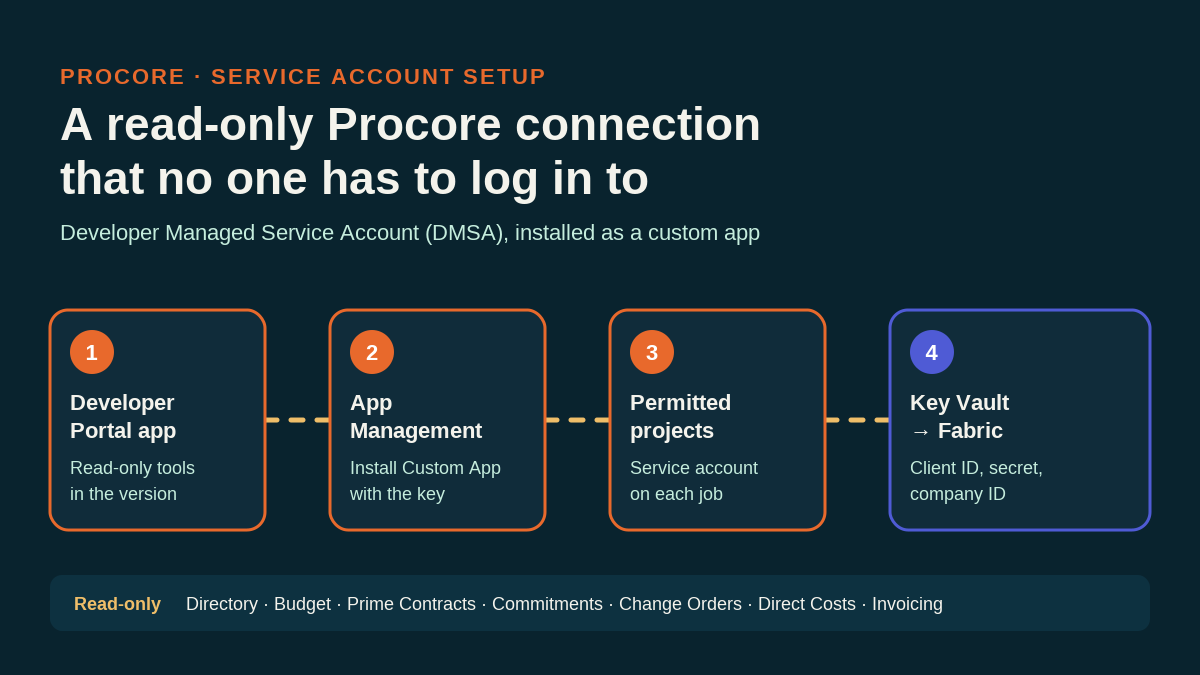
A step-by-step guide to giving a reporting integration read-only Procore access through a Developer Managed Service Account: developer account, app and components, read-only tool permissions, sandbox versus production keys, installing the custom app in App Management, permitted projects, the company ID, and storing the credentials in Azure Key Vault.
Integrations · November 14, 2026
Read Azure Key Vault Secrets in a Fabric Notebook: Procore, HubSpot and QuickBooks in Python
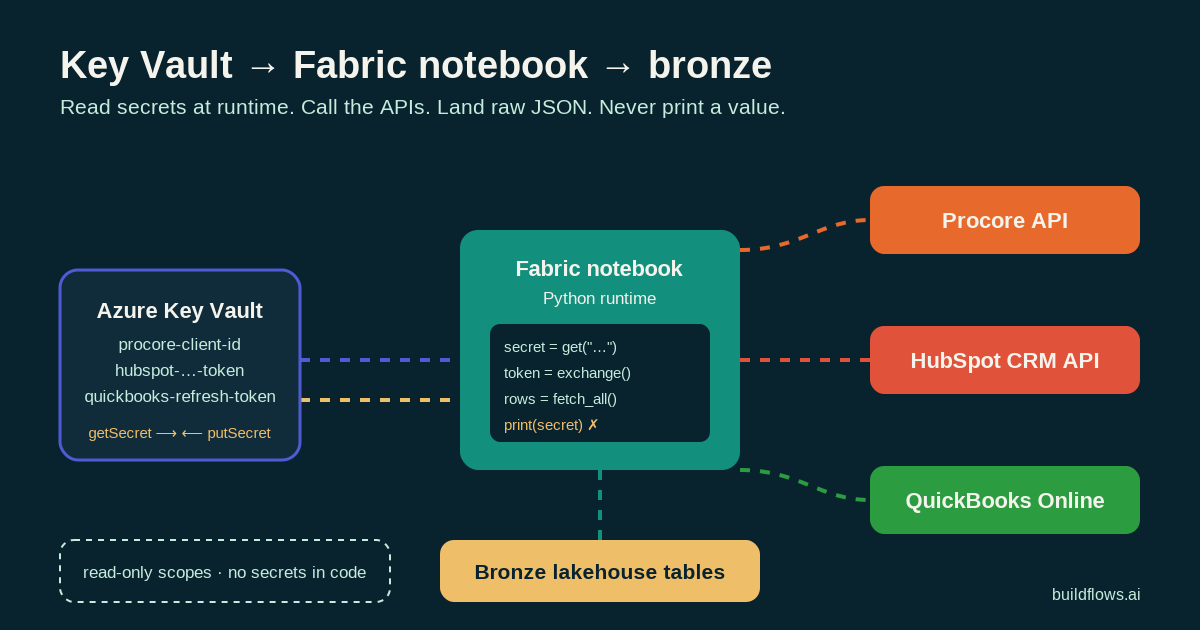
A code-first walkthrough of one Fabric Python notebook: getSecret at runtime, Procore client credentials, a HubSpot service key, QuickBooks refresh with putSecret, and raw JSON in bronze tables without printing a secret.
Integrations · November 14, 2026
Client Credentials vs Authorization Code: How Procore, HubSpot and QuickBooks Authenticate
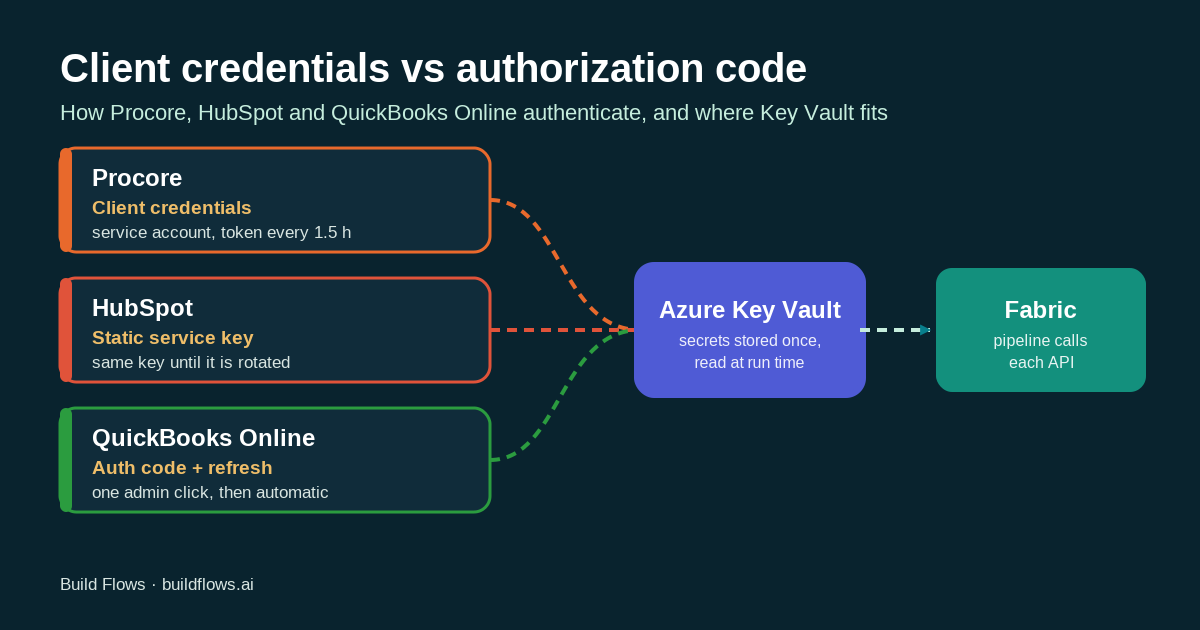
Procore, HubSpot and QuickBooks Online each authenticate differently. This guide explains client credentials, static bearer tokens and authorization code with refresh tokens, with animated sequence diagrams, a what-breaks-when table and the Key Vault secrets each model needs.
Integrations · November 14, 2026
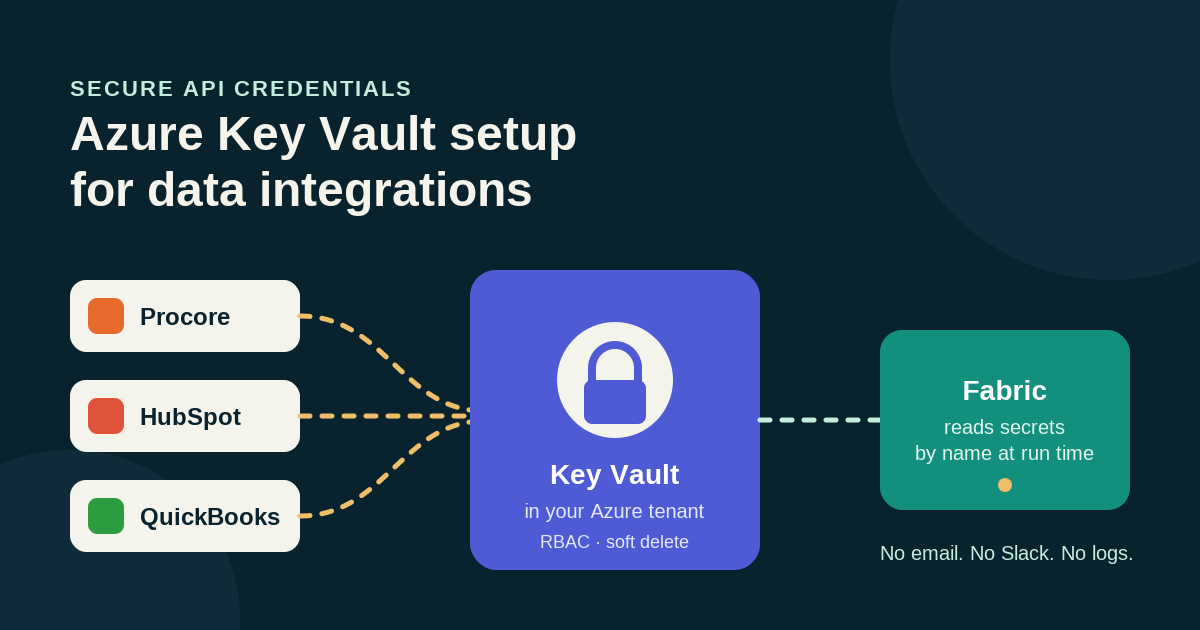
Azure Key Vault Setup for Data Integrations: Create the Vault, Set RBAC and Assign Secrets Officer
A step-by-step guide to creating an Azure Key Vault for integration secrets: resource group and globally unique name, matching the Fabric region, Standard tier, soft delete and the purge protection trade-off, the RBAC permission model, networking, the Key Vault Secrets Officer role assignment, why 'not authorized' appears right after setup, and what it really costs.
Integrations · November 14, 2026
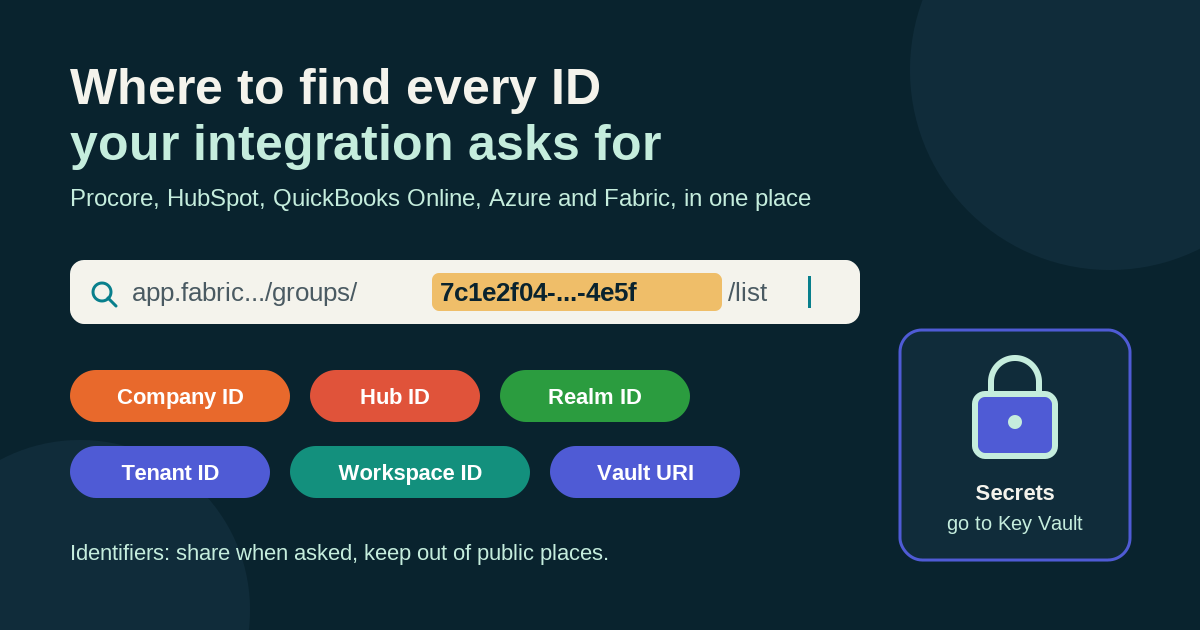
Where to Find Every Integration ID: Procore, HubSpot, QuickBooks, Azure and Fabric
A quick reference for every identifier a Procore, HubSpot and QuickBooks Online to Microsoft Fabric integration asks for: the screen or URL each one lives on, what it looks like, common mix-ups, and which nearby values are secrets that belong only in Azure Key Vault.
Integrations · November 14, 2026
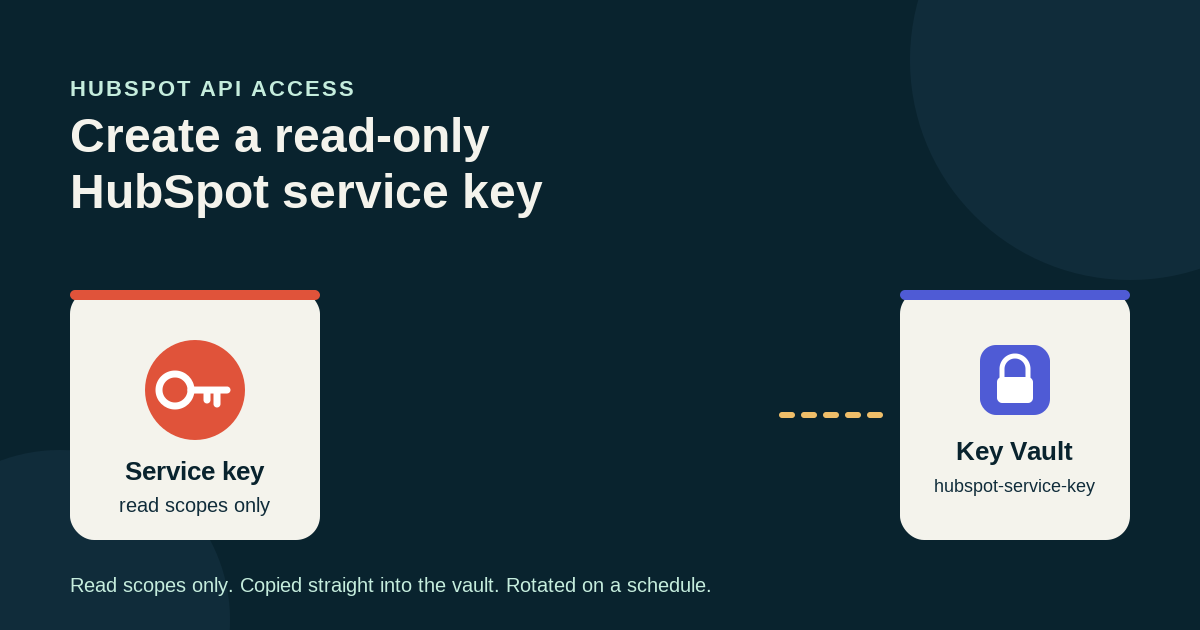
HubSpot Service Key Setup: Read-Only CRM API Access Without a Private App
A step-by-step guide to creating a HubSpot service key with five read-only CRM scopes (deals, companies, contacts, line items, owners), why it replaces legacy private apps for new integrations, how to copy it straight into Azure Key Vault, and how to rotate it with HubSpot's 7-day overlap.
Integrations · November 14, 2026
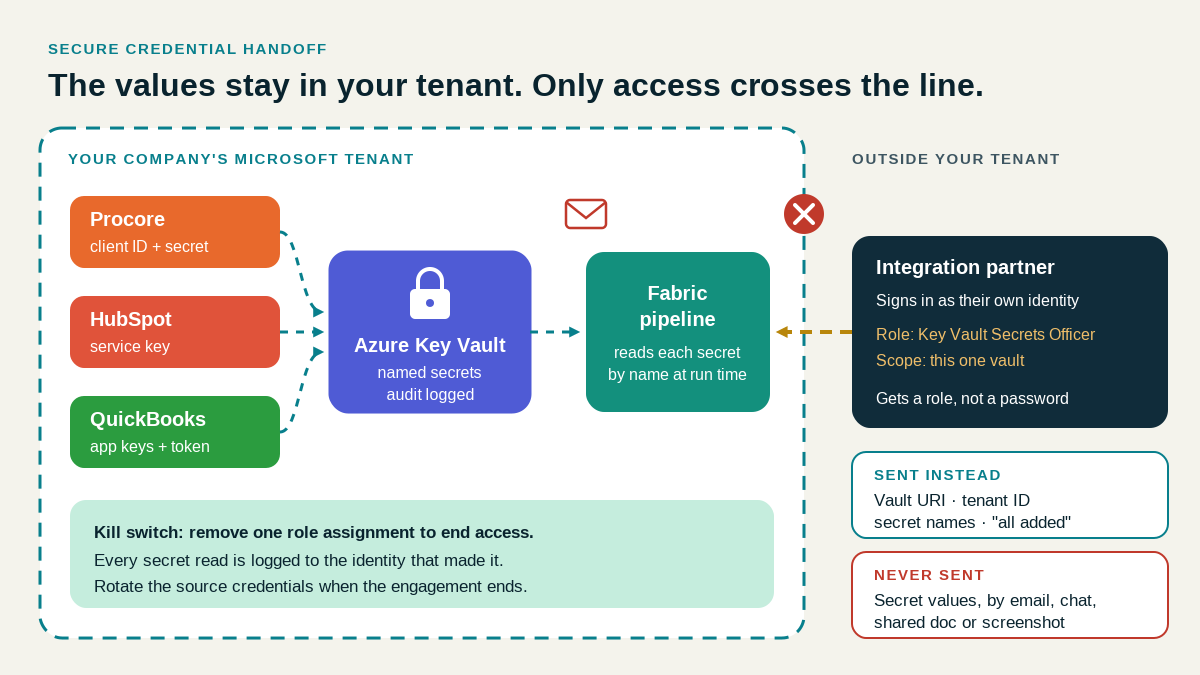
Never Email an API Key: A Secure Credential Handoff Between a Company and a Consultant
A vendor-neutral process for sharing integration credentials safely: your company owns the vault, the partner gets a scoped role, and only the vault address ever crosses between you.
Integrations · November 14, 2026
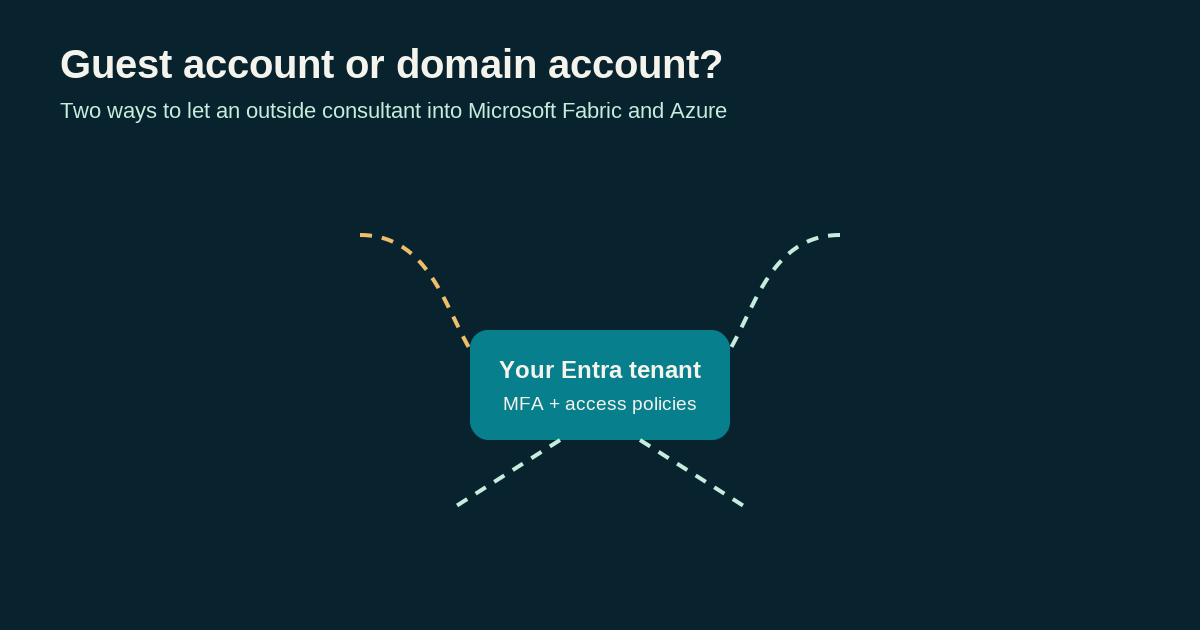
Guest Account vs Domain Account: Giving a Consultant Access to Fabric and Azure
How to give an outside consultant access to a Microsoft Fabric workspace and an Azure Key Vault, comparing a Microsoft Entra B2B guest invite with an account created on your own domain, with setup steps for each and a six-step offboarding sequence.
Integrations · November 14, 2026
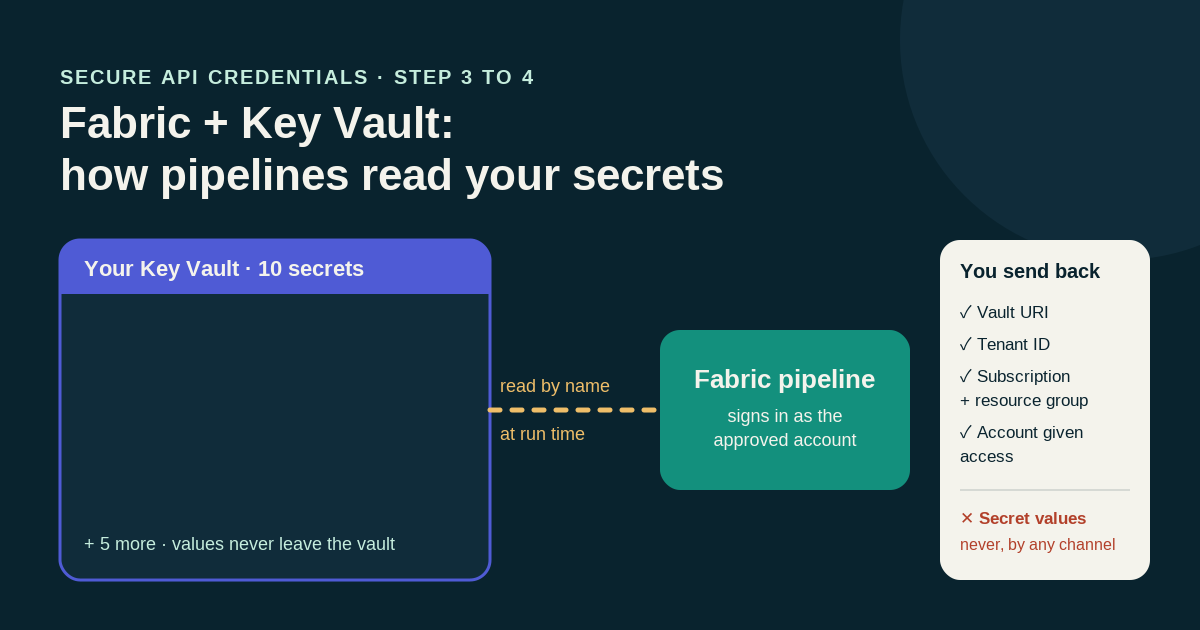
Microsoft Fabric and Azure Key Vault: Secret Names, the Vault URI Handoff and How Pipelines Read Secrets
The last stretch of a secure credential setup: Fabric workspace access (Admin role, guest vs domain account, F2 cost), adding ten named secrets under Objects > Secrets > Generate/Import, Key Vault naming rules, what to send back to your partner and what never to send, how a Fabric pipeline reads secrets at run time with notebookutils getSecret and whose identity it uses, why Key Vault references in Fabric connections don't cover Procore, HubSpot or QuickBooks, and how to revoke access by removing one role assignment.
Integrations · November 14, 2026
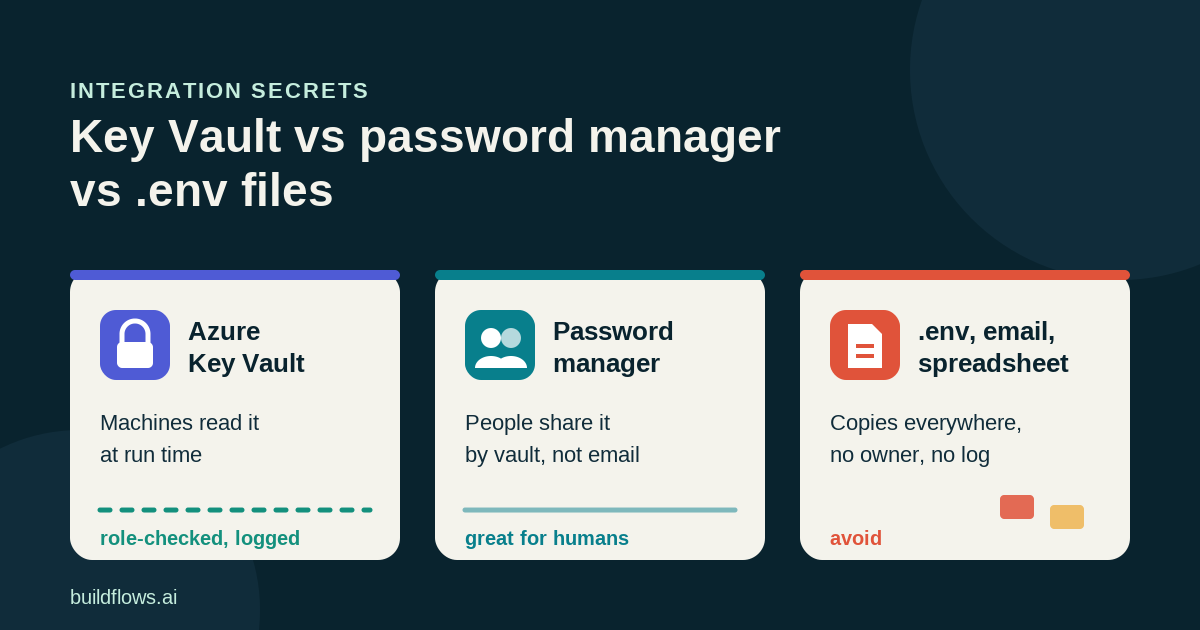
Azure Key Vault vs Password Manager vs .env Files: Where Integration Secrets Should Live
A side-by-side comparison of Azure Key Vault, business password managers, Fabric connection credentials, pipeline variables, .env files and email for storing integration secrets, judged on who can read them, run-time access, audit, rotation, revocation, cost and ease, with a recommendation for each common contractor setup.
Integrations · November 8, 2026
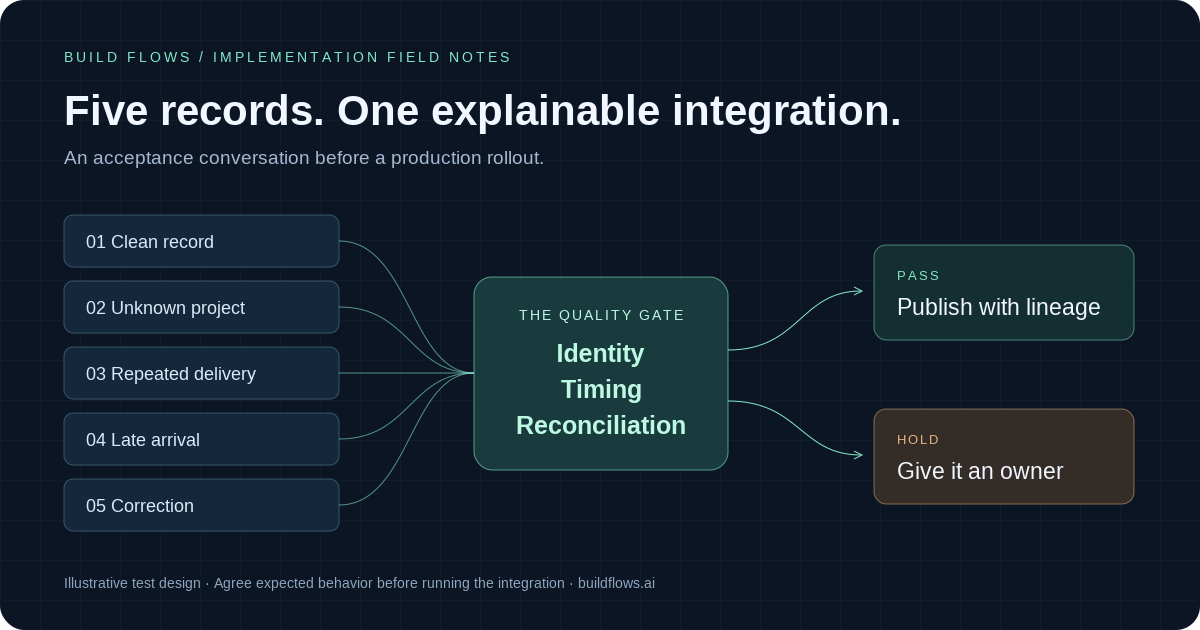
Can You Trust the Sync? A Five-Record Construction Integration Test
Five deliberately chosen records expose the gaps a successful API response cannot. A practical acceptance checklist for controllers, project managers and IT.
Integrations · October 10, 2026
How to Choose Your First Construction Integration
A scoring method for picking your first construction integration: annual re-keying cost from volume, minutes and errors, divided by complexity, with worked examples for job setup, commitments and AP, and the checks the math cannot see.
Integrations · October 10, 2026
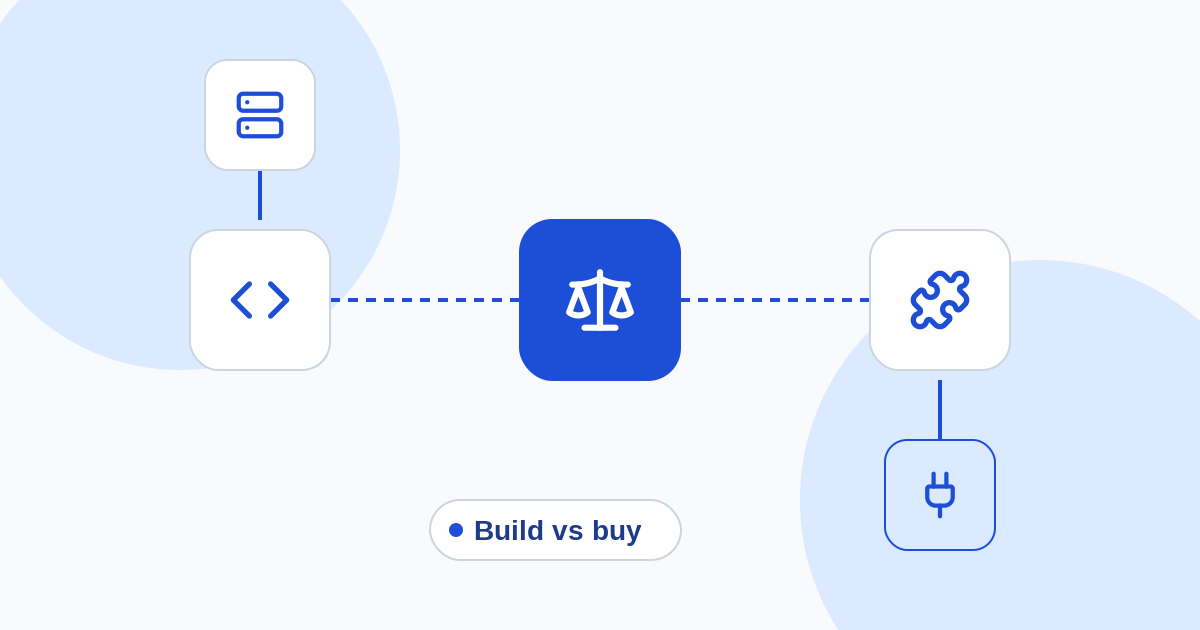
Build vs Buy for Construction Integrations: Code, iPaaS or Connector
A vendor-neutral comparison of the five ways to connect construction systems, with the technical questions that decide between them: authentication, webhooks vs changed-data queries, API requirements, error handling and ownership cost.
Integrations · October 9, 2026
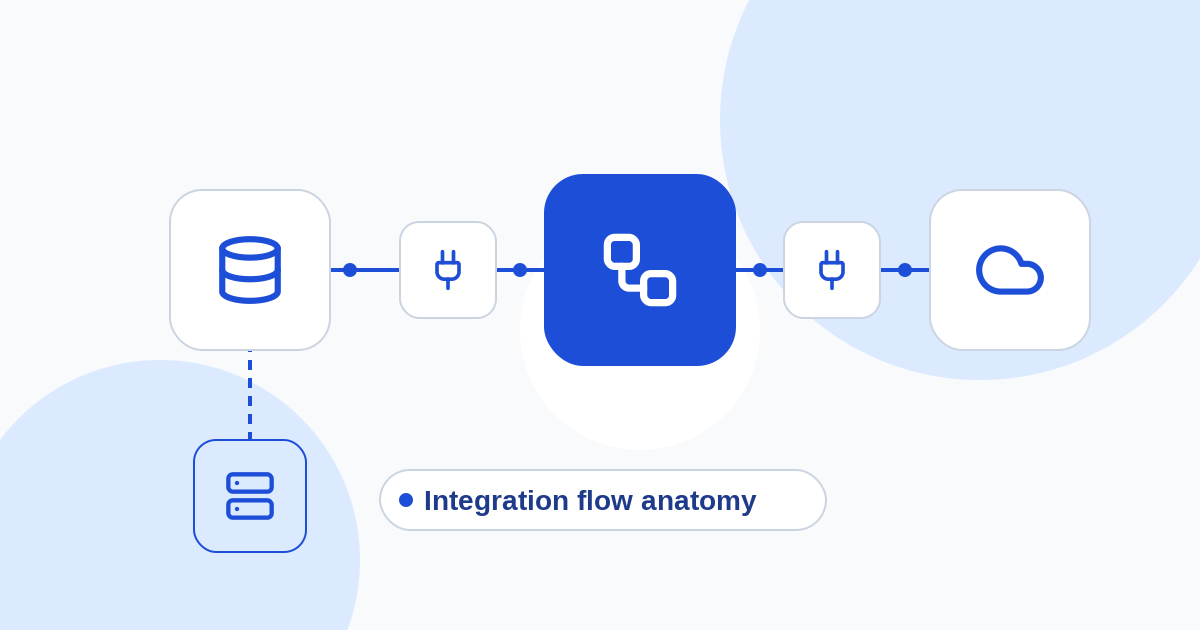
Anatomy of a Construction Integration Flow
How an iPaaS integration flow is put together, illustrated with Trimble App Xchange concepts: connectors, triggers, the cache-and-event model, step types, write scope, naming, remediation and limits. Ends with building a custom connector with the public Xchange SDK.
Integrations · October 9, 2026
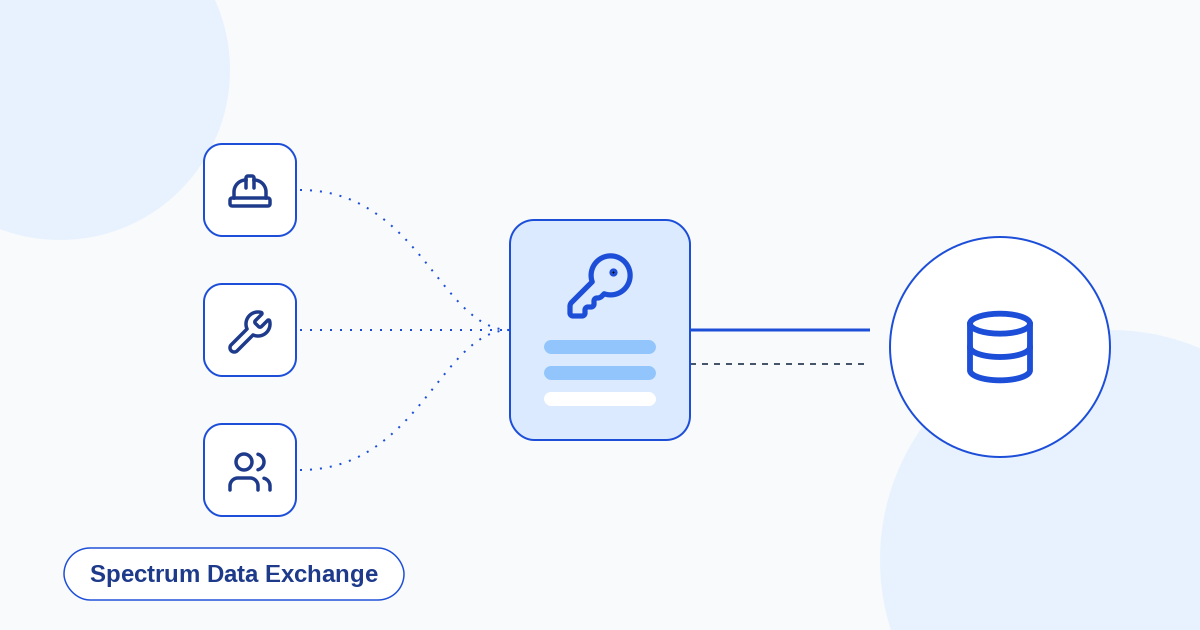
Spectrum ERP Integration Guide: Spectrum Data Exchange Explained
A practical primer on integrating Trimble Spectrum through Spectrum Data Exchange: how Authorization IDs and operator codes scope access, Basic vs Enhanced authentication, the 18 modules of web services, Excel templates, and the integrations contractors build most.
Integrations · October 9, 2026
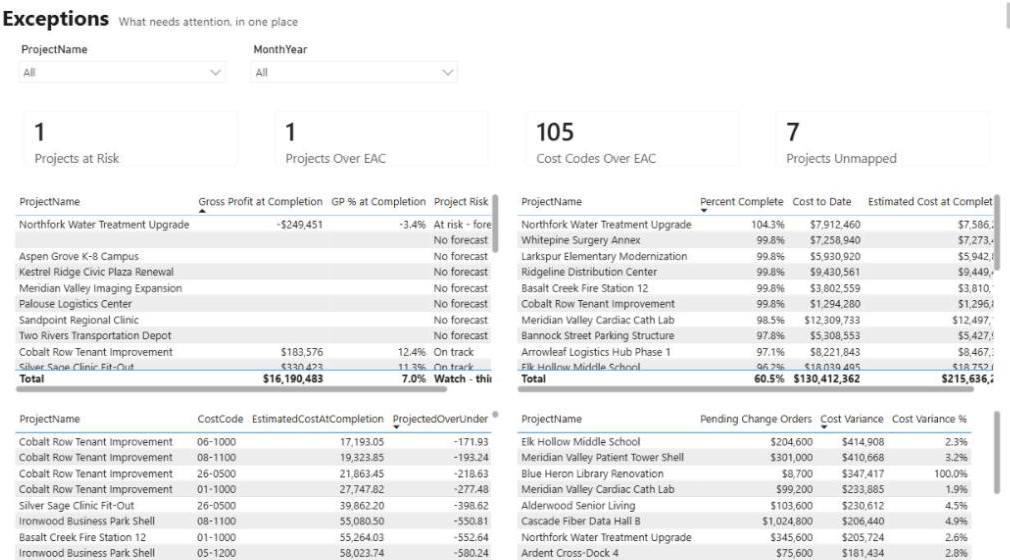
Viewpoint Vista API Integration Guide for Contractors
A practical primer on integrating Viewpoint Vista: what the Vista API covers, how async write actions and App Xchange caching work, and how to align job, phase, cost type and vendor data so writes land correctly.
Integrations · October 9, 2026
A Worked Source-Mapping Example: Procore, Accounting and CRM
How to link a Procore project, an accounting job and a CRM deal when they share no ID: match rules in order of trust, a sample crosswalk, old-to-new cost codes, and fixing exceptions at the source.
Integrations · October 9, 2026
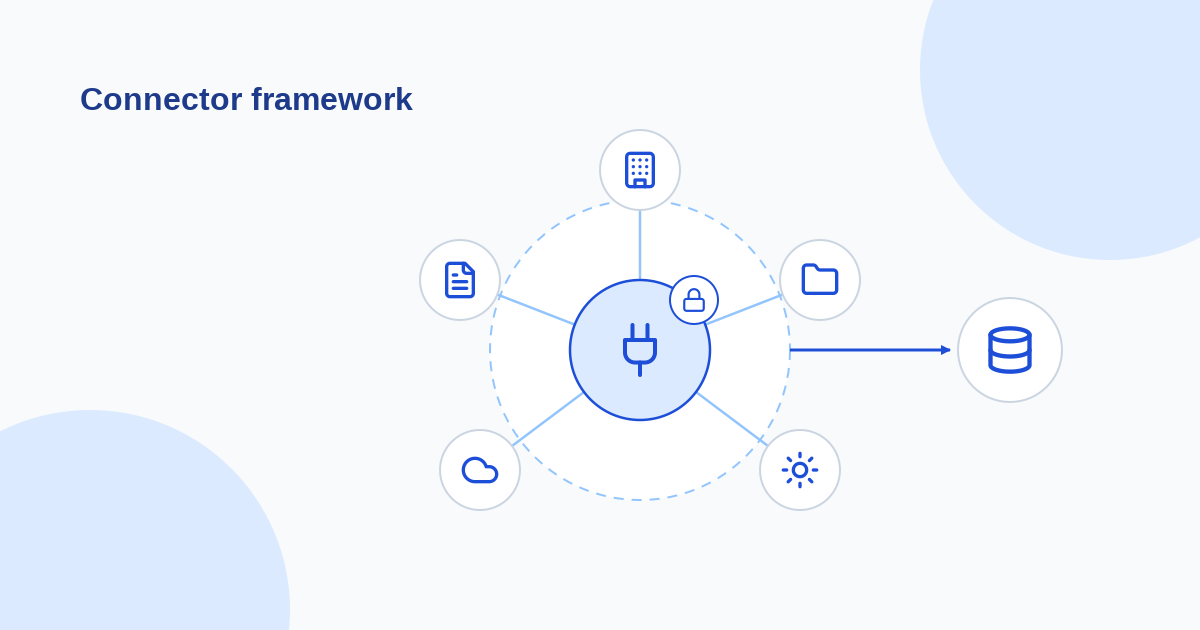
Building a Connector Framework for Procore and OAuth Integrations
How Connect's connector framework is built: compiled-in definitions shared by API and worker, credentials sealed and bound to their connection, race-safe token rotation, leased sync runs and a clean split between source and manual project links.
Real build breakdowns
Integrations · November 19, 2026
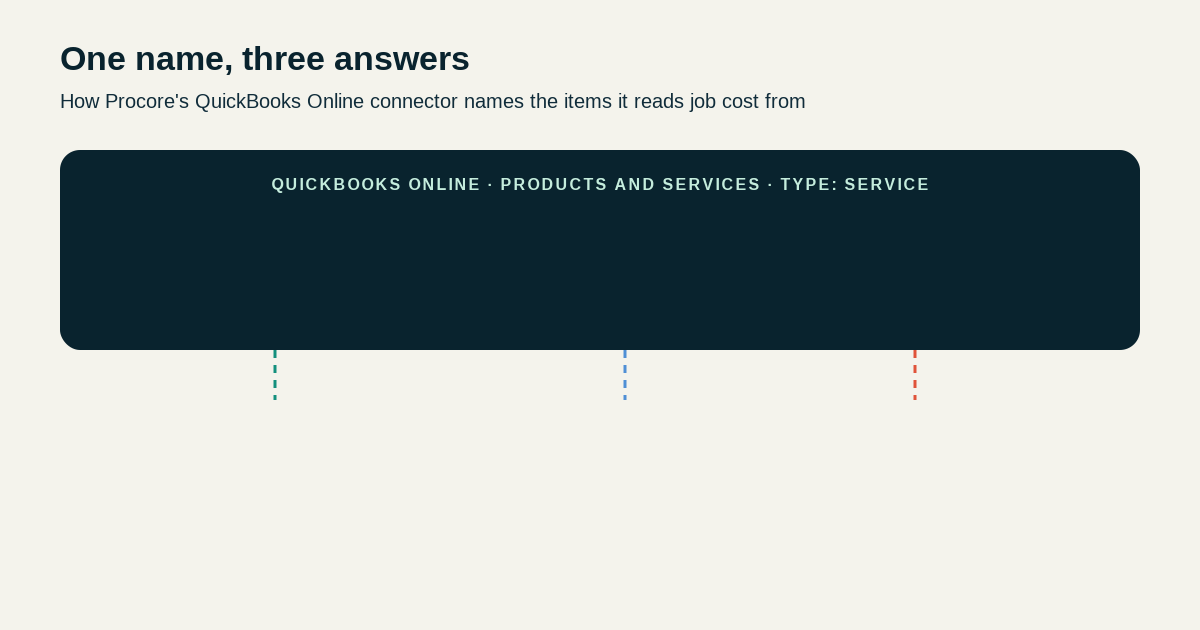
Procore Service Items in QuickBooks Online: How 2401-03-300.M Is Built and Why It Matters
Procore's QuickBooks Online connector only retrieves job costs from lines coded to the project-specific Service items it creates, named [project number]-[cost code].[cost type]. This guide breaks down the name, shows the order that creates the items (2+ tier cost codes, project number set first, budget lines, a background export about every five minutes), explains why you never create or merge them by hand, warns that an Item details line posts to the item's expense account, and gives a five-minute audit of the item list. From the Ramp to QuickBooks to Procore job-cost plan for Cattlemen Construction Services.
Integrations · November 19, 2026
Why Ramp Bills Show $0 in Procore, and How to Fix It
The section hub for the Ramp to QuickBooks to Procore job-cost fix, built from the plan we wrote for Cattlemen Construction Services. Ramp writes its coding to the Category details lines of a QuickBooks Online bill. Procore's QuickBooks Online connector only retrieves job costs from lines coded to the project-specific service items it created, which live in Item details, so the cost never reaches the Procore budget. The guide shows how to confirm the gap in five minutes, then the cheapest order to fix it: check four settings, build a translation table, re-code three bills by hand to prove it, then automate with a bill line rewriter and a nightly reconciliation, with guardrails and a phased rollout.
Integrations · November 19, 2026
Ramp to QuickBooks to Procore Bill Coding, and the Operating System Built Around It: The Full Walkthrough
The companion guide to a 30-minute walkthrough built for Cattlemen Construction Services in Fort Worth, Texas, on sample data. Part 1 explains why Ramp bills coded on QuickBooks Online Category details lines never reach the Procore budget, and the fix: four settings checks, a translation table to Procore service items like 2401-03-300.M, a bill line rewriter that detects, reads, translates, scores, rewrites or queues and logs, a nightly safety net, and a three-bill hand test before any build. Part 2 covers the rollout from a tested proof of concept through access, mapping, tie-out, preview, shadow week, sandbox and live, each with a gate, plus what the contractor provides and how data is protected. Part 3 tours the operating system: approvals, projects with OneDrive folders and Convert to won, month-end cost to complete, the company dashboard, project grades, subcontractor compliance, alerts, owner reports, the admin console with view-as, a help center and read-only API and MCP access for AI agents. Includes a chapter index, a this-week checklist and links to every detailed guide.
Integrations · November 19, 2026
Ramp, QuickBooks Online and Procore: The Settings to Check Before You Build an Integration
The step-zero checklist from a real job-cost plan for Cattlemen Construction Services. Before anyone builds an automation to get Ramp bills into Procore job costs, confirm the Procore QuickBooks Online connector's basics (QBO Plus or Advanced, Projects not sub-customers, projects created after connection), ask Ramp whether Bill Pay lines can use the Procore-created service items, confirm 2+ tier cost codes and synced budget codes, check the budget view shows direct costs, find where the cost code lives in Ramp, check each service item's expense account, the QuickBooks closing date and the daily sync timing, and settle the owner's decision on entering invoices in Procore first.
Integrations · November 19, 2026
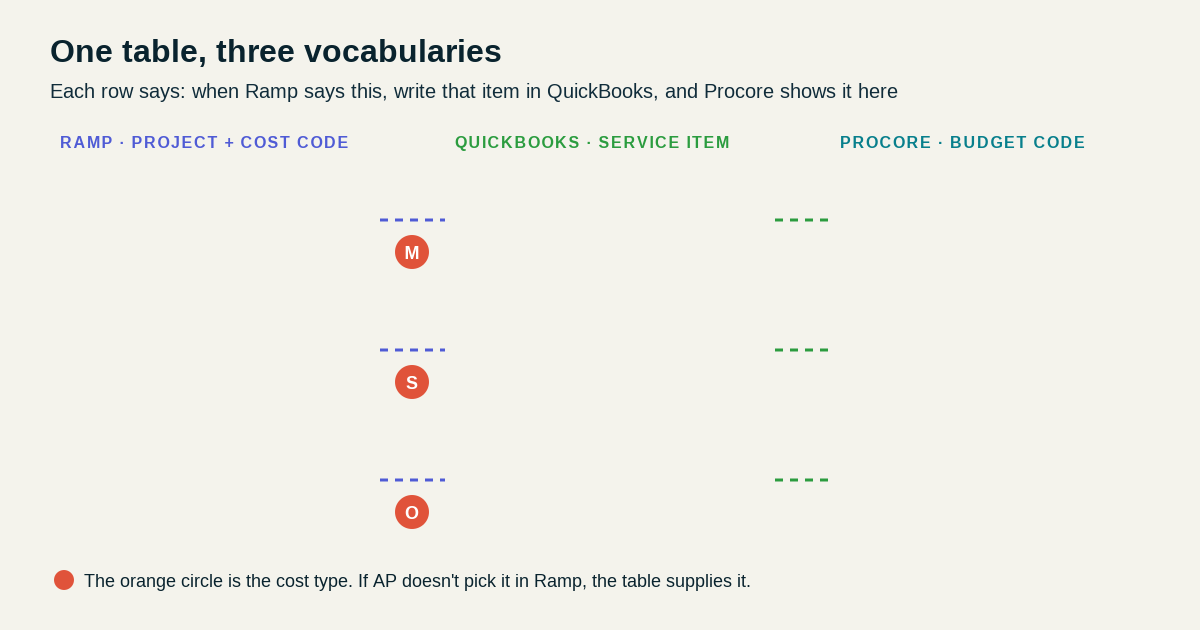
The Ramp to QuickBooks to Procore Translation Table: Columns, Cost Types and Confidence Rules
A guide to the translation table (crosswalk) that maps each Ramp project and cost code to the Procore-created QuickBooks service item and Procore budget code. It covers how it differs from a GL-to-cost-code mapping, the columns it needs, two rules for supplying the cost type, how most rows build from read-only calls to QuickBooks, Procore and Ramp, and how each row decides whether a bill line is rewritten, queued, escalated or left as a category line. Includes a 23-row CSV template with low-confidence and queue examples. From the job-cost plan for Cattlemen Construction Services.
Integrations · November 19, 2026
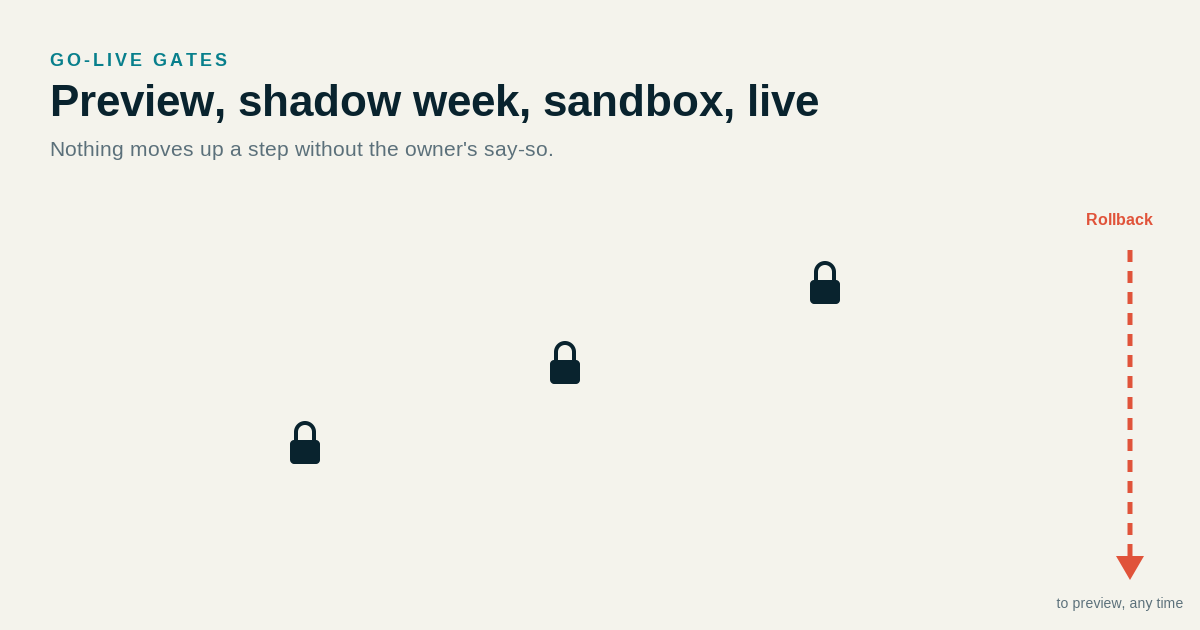
Shadow Week, Sandbox, Live: Go-Live Gates for a QuickBooks Write Integration
How to switch on writes to QuickBooks Online safely, using the expense approver built for Cattlemen Construction Services as the example. Four steps, each needing the owner's say-so: preview only (the app shows the exact line it would write), shadow week (field users code, the owner approves, accounting compares with its own by-hand coding), a sandbox test against a test company, and live with a recorded sign-off, starting with one expense and a small batch. Covers the three locks on write mode, the five checks before every write, a line-by-line comparison table, pass and fail criteria for each step, and a five-step rollback plan.
Integrations · November 19, 2026
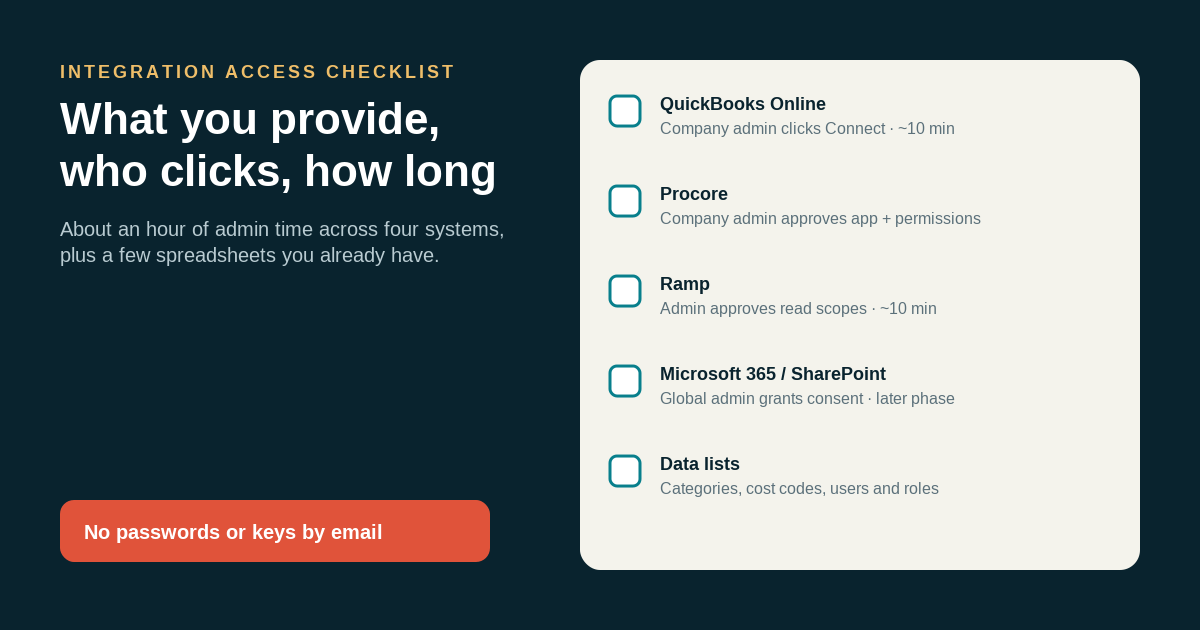
What Contractors Provide for an Integration: The QuickBooks, Procore, Ramp and Microsoft 365 Access Checklist
The precise list of what a contractor provides for an integration across QuickBooks Online, Procore, Ramp and Microsoft 365 (SharePoint), from a real rollout for Cattlemen Construction Services. For each system: which admin must do it, the steps, what access it grants, hands-on and calendar time, and how to revoke it later. Explains why passwords and keys should never be emailed, the two safe patterns (a hosted app with Connect buttons, or credentials in a vault you own), the non-secret data lists, how to shorten the wait, and common mistakes.
Integrations · November 18, 2026
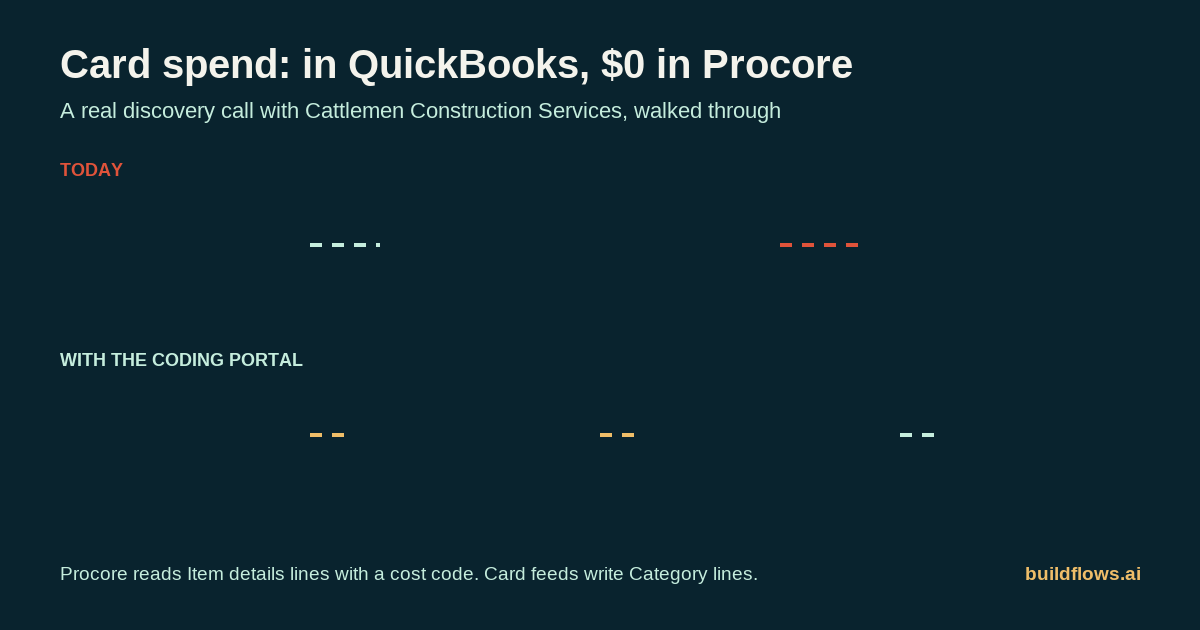
Why Ramp Card Costs Show $0 in Procore: A Real Discovery Call, Walked Through
A walkthrough of a recorded discovery call with Ryan Blankers of Cattlemen Construction Services in Fort Worth, Texas. Ramp card expenses sync to QuickBooks Online as Category details lines, while Procore's QuickBooks integration builds job costs from Item details lines tied to a cost code, so card spend shows $0 in Procore. Covers why the fix can't be fully automatic, the expense coding portal design with approvals and an audit log, the GL to cost code mapping, hosting, a role-based Cattlemen OS with KPIs, SharePoint project folders and a Procore convert-to-won automation, embedding into an AI platform through an iframe, API or MCP server, and the timeline.
Integrations · November 18, 2026
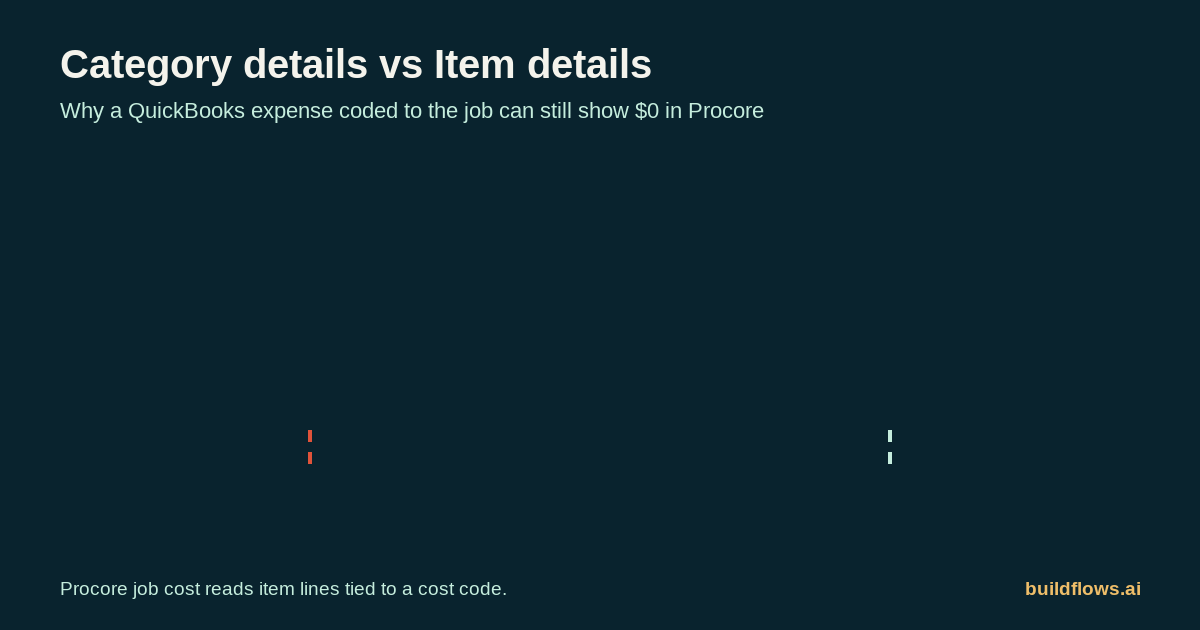
QuickBooks Category Details vs Item Details: Why Procore Shows $0 Job Cost
QuickBooks Online expenses, bills and checks have two line sections: Category details (account-based) and Item details (item-based). This guide compares the fields each carries, explains why Procore's QuickBooks Online integration builds job costs from item lines tied to a cost code, why card feeds like Ramp land as category lines, how to check a transaction in six steps, and three fixes: code at the source, re-code in QuickBooks, or a coding portal that rebuilds the expense with an Item line.
Integrations · November 18, 2026
Map QuickBooks GL Accounts to Procore Cost Codes (When It Isn't One-to-One)
A step-by-step guide to building a GL-to-cost-code mapping table for card spend, from a recorded discovery call with Cattlemen Construction Services. Export the cost-of-services accounts and keep G&A out, export Procore cost codes and cost types, set a default code and a short allowed list per account, flag one-to-many accounts like Supplies & Materials for a human pick, add keyword hints, route the rest to needs review, and keep the table current so it can drive an expense coding portal.
Integrations · November 18, 2026
Design a Human-in-the-Loop Expense Coding Portal for Ramp, QuickBooks and Procore
The expense coding portal designed on a recorded discovery call with Cattlemen Construction Services. Cardholders sign in and see only their uncoded card expenses, pick a suggested Procore cost code and approve; the portal rebuilds the QuickBooks Online expense with Item details and Procore's own integration brings it in as actual cost. Covers the admin view, notifications, roles, audit log, failure handling, idempotency, API scopes, hosting, the proof of concept and the metrics that show it's working.
Integrations · November 18, 2026
Sage 100 vs QuickBooks Online for Contractors: When to Switch
A practical comparison for growing contractors weighing QuickBooks Online against Sage. Explains the difference between Sage 100, Sage 100 Contractor, Sage 300 CRE and Sage Intacct Construction, where QuickBooks Online job costing relies on workarounds (items as cost codes, no native cost type matrix, WIP or subcontract commitments), the signs you've outgrown it, how the Procore ERP integration changes, and a migration checklist. Based on a question Ryan Blankers of Cattlemen Construction Services asked on a recorded discovery call.
Integrations · November 17, 2026
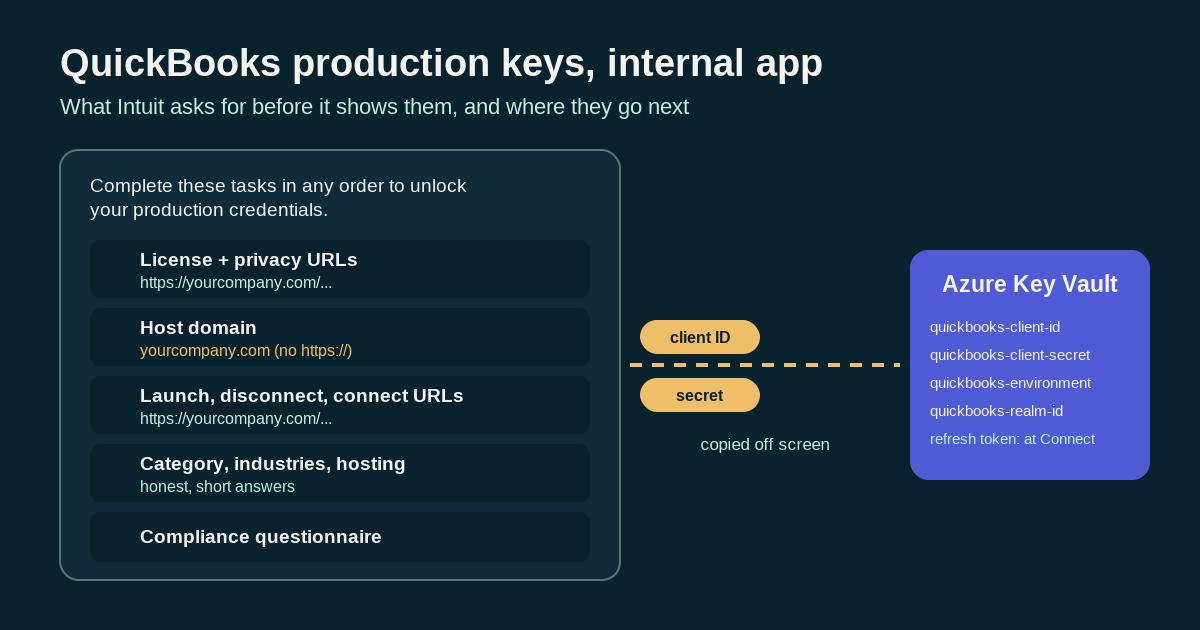
QuickBooks Production Keys: What Intuit Asks For Before It Shows Them (Internal Apps)
A field-by-field guide to the App details and Compliance tasks Intuit shows before it unlocks QuickBooks Online production keys, with what each field is for in a published app, what to enter for an internal read-only reporting app, the host domain error, and how to move the client ID and secret straight into Azure Key Vault.
Integrations · November 17, 2026
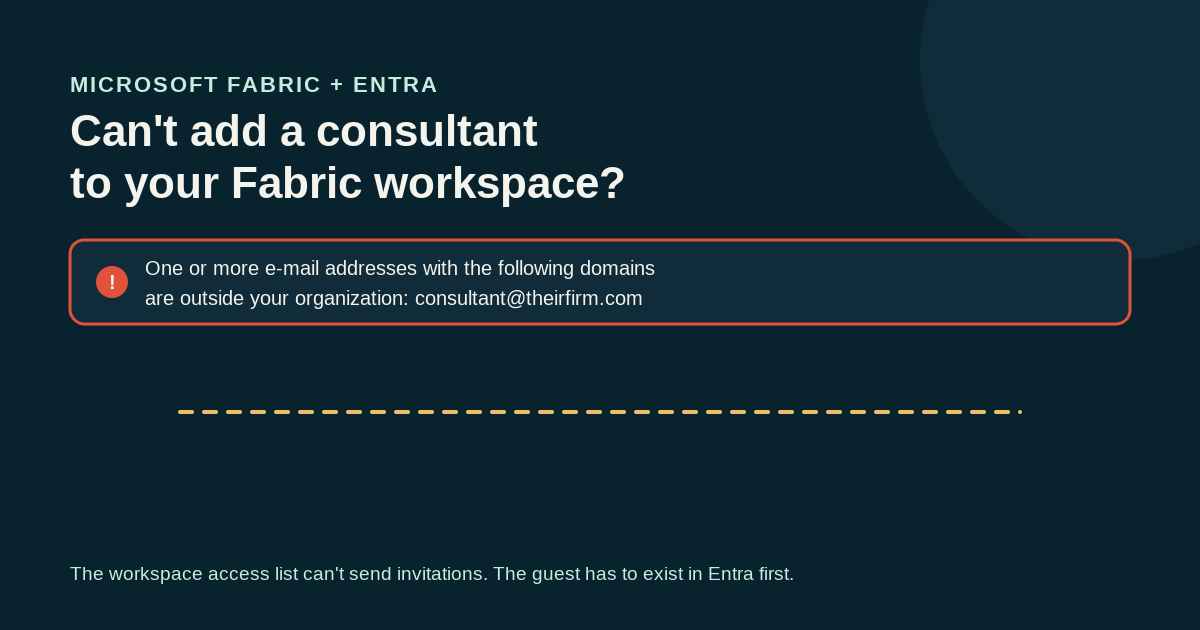
Can't Add a Consultant to a Fabric Workspace? Fix the 'Outside Your Organization' Error
Why Microsoft Fabric rejects an outside email in a workspace's Add people panel, and the four-step fix: the Guest users can access Microsoft Fabric tenant setting, an Invite external user invitation from Microsoft Entra, the guest accepting, and adding them under Manage access with the right role, with a role table and a map of which setting controls what.
Integrations · November 17, 2026
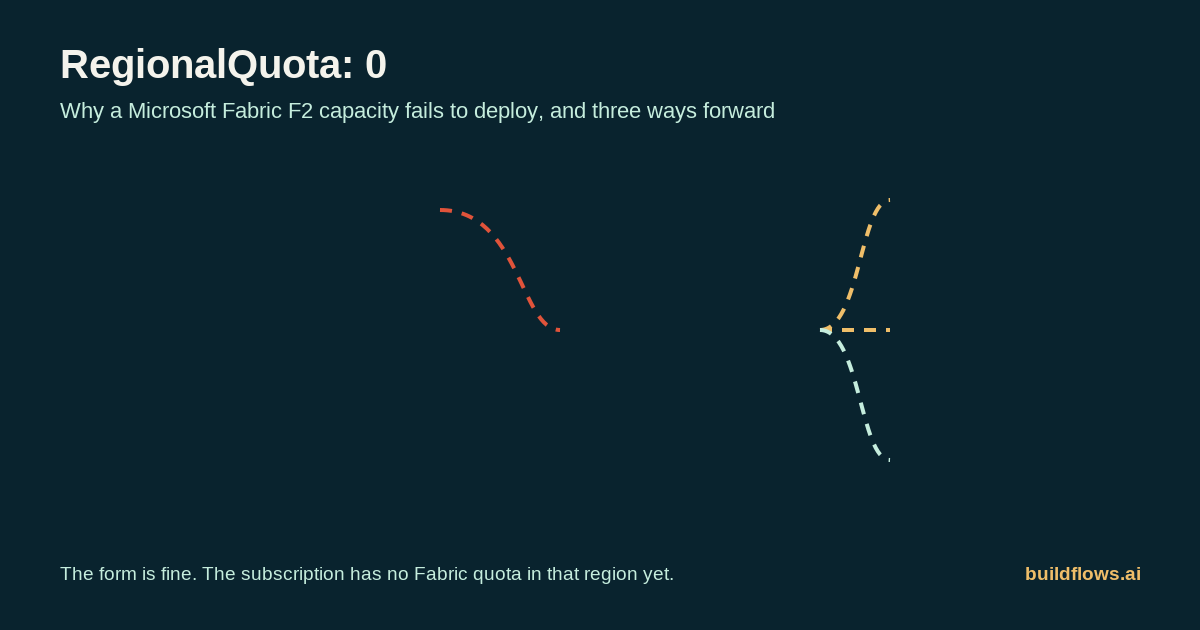
Fix "RegionalQuota: 0" When Creating a Microsoft Fabric F2 Capacity
What the Microsoft Fabric regional quota error means when an F2 capacity fails to deploy in Azure, how to read TotalCapacityUnits, RegionalQuota, RequestedSku and Param1 to Param3, and the fixes in order: register Microsoft.Fabric, request a quota increase, try another region or subscription, and start the 60-day Fabric trial while you wait.
Integrations · November 17, 2026
Create a Microsoft Fabric Capacity in Azure: Subscriptions, Resource Groups and F2 Costs
A plain-English guide for office managers and IT generalists at contractors: what an Azure subscription, resource group, resource and resource provider are, how to create a Microsoft Fabric F2 capacity (name rules, region, size, Capacity Overage Protection, capacity administrator), assign it to a workspace, pause it, and what F2 really costs with reservations, Power BI Pro viewers, tags and budgets.
Integrations · November 17, 2026
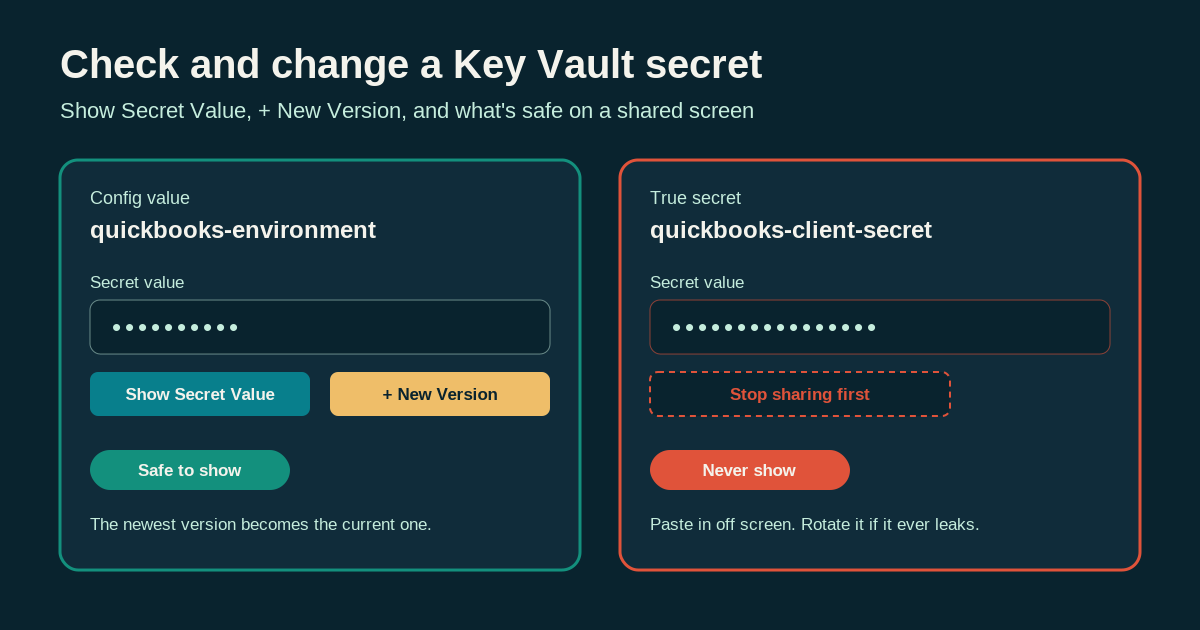
Check and Change an Azure Key Vault Secret Safely: Show Secret Value and New Version
How to read an Azure Key Vault secret's current value with Show Secret Value, which RBAC role you need, how + New Version changes a value while pipelines that read by name pick up the newest version, what disabling versions and expiration dates really do, and which entries are config values safe to reveal on a call versus true secrets that never go on screen.
Integrations · November 17, 2026
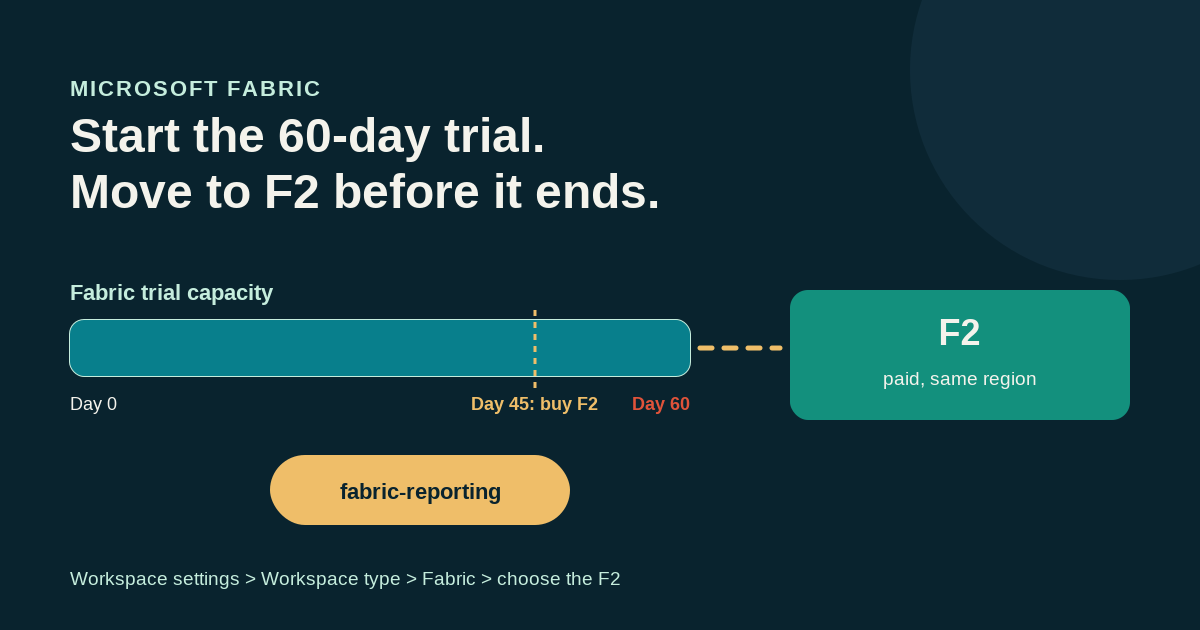
Start the Microsoft Fabric Free Trial (60 Days) and Move to a Paid F2 Before It Ends
How to start the Microsoft Fabric trial from the account manager, what the trial capacity includes and excludes, how to create a workspace on it, what happens on day 60 and in the seven days after, and how to move the workspace to a paid F2 in the same region, with a 60-day plan and a trial vs F2 comparison.
Integrations · November 17, 2026
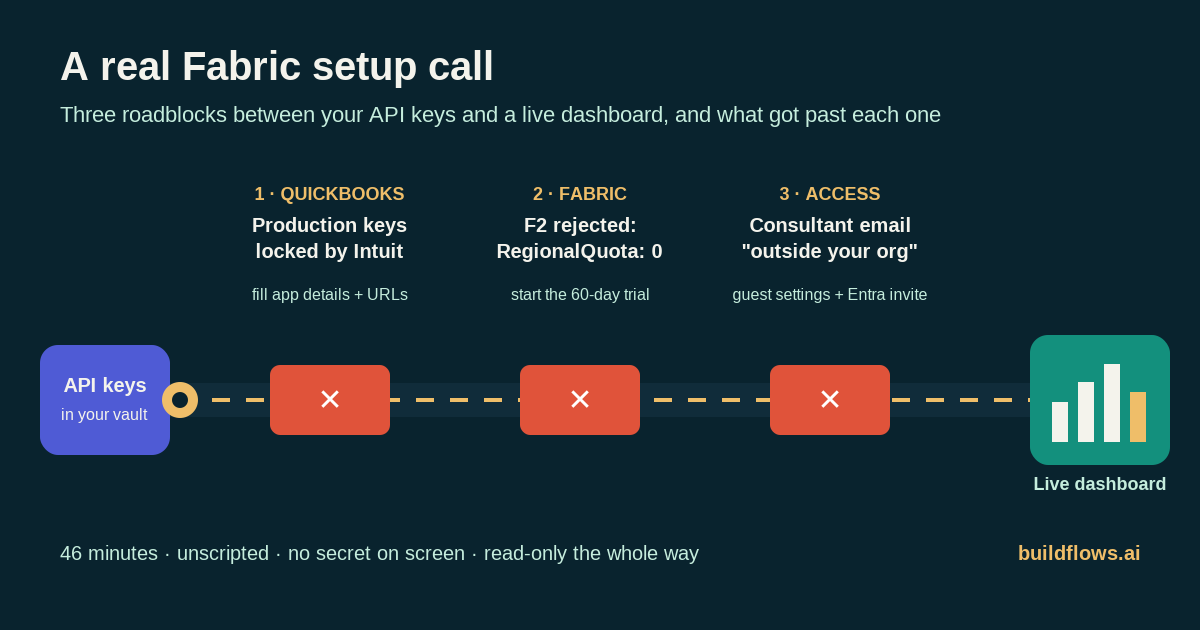
A Real Microsoft Fabric Setup Call: QuickBooks, Key Vault and 3 Roadblocks We Fixed Live
A walkthrough of an unscripted 46-minute setup call with a client's admin: unlocking QuickBooks production keys in the Intuit Developer portal, checking Azure Key Vault values safely, getting past the Fabric F2 "RegionalQuota: 0" error with the 60-day trial, and giving an outside integrator guest access to a Fabric workspace, with a run sheet and checklist.
Integrations · November 16, 2026
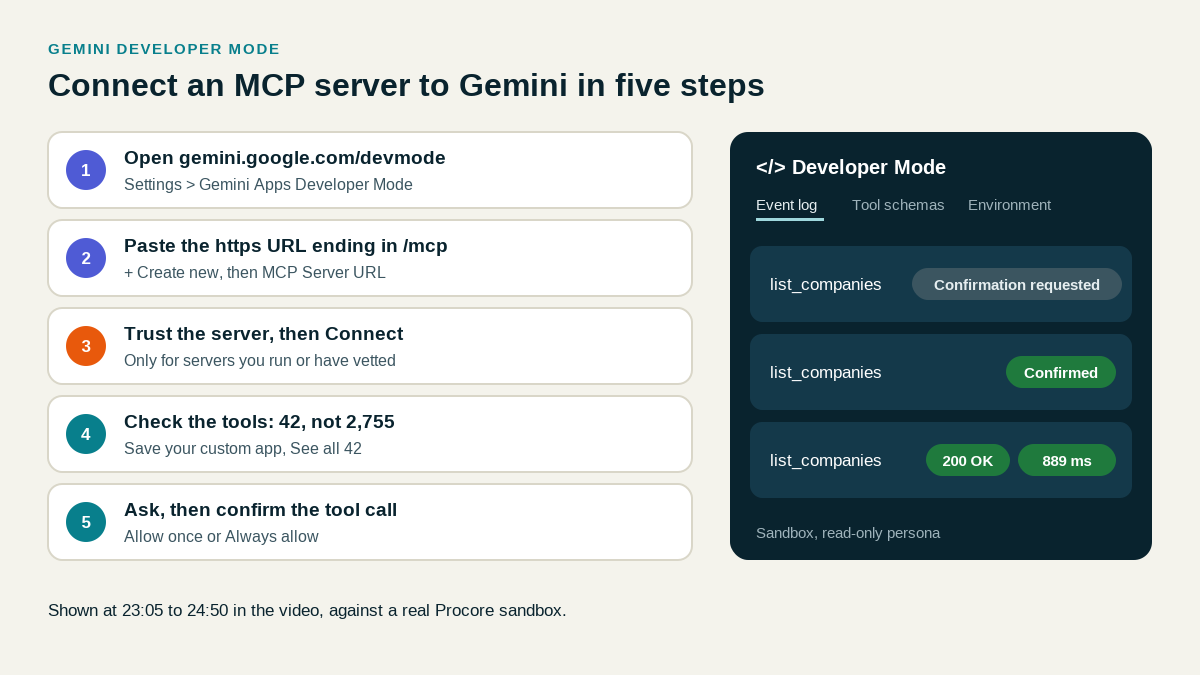
How to Connect a Procore MCP Server to Google Gemini (Developer Mode)
A help guide that matches the video from 23:05 to 24:50: what Gemini Apps Developer Mode is, how to run the server on port 8123 at /mcp, how to build the URL with mode and persona, each Gemini screen in order, the confirmation prompts, the Tool schemas, Environment and Authentication tabs, and troubleshooting.
Integrations · November 16, 2026
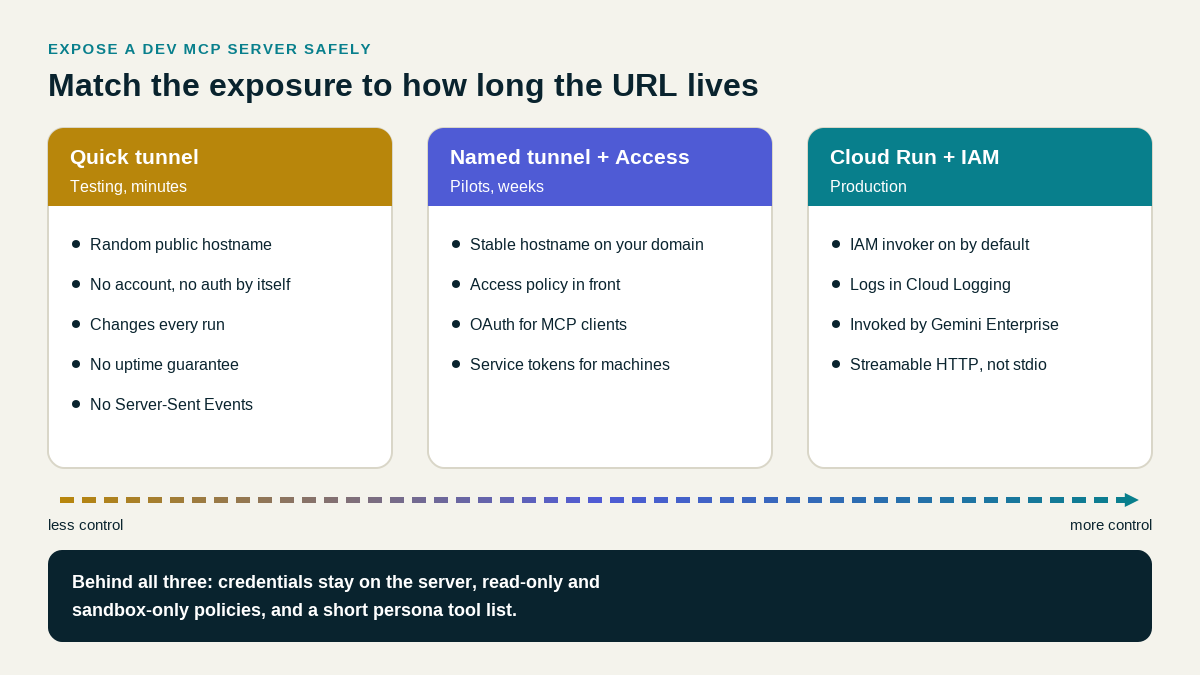
Expose a Dev MCP Server to Gemini Safely: Tunnels, Tokens and Recording Hygiene
General best practice for exposing a dev MCP server to a hosted client: when to use a Cloudflare quick tunnel, a named tunnel behind Access, or Cloud Run; why tokens belong in the Authorization header; how the Procore MCP server's demo token gate works; read-only, sandbox-only Procore access; rotation; and a screen-recording checklist.
Integrations · November 14, 2026
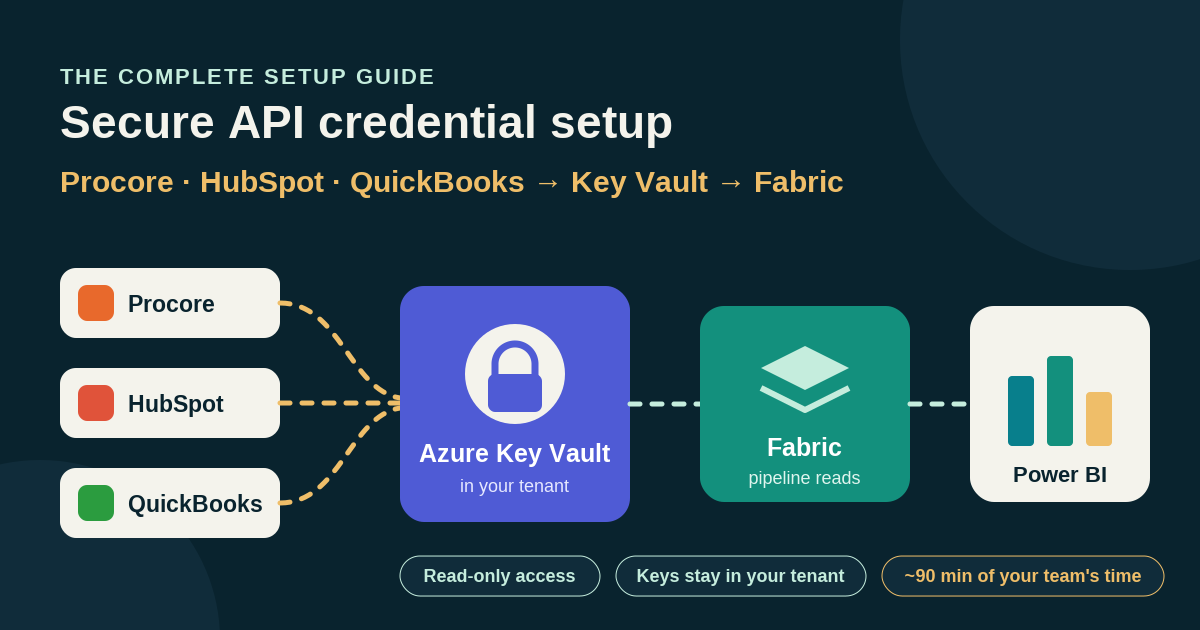
Secure API Credential Setup for Procore, HubSpot and QuickBooks with Azure Key Vault and Microsoft Fabric
The end-to-end guide to connecting Procore, HubSpot and QuickBooks Online to Microsoft Fabric and Power BI without handing over credentials: who owns each step and how long it takes, the architecture from sources through Azure Key Vault to Fabric, the four steps (Fabric access, read-only API access in three systems, Key Vault with the Secrets Officer role, connect and go live), the exact secret names, what to send back, how to revoke access, common mistakes and a checklist.

Integrations · October 9, 2026
Custom n8n Nodes for Procore, Autodesk, HCSS and Power BI
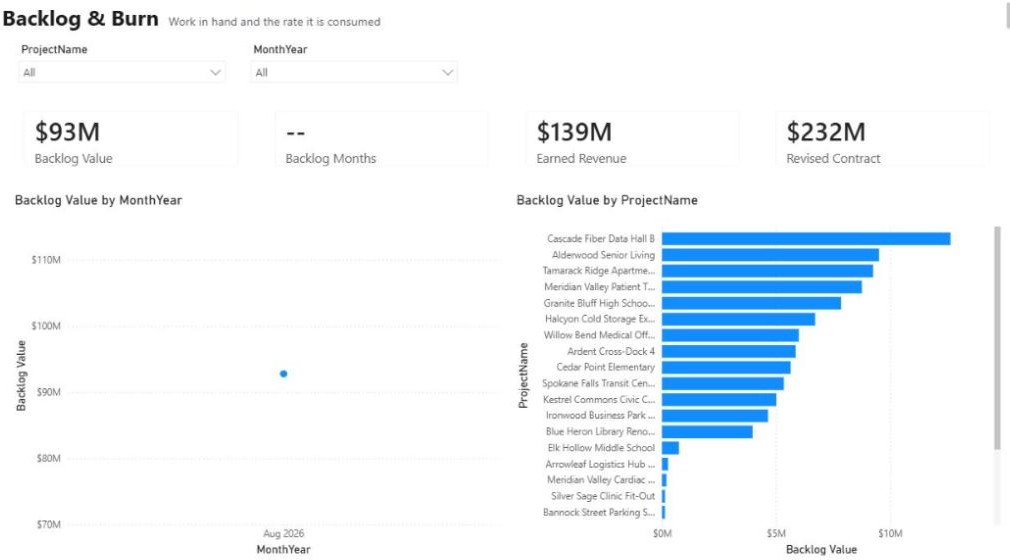
A walkthrough of the n8n nodes we built for Procore, Autodesk, HCSS and Power BI, the read-only Procore financials MCP server behind an AI agent, and the dashboard that traces every request.
Integrations · October 9, 2026
CRM to Procore Integration: HubSpot and Salesforce Guide
How to connect HubSpot or Salesforce to Procore so a won deal becomes a set-up project: the trigger, field map, approval step, duplicate handling, which system owns what, and why pipeline and backlog stay separate.
Integrations · October 8, 2026
Procore API Integration Guide: Patterns, Crosswalks and Governance
A practical guide to connecting Procore with accounting, scheduling, BI and CRM systems: which pattern to use, how to link projects across systems, and how to keep the numbers trustworthy.

Integrations · August 18, 2026
How We Joined Procore, QuickBooks and HubSpot in Microsoft Fabric
A build walkthrough of the pipeline that joins Procore projects, QuickBooks jobs and HubSpot deals in Microsoft Fabric, including the crosswalk that refuses to guess and the gate that stops wrong numbers.
Integrations · January 21, 2026
Procore + P6 Analytics in Power BI via Azure and Cosmos DB
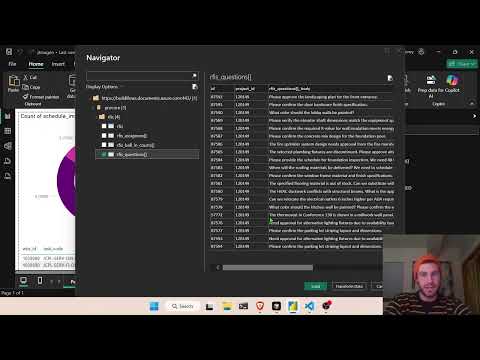
How we synced Procore RFIs into Azure Cosmos DB with Function Apps, parsed P6 XER schedules in Power Query, and combined both in a Power BI report that refreshes itself.
Watch the walkthroughs
Ramp → QuickBooks → Procore Bill Coding, and the Contractor Operating System Built Around It
See why Ramp bills show $0 in Procore and the automation that fixes it, the rollout plan from proof of concept to live, and a full tour of the contractor operating system built on the same connections: approvals, projects, month-end, reports, grades and AI agent access.
Procore + P6 + Power BI
Live analytics: Procore and P6 flowing into Azure, Cosmos DB, and Power BI.
Procore + QuickBooks + HubSpot
Connect project operations, accounting, and CRM data in Microsoft Fabric for one view of financial performance.
BuildFlows n8n Nodes
Automate Procore, Autodesk, HCSS, and Power BI in one n8n workflow layer.
Next step
What would you like to build?
An app, an integration, an automation, a dashboard or an AI agent. Tell us what your team does today and what you want to change. You get a straight answer on fit, then a written scope and price before any work starts.
Prefer email? charley@buildflows.ai