Key takeaways
- For most outside consultants a Microsoft Entra B2B guest is the better default: they keep their own firm's sign-in, and your tenant still controls what they reach.
- Fabric's workspace access list does not send new invitations, so invite the guest from Entra first, and make sure the Guest users can access Microsoft Fabric tenant setting allows them.
- Licensing depends on what the consultant builds, not the account type: lakehouses and notebooks on an F capacity need only a Free license, while Power BI reports and models need Pro or PPU, which a guest can bring from their own organization.
- Grant access through a security group: Contributor on the workspace, and Key Vault Secrets User on one vault, using Secrets Officer only while secrets are being loaded.
- A domain account keeps working until you turn it off, so set an end date on day one. A guest loses sign-in when their home account is disabled, but you still need to remove the guest and its roles.
- Offboard in order: remove roles, block sign-in and revoke sessions, delete the user (restorable for 30 days), rotate secrets they could read, and check logs while they are still retained.
You have hired someone outside the company to build your reporting in Microsoft Fabric. They need to get into a Fabric workspace, and they need to read the API secrets you stored in Azure Key Vault. Someone in IT asks a fair question: do we invite them as a guest, or do we just make them an account on our domain?
Both work. They differ in who owns the password, who pays for what, how MFA behaves, and what happens on the day the engagement ends. This guide compares the two, walks through each setup, and gives you an offboarding checklist that works for either one.
This is part of the secure API credential setup guide. In that setup, Step 1 is giving the consultant Fabric workspace access and Step 3 is giving them a role on your Key Vault. This article is about the identity you put in both places.
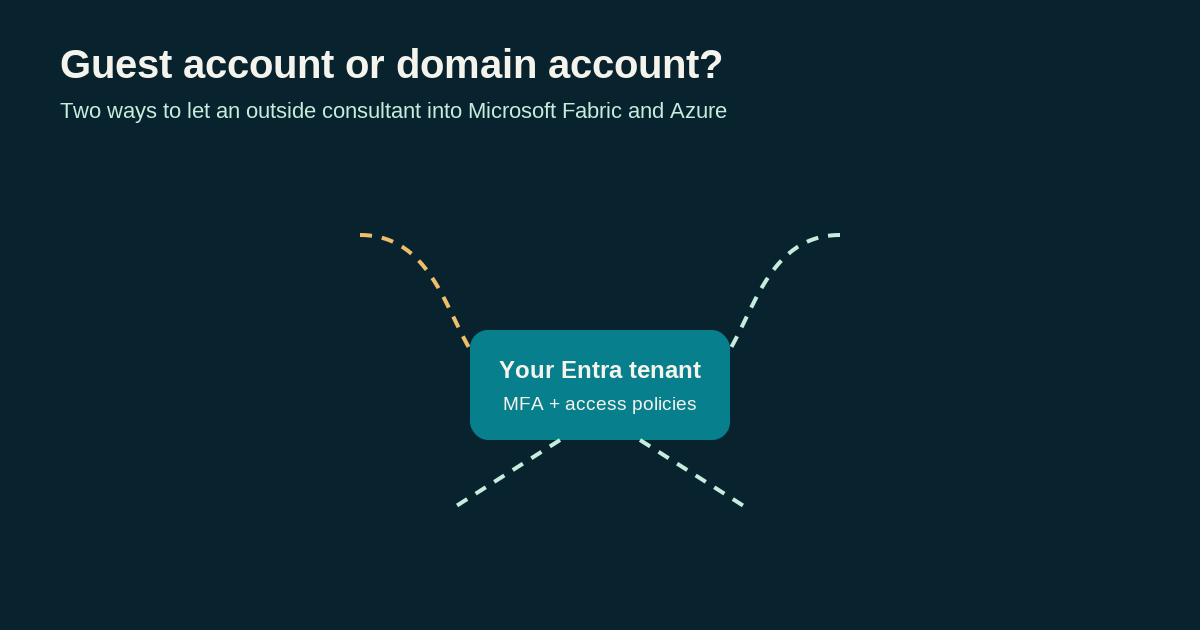 Two identity paths, one set of roles
The short answer
For most outside consultants, use a Microsoft Entra B2B guest. The consultant signs in with the work account their own firm already manages. Your tenant still decides what they can reach. And if they leave that firm, their home account gets disabled and they lose access too.
Create an account on your own domain when you have a specific reason. Common reasons are a policy that bans guests, a guest limitation that blocks the work, or a contractor who is effectively staff and needs your mailbox, Teams and files.
Whichever you pick, the access itself is the same: a workspace role in Fabric and a role on one Key Vault. Least privilege and a clean offboarding matter more than the account type.
Side-by-side comparison
| B2B guest | Account on your domain | |
|---|---|---|
| Who creates the identity | The consultant's own organization. You send an invitation. | You. An admin creates consultant@yourco.com. |
| Who holds the password | The consultant's home organization | Your tenant. You reset it and you're on the hook if it leaks. |
UserType in Entra ID | Guest | Member |
| MFA | Done at home if you trust home-tenant MFA. Otherwise the consultant registers MFA in your tenant too. | Registered in your tenant, like staff |
| Conditional Access | Applies. You can target guests specifically (needs Entra ID P1). | Applies, the same as your staff |
| Fabric tenant settings involved | Guest users can access Microsoft Fabric must allow them | None specific to guests |
| Adding to a Fabric workspace | Invite into Entra first. The workspace access list doesn't send new invitations. | Add directly |
| Power BI Pro, if they build reports | Their own firm's Pro license works, or you assign one | You assign and pay for one |
| Identity billing | Counts as an External ID monthly active user (Microsoft lists a free tier) | Not counted as an External ID guest |
| Known gaps | Some Power BI features don't work for guests (see below) | None from being external. They work like staff. |
| If the consultant leaves their firm | Their home account is disabled and sign-in stops | Nothing changes until you act |
| Offboarding | Remove roles, block sign-in, revoke sessions, then delete the guest | Remove roles, block sign-in, revoke sessions, then delete the user |
Licensing: what a consultant needs in Fabric
Licensing is the same whichever account type you pick. What the consultant builds is what decides it.
- Lakehouses, notebooks and pipelines are what Microsoft calls non-Power BI Fabric items. A Free (Fabric) license is enough to create and share them in a workspace that runs on an F capacity, F2 included. Microsoft assigns that license automatically the first time someone signs in to Fabric.
- Reports and semantic models are Power BI items. Creating them in a shared workspace needs a Power BI Pro or Premium Per User license. Microsoft's licensing table says a Free license can't create, update, delete or manage Power BI items outside the user's own My workspace.
- Viewing those reports on a capacity smaller than F64 also needs Pro or PPU. That applies to your own staff as well as the consultant. On F64 and above, Free users with a Viewer role can view. The F2 capacity guide covers that trade-off.
For a guest, Microsoft's B2B documentation gives three ways to cover Power BI licensing: the guest brings a Pro or PPU license from their own organization, you assign them one of yours, or the content sits on capacity that removes the requirement for viewers. If you assign one of your licenses to a guest, Microsoft says to check the Product Terms first. A consultant who already has Pro through their own firm usually costs you nothing extra for this.
For a domain account, any Pro license is one you buy and assign.
Two things we'd confirm before relying on them. First, Microsoft has a separate note that "bring your own license" doesn't work across different Azure clouds (for example commercial and Government). Second, Microsoft's External ID pricing changes over time, so check the pricing page rather than trusting a number in a blog post. We don't quote prices here.
Path A: invite a B2B guest
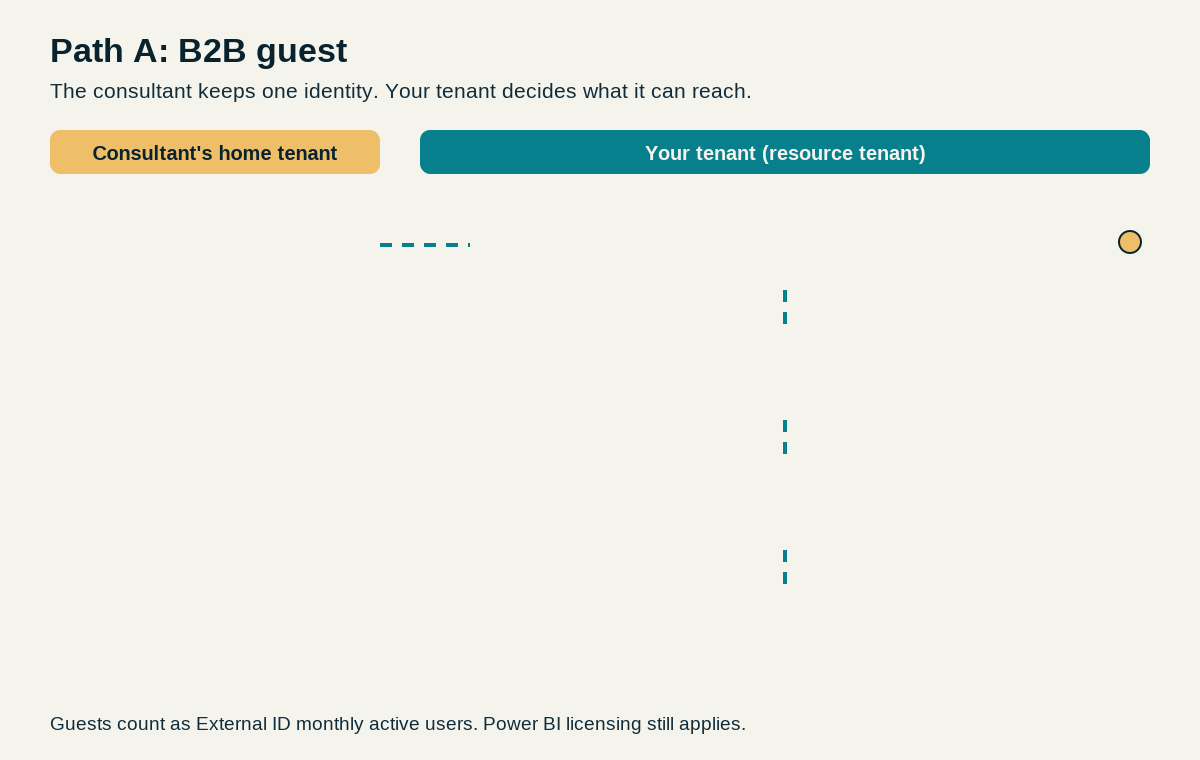 Path A: the guest's sign-in starts in their home tenant
1. Check the tenant settings first
A Fabric administrator opens Tenant settings (Microsoft's current docs place it under OneLake catalog > Govern > Configurations; it's also in the admin portal). Under Export and sharing settings, check these:
- Guest users can access Microsoft Fabric. If this is off, B2B guests get an error when they open Fabric, even when they have permissions. You can enable it for specific security groups instead of the whole organization.
- Users can invite guest users to collaborate through item sharing and permissions. This only controls invitations sent from inside Fabric. It used to be called Share content with external users. You can leave it off and invite from Entra instead.
- Guest users can browse and access Fabric content. This controls the left-hand browsing experience. Microsoft says guests keep any workspace roles and item permissions they were given even when it's off.
In Entra, check External Identities > External collaboration settings to see who is allowed to send invitations and whether any domains are blocked.
2. Send a planned invitation from Entra
Fabric's workspace access list doesn't send invitations to people who aren't in your directory yet. Microsoft's docs say to use a planned invitation and add the user to the workspace afterwards.
- Sign in to the Microsoft Entra admin center with at least the Guest Inviter or User Administrator role.
- Go to Entra ID > Users > New user > Invite external user.
- Enter the consultant's work email address, a display name and an optional message. Then select Review and invite and Invite.
- The consultant selects Accept invitation in the email and accepts the permissions prompt.
Ask for a work address, not a Gmail. Microsoft documents extra limits for guests who sign in with personal "social" identities. For example, they can't use the Power BI mobile apps or sign in where a work or school account is required.
3. Decide how MFA works for guests
With security defaults on, Microsoft treats B2B guests the same as your own users: they register for MFA, and MFA is required for the Azure portal. Security defaults cost nothing.
With Conditional Access (needs Entra ID P1), a Security Administrator goes to Entra ID > External Identities > Cross-tenant access settings, opens the Default settings tab, selects Edit inbound defaults, and on the Trust settings tab chooses whether to check Trust multifactor authentication from Microsoft Entra tenants. When you trust it, MFA the consultant completed at their own firm satisfies your policy. When you don't, they register a second MFA method in your tenant. Trusting it is less friction. Requiring it in your tenant keeps the control with you. Both are reasonable choices.
You can set this per partner on the Organizational settings tab (add the firm's domain, then open its Inbound access link) if you trust one consulting firm's MFA but not every organization's.
4. Grant the two roles
- Fabric: in the workspace, open Manage access and add the guest (or better, a security group the guest belongs to). Contributor is enough to build lakehouses, notebooks, pipelines and reports. Keep Admin with your own staff.
- Key Vault: on the vault, open Access control (IAM) > Add role assignment. Give Key Vault Secrets Officer only while the consultant is loading secrets. Then drop to Key Vault Secrets User, which only reads secret contents. Assign it on that one vault, not the resource group or subscription. See Azure Key Vault setup for the full click path.
Guests open the Azure portal and Fabric in your directory. If they see an empty portal, have them use Switch directory. In Fabric, the account manager has a Switch option for tenants.
Guest limitations that can bite
Microsoft lists Power BI experiences that guests can't use even with high permissions. The ones that come up in reporting projects:
- Publishing straight from Power BI Desktop to the service. Guests upload the .pbix through the service instead.
- Using Power BI Desktop to connect to semantic models or dataflows in the service.
- Installing a Power BI gateway and connecting it to your organization.
- Analyze in Excel.
If the work depends on one of these (say, an on-premises accounting server that needs a gateway), that is a real reason to use a domain account.
Path B: create an account on your domain
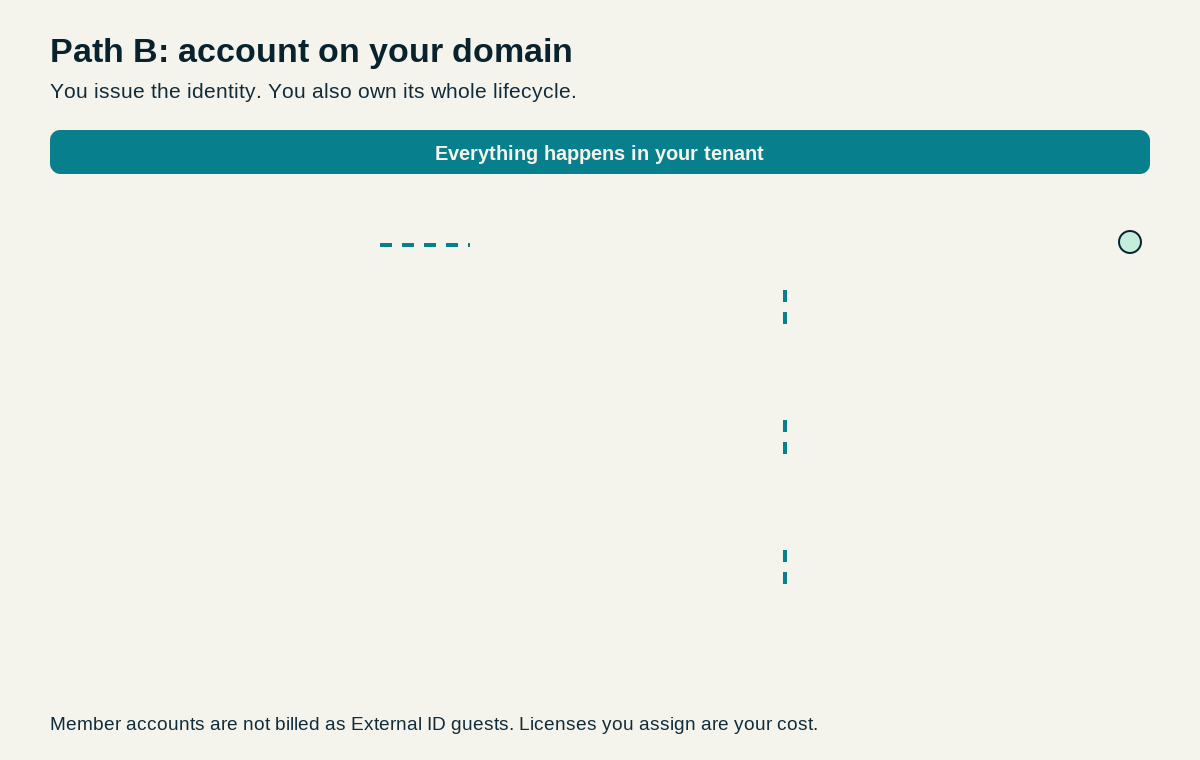 Path B: you own the identity from start to finish
- Create the user. In the Entra admin center go to Entra ID > Users > New user > Create new user. Use a name that makes the outside status obvious, such as
ext-jsmith@yourco.com, and fill in the job information (company name, manager) so anyone reviewing the directory can see who the account belongs to. - Hand over the first password safely. Don't email it. Use the same out-of-band approach as for API keys (see secure API key handoff), and have them change the password at first sign-in.
- Have them register MFA at first sign-in. This adds a second authenticator entry on their phone, next to their own firm's.
- Assign licenses only for what they build. Pro if they author Power BI reports or models. Nothing extra for lakehouses and notebooks on an F capacity. Don't assign a Microsoft 365 suite license unless they really need your mailbox or Teams.
- Put them in a security group such as
sg-fabric-reporting-contractors. Grant the Fabric workspace role and the Key Vault role to the group, as in Path A. - Write down the end date in the user's properties or your ticket. A domain account has no outside event that ends it. It works until someone on your side turns it off.
A domain account is a real member of your organization. By default it can see more of your directory, and it shows up in people pickers like staff do. If you go this way, keep its group memberships narrow and review them.
Offboarding: six steps for either path
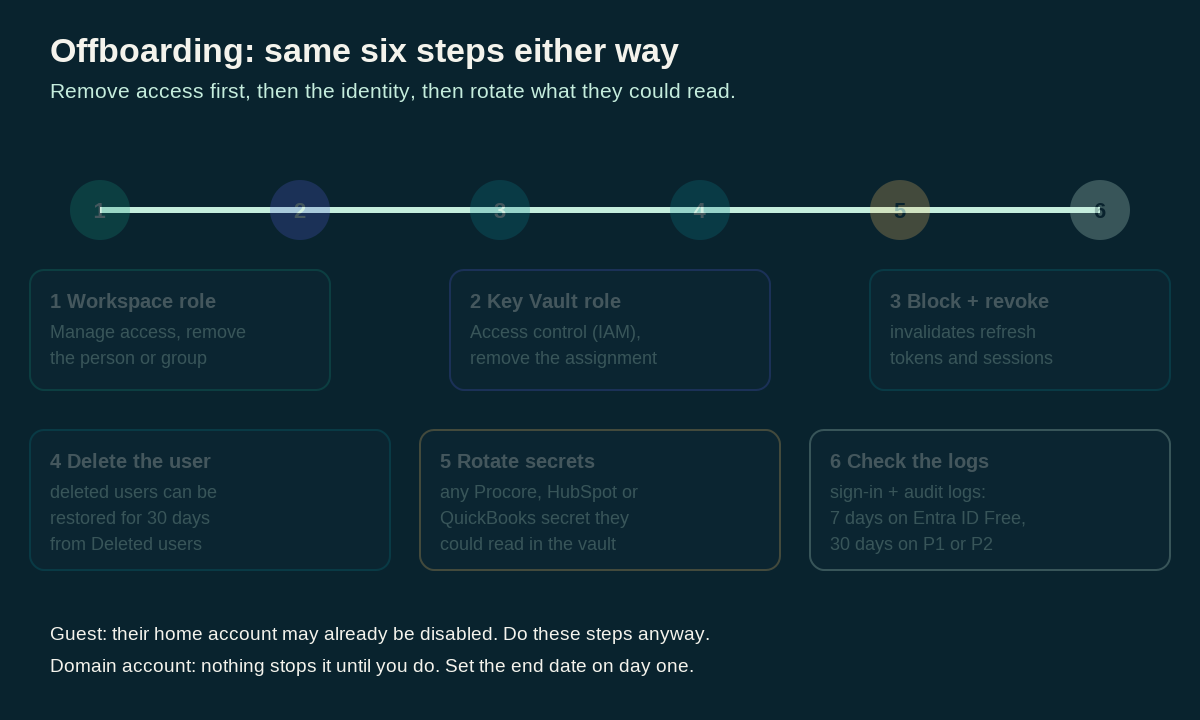 Offboarding: access first, then the identity, then the secrets
- Remove the Fabric workspace role, or remove them from the security group. Before you do, check whether any scheduled pipelines, notebooks or semantic model refreshes run as the consultant. Hand ownership of those items to an internal account first, or the next scheduled run may fail.
- Remove the Key Vault role assignment under Access control (IAM). Microsoft notes that role changes can take several minutes to take effect.
- Block sign-in and revoke sessions. In Entra, go to Entra ID > Users > All users and open the user. Under Account status, select Edit, clear Account enabled and select Save. Then select Revoke sessions on the user's Overview page. That revokes refresh tokens, but access tokens already issued stay valid until they expire (one hour by default, per Microsoft), so expect a short tail.
- Delete the user once the account has been blocked. A deleted user stays restorable for 30 days under Users > Deleted users, which is handy if you removed the wrong person.
- Rotate any secret the consultant could read. If they had Secrets Officer or Secrets User on the vault, they could read your Procore, HubSpot and QuickBooks credentials. Rotate those. See rotating API secrets.
- Check the logs. Entra ID sign-in and audit logs are kept for 7 days on Entra ID Free and 30 days on P1 or P2. Export them to a storage account if you need them longer.
For a guest, the consultant's firm may have disabled their home account already. Do these steps anyway. The guest object and its role assignments stay in your tenant until you remove them.
Audit and periodic review
- Who has access right now: the workspace Manage access list and the vault's Access control (IAM) > Role assignments tab. Granting through one security group means you check one place.
- Who signed in: Entra Sign-in logs, filtered by user. Keep in mind the 7-day limit on the free tier.
- Recurring reviews: Entra access reviews can ask a sponsor every quarter whether a guest still needs access. Basic access reviews come with Entra ID P2. Some guest governance features, such as inactive-user reviews and lifecycle workflows for guests, are billed through the separate ID Governance for guests add-on. Read Microsoft's licensing page before you turn them on.
- A calendar reminder works too. If you have one or two consultants, a 90-day reminder to check both role lists is enough.
When we'd pick each
| Situation | Our pick |
|---|---|
| Consultant from a firm with its own Microsoft 365 tenant | B2B guest |
| Short project building lakehouses, notebooks and reports | B2B guest |
| Your security policy forbids guests | Domain account |
| Work needs a Power BI gateway or publishing from Desktop | Domain account, or have your staff do those steps |
| Long-term contractor who needs your mailbox, Teams and files | Domain account |
| Consultant only has a personal Gmail | Ask for a work identity first. Otherwise use a domain account. |
If you're writing down who does which step on your side and the consultant's side, the RACI for connecting construction systems has a template. For the questions IT will ask before any of this, see the IT security review guide.
Checklist
- Pick guest or domain account, and write down why
- Fabric: Guest users can access Microsoft Fabric allows this guest (guest path only)
- Entra: invitation sent from Users > New user > Invite external user, or user created on your domain
- MFA: security defaults on, or a Conditional Access policy that covers guests
- Cross-tenant trust decision recorded (trust home MFA or require it in your tenant)
- Security group created, and the consultant added to it
- Fabric workspace: group added as Contributor, not Admin
- Key Vault: Secrets Officer only during setup, then Key Vault Secrets User on one vault
- Power BI Pro covered (theirs or yours) if they build reports or models
- End date and internal sponsor written down
- Offboarding: roles removed, sessions revoked, user deleted, secrets rotated, logs checked
Need a hand?
Build Flows builds construction reporting in Microsoft Fabric. Access setup goes the way this article describes: a scoped identity in your tenant, with credentials kept in your Key Vault. If you'd like a second set of eyes on your access plan, email charley@buildflows.ai or visit buildflows.ai.
References
- Microsoft Learn: Export and sharing tenant settings (guest user settings)
- Microsoft Learn: Distribute Power BI content to external guest users with Microsoft Entra B2B
- Microsoft Learn: Understand Microsoft Fabric licenses and capacity
- Microsoft Learn: Roles in workspaces in Microsoft Fabric
- Microsoft Learn: Quickstart: Add a guest user and send an invitation
- Microsoft Learn: Cross-tenant access settings (trust MFA and device claims)
- Microsoft Learn: Security defaults in Microsoft Entra ID
- Microsoft Learn: External ID pricing and MAU billing
- Microsoft Learn: Microsoft Entra ID Governance licensing for guest users
- Microsoft Learn: Azure RBAC for Key Vault (built-in roles)
- Microsoft Learn: Revoke user access in Microsoft Entra ID
- Microsoft Learn: Restore or permanently remove a recently deleted user
- Microsoft Learn: Microsoft Entra data retention
Frequently asked questions
Should I invite a consultant as a guest or create an account on my domain?
Usually a B2B guest. The consultant signs in with the work account their own firm manages, and you control access with roles in your tenant. Create a domain account when policy bans guests, the work needs a feature guests can't use (such as installing a Power BI gateway), or the contractor needs your mailbox and Teams like staff.
Does a guest user need a Power BI Pro license to work in Microsoft Fabric?
Only for Power BI items. A Free license lets anyone create lakehouses, notebooks and pipelines in a workspace on an F capacity. Creating reports or semantic models in a shared workspace needs Pro or Premium Per User. A guest can use a Pro license from their own organization, or you can assign one after checking Microsoft's Product Terms.
Which Fabric tenant setting lets guest users in?
Guest users can access Microsoft Fabric, under Export and sharing settings. If it's off, B2B guests get an error even when they have permissions. A related setting, Users can invite guest users to collaborate through item sharing and permissions, only controls whether invitations can be sent from inside Fabric.
Do guest users have to set up MFA in my tenant?
It depends on your settings. With security defaults, guests are treated like your own users and register MFA in your tenant. With Conditional Access, you can choose Trust multifactor authentication from Microsoft Entra tenants in cross-tenant access settings, so MFA done at the consultant's own firm satisfies your policy.
Can I add a guest straight to a Fabric workspace by email?
Not if they aren't in your directory yet. Microsoft's docs say the workspace access list doesn't support ad hoc invites. Invite the person from Microsoft Entra first (Users, New user, Invite external user), and once they've accepted, add them or their security group to the workspace.
What should I do when the consultant's engagement ends?
Remove the workspace role and the Key Vault role assignment, disable the account and revoke sessions, then delete the user. Deleted users can be restored for 30 days. Rotate any API secret they could read from the vault, and review sign-in and audit logs, which Entra ID Free keeps for seven days.
Do guest accounts cost money?
Guests count as External ID monthly active users. Microsoft lists a free tier, and its pricing page has the current terms. Some guest governance features, such as inactive-guest access reviews and lifecycle workflows, are billed through a separate ID Governance add-on. A domain account isn't billed as a guest, but any license you assign to it is your cost.
Next step
Need this connection in your environment?
Scope one integration: the records, direction, timing, and business rules behind the connection.
Prefer email? charley@buildflows.ai
Keep learning
Integrations · November 14, 2026
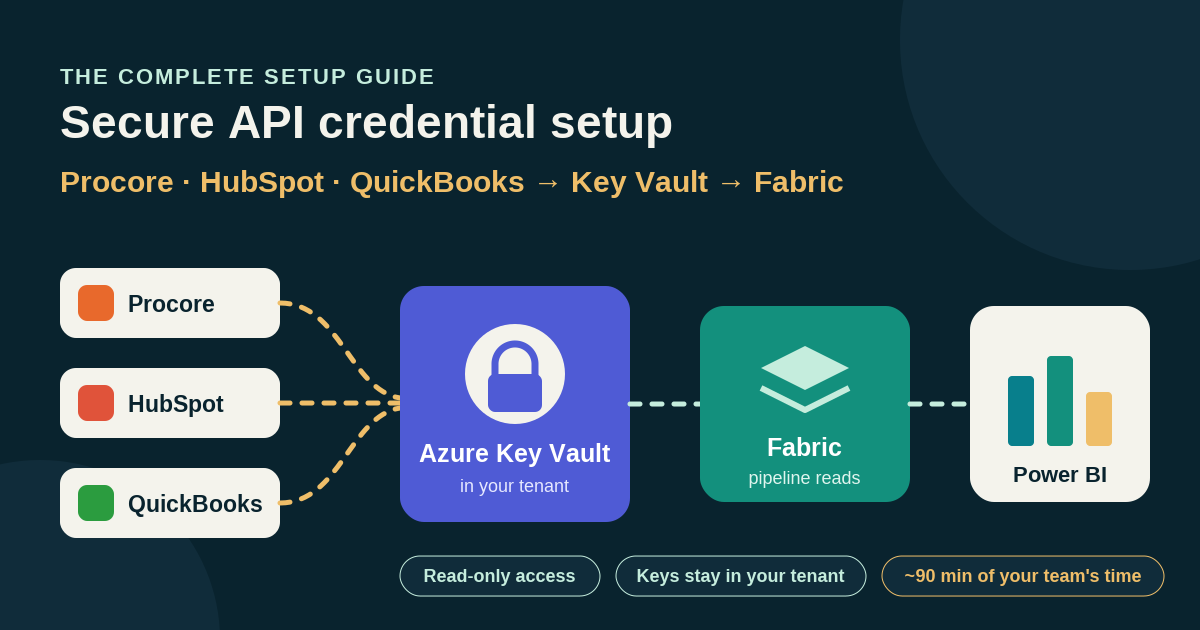
Secure API Credential Setup for Procore, HubSpot and QuickBooks with Azure Key Vault and Microsoft Fabric
The end-to-end guide to connecting Procore, HubSpot and QuickBooks Online to Microsoft Fabric and Power BI without handing over credentials: who owns each step and how long it takes, the architecture from sources through Azure Key Vault to Fabric, the four steps (Fabric access, read-only API access in three systems, Key Vault with the Secrets Officer role, connect and go live), the exact secret names, what to send back, how to revoke access, common mistakes and a checklist.
Integrations · November 14, 2026
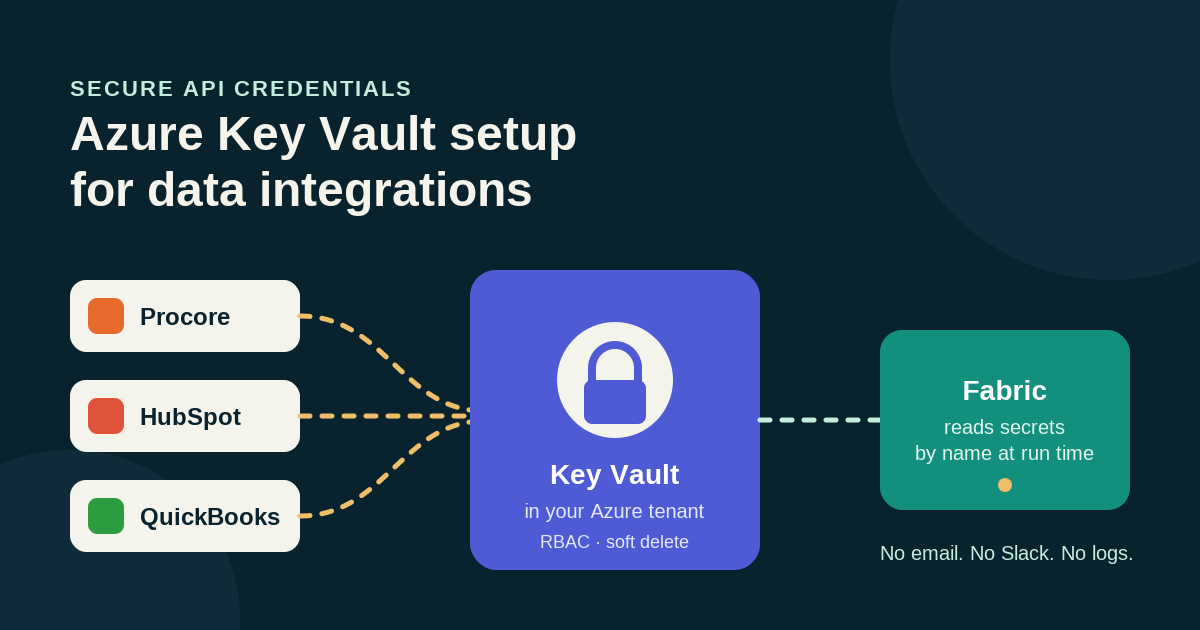
Azure Key Vault Setup for Data Integrations: Create the Vault, Set RBAC and Assign Secrets Officer
A step-by-step guide to creating an Azure Key Vault for integration secrets: resource group and globally unique name, matching the Fabric region, Standard tier, soft delete and the purge protection trade-off, the RBAC permission model, networking, the Key Vault Secrets Officer role assignment, why 'not authorized' appears right after setup, and what it really costs.
Playbooks · November 14, 2026
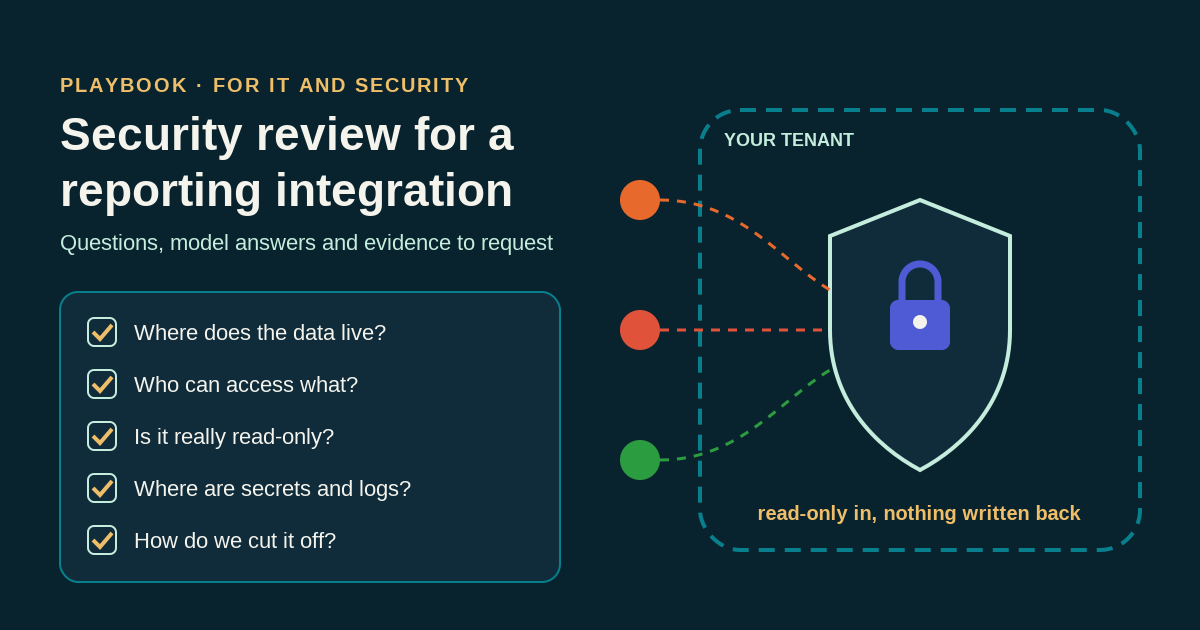
IT Security Review for a Construction Reporting Integration: Questions, Model Answers and Evidence
A questionnaire for the IT or security reviewer approving a Procore, HubSpot and QuickBooks reporting integration in Microsoft Fabric, with model answers, evidence to request and an offboarding sequence.