Key takeaways
- Open the secret, select the current version, then Show Secret Value. The Secrets list itself shows names and status only, so it's safe to share.
- Revealing values needs a data role such as Key Vault Secrets User. Adding versions needs Key Vault Secrets Officer. Key Vault Reader sees names but not values.
- Change a value with + New Version. The newest version becomes current and older versions stay in the list.
- Readers that ask for a secret by name, like Fabric's getSecret and Key Vault references, get the newest version on their next run with no redeploy.
- Disabling the newest version doesn't fall back to an older one. Reads fail, so roll back by adding a new version with the old value.
- Expiration dates are informational. Key Vault still returns expired secrets, so pair them with an alert.
- Config values like quickbooks-environment and procore-base-url are fine to reveal on a call. Client secrets and tokens never are.
56 seconds · From a Build Flows walkthrough
Check a Key Vault setting and change it with a new version
Open the secret, open the current version and choose Show secret value to confirm a setting like production vs. sandbox. To change it, create a new version. Reads that don't name a version get the newest one, so keep the newest version enabled.
Read the clip transcript
can go through this production sandbox and then that should... So in the QuickBooks environment, if you double click there, and if you double click current version, can you, does that open up anything? Okay, so what we'll need to do is there is a secret value, so you can select show secret value. Now it shows it's set as production. Okay, so we know that now this is set into production. So if you ever do need to go through and see what a production, or like what a key value is or something, you can look at it here. And then if you press close here, then if you ever need to like update a, so say you wanted to change the value, this to sandbox for this case. You could press new version and you would type in sandbox and then that would create a new version that would trump over the identifier production that was set previously. Ah, okay. So we should be good here for set for production. So now the only
Captions adapted from the source video; proper names may reflect automatic transcription. Original segment: 12:21–13:17. Watch at the source.
37 seconds · From a Build Flows walkthrough
Confirm the Procore base URL points at production
A base URL isn't a secret, so it's safe to check on a call. Make sure it's the production API and not the sandbox, so the reports read real project data. The connection only reads; it never writes back.
Read the clip transcript
have all the Procore ones and we have the HubSpot one as well. So other than getting stuck on that. One thing can we check here while we're here is the Procore base URL. That one's not private. or anything so we can show that. Do you mind clicking into that? I just want to make sure that we are showing the, it's the production URL for this one. So if you show the secret value here, it should just show that we are then going to the Procore API. So it's not the sandbox API that we're calling. This would be your production environment that it would be pulling the data. from. And so again, we're just only pulling data from your pro core instance. We're never pushing any data making any updates to it. Okay.
Captions adapted from the source video; proper names may reflect automatic transcription. Original segment: 16:33–17:10. Watch at the source.
Sooner or later someone asks a simple question about your Key Vault. Is QuickBooks pointed at production or the sandbox? Is the Procore URL the live one? The answer is sitting in a secret, and the Azure portal will show it to you in two clicks. The risk is that the same two clicks also reveal a client secret if you open the wrong one while your screen is shared.
This guide shows how to check a secret's value, how to change it with + New Version without breaking the pipeline that reads it, what disabling and expiration dates actually do, and which values are fine to show on a call. It follows a real setup session with a client's admin. If you haven't built the vault yet, start with Azure Key Vault setup for data integrations.
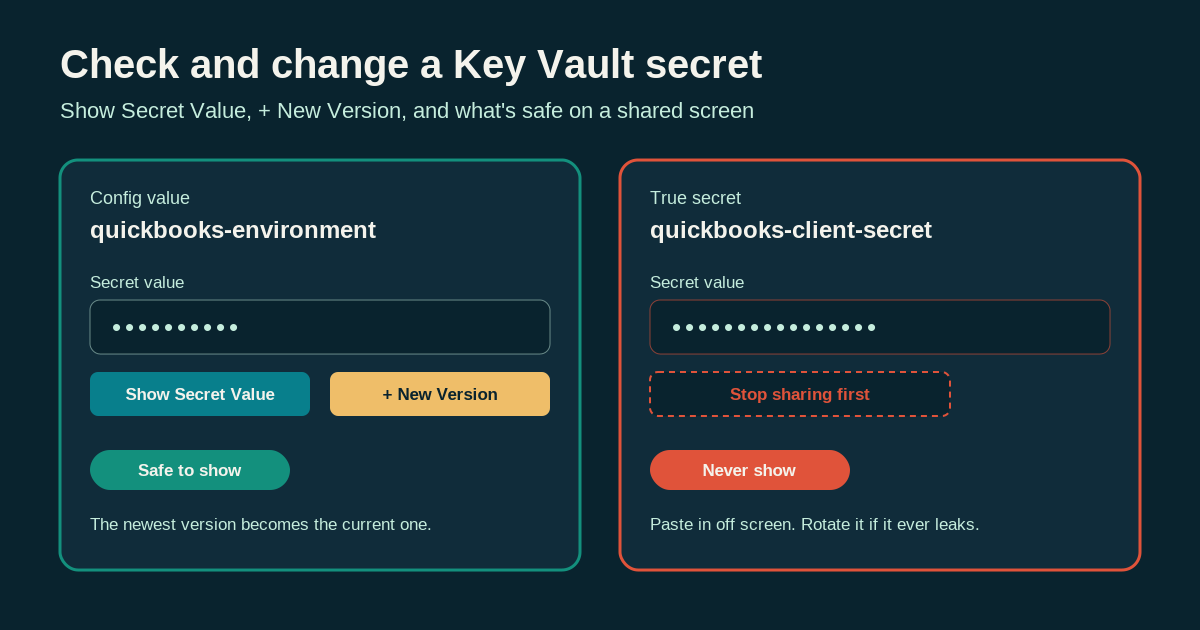 Check config values on screen. Keep true secrets hidden.
What you need first
To see the list of secrets you need a role that can list them, such as Key Vault Reader. To reveal a value you need a role that can read secret contents. Under the Azure RBAC permission model, Microsoft describes the roles this way:
| Role | See secret names | Reveal values | Add a new version |
|---|---|---|---|
| Key Vault Reader | Yes | No: "Cannot read sensitive values such as secret contents" | No |
| Key Vault Secrets User | Yes | Yes: "Read secret contents" | No |
| Key Vault Secrets Officer | Yes | Yes | Yes: "Perform any action on the secrets of a key vault, except managing permissions" |
| Key Vault Contributor | No data access | No | No. Microsoft notes it's for managing vaults and "does not allow access to keys, secrets and certificates" |
Owning the subscription isn't enough on its own. With RBAC, you still need one of the data roles above on the vault. The Key Vault setup guide shows how to assign them.
Check a secret's current value
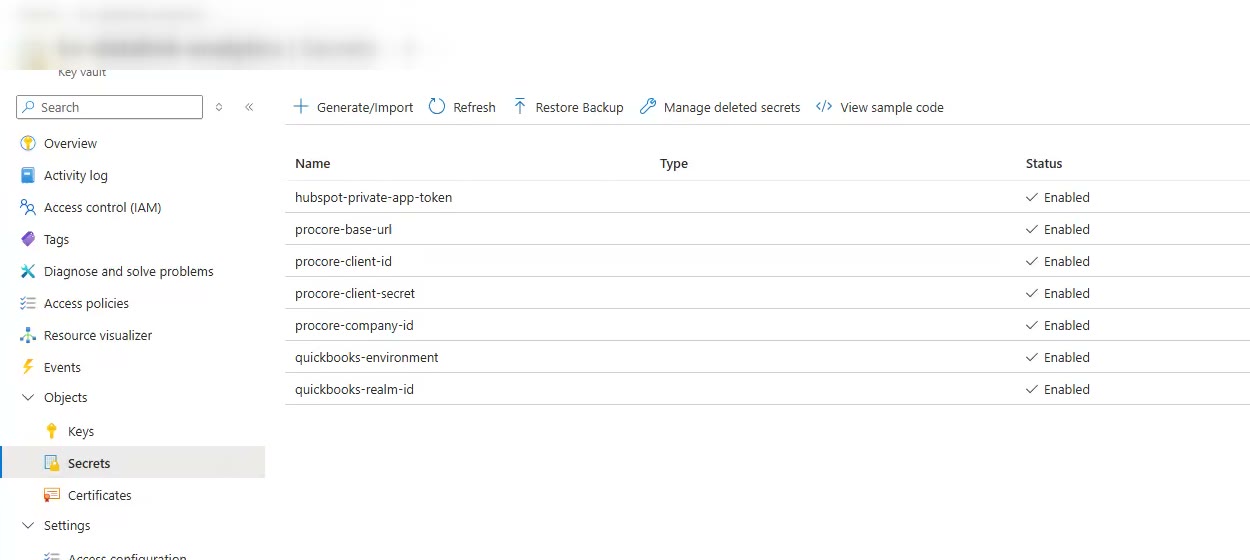 The secrets list from the live session. Names are fine to show. Values depend on which secret.
- In the Azure portal, open your vault and select Objects > Secrets. The list shows names and status only. No values appear here, so this page is safe to share.
- Decide whether the secret you're about to open is a config value or a true secret (see the table further down). If it's a true secret, stop sharing first.
- Select the secret name, for example
quickbooks-environment. You'll see its versions, with the newest under CURRENT VERSION. - Select the current version's ID.
- Select Show Secret Value. The value appears in the Secret value box.
- Close the panel when you're done. There's also a copy button next to the value. Don't use it for true secrets unless you're pasting straight into the place that needs them.
If Show Secret Value gives you an authorization error, your account can see the vault but has no role that reads values.
Change a value with a new version
You don't edit a secret's value in place. You add a new version, and the newest version becomes the current one.
- Open the secret, for example
quickbooks-environment. - Select + New Version.
- Type the new value in Secret value, for example
sandbox. - Leave Enabled set to Yes. Add an expiration date if this value should be reviewed by a set day (see below).
- Select Create.
The old version stays in the list with its own ID. You can open it, see when it was created, and reveal its value. Nothing is deleted.
Don't delete and recreate a secret to change it. With soft delete on, a deleted secret keeps its name reserved until it's recovered or purged, so you can't immediately create a new one with the same name.
 Readers that use the name alone always get the newest version
How the pipeline picks up the change
Microsoft's REST API says that when a caller doesn't give a version, "the latest version of the secret is returned." Most integrations read by name only. A Fabric notebook calls notebookutils.credentials.getSecret(vault_url, "quickbooks-environment"), and Fabric's Key Vault references "always get the current (latest) version of a secret." So the next run after you add a new version reads the new value. You don't redeploy anything. A run that's already in progress keeps whatever value it read at the start.
If a tool pins a specific version ID in its configuration, it keeps reading that version until you update the reference.
Disabling old versions
Each version has an Enabled setting. Microsoft's guide on reading secrets lists "Get value" as not allowed for a disabled secret. Use this to retire an old client secret version you don't want anyone reading again.
Be careful with the current version. A read by name targets the newest version. If you disable it, readers don't fall back to the previous enabled one. They get an error. To roll back, add a new version that holds the old value instead of disabling the newest.
Expiration and activation dates
Each version can have Set activation date and Set expiration date. Microsoft's documentation calls these fields "informational." It also says a get operation still works for expired and not-yet-valid secrets, so an expiration date won't stop a pipeline on that day.
Expiration dates are still worth setting on true secrets that the vendor expires, such as client secrets with a fixed lifetime. They show up in the portal, and you can alert on them. Monitor credential expiry with Key Vault alerts covers that. Config values like quickbooks-environment don't need one.
Config values and true secrets
A reporting vault usually holds two kinds of entries. Some are real credentials. Others are settings you keep next to them so the pipeline reads all its configuration from one place.
 What's fine to reveal on a call, and what never is
| Secret | Kind | Typical value | On a screen-share |
|---|---|---|---|
quickbooks-environment | Config | production or sandbox | Fine to reveal |
procore-base-url | Config | https://api.procore.com for production | Fine to reveal |
quickbooks-realm-id, procore-company-id | Identifier | Your company's ID number | Grants nothing alone. Show only if needed, and blur it on recordings |
quickbooks-client-id, procore-client-id | Credential half | App identifier | Not a password, but keep it off recordings |
quickbooks-client-secret, procore-client-secret | True secret | Long random string | Never |
hubspot-private-app-token or service key | True secret | Access token | Never |
quickbooks-refresh-token | True secret | Token written by the integration | Never |
For Procore, production API calls go to https://api.procore.com. Procore's developer sandbox uses https://sandbox.procore.com, and sandbox credentials don't work against production. If procore-base-url points at a sandbox host, reports pull test data. If the client ID and secret are production credentials and the URL is the sandbox, authentication fails.
For QuickBooks, quickbooks-environment decides which API host the integration calls. Production keys only work with production, and development keys only with sandbox.
From the live session
On the setup call, the client's admin had already loaded most secrets. These checks happened with the vault on screen, and only config values were revealed. Watch the recording.
- 09:06: the vault. The admin opened the Secrets list. Charley asked whether
quickbooks-environmentwas set to production or sandbox, and explained that the reports only pull data and never push anything to QuickBooks. - 12:51: Show Secret Value. Opening the secret and its current version, then Show Secret Value, showed
production. Charley noted that showing this one is fine because it isn't a key, but client IDs and secrets stay off screen. - 13:16: New version. To switch to the sandbox, you'd select New version, type
sandbox, and the new version would replace production as the current value. They left it on production. The admin then addedquickbooks-client-idandquickbooks-client-secretwith the screen share paused. - 16:32: Procore base URL. "That one's not private," so they revealed it on screen. It pointed at the Procore production API, so reports pull real project data, read-only.
The vault name and the client's identifiers are blurred in the recording.
Checklist
- Your account has Key Vault Secrets User to read values, or Secrets Officer to add versions
- Decided config value or true secret before opening anything on a call
- Screen share stopped before revealing a client secret or token
- Values changed with + New Version, never by delete and recreate
- Newest version left enabled. Roll back by adding a version, not by disabling
- Old, retired credential versions disabled
- Expiration dates set on vendor-expiring secrets, with an alert
-
quickbooks-environment=productionandprocore-base-url=https://api.procore.comfor live reporting
Need a hand?
Build Flows builds construction reporting in Microsoft Fabric from Procore, QuickBooks and HubSpot, with every credential in your own Key Vault. If you want someone to check your vault's values and roles with you on a call, without any secret appearing on screen, email charley@buildflows.ai or tell us what you're building.
References
- Microsoft Learn: Set and retrieve a secret from Key Vault using the Azure portal (Show Secret Value)
- Microsoft Learn: About Azure Key Vault secrets (exp, nbf, enabled, date-time controlled operations)
- Microsoft Learn: Grant access to Key Vault using Azure RBAC (built-in roles)
- Microsoft Learn: Get Secret REST API (latest version when no version is given)
- Microsoft Learn: Get a Key Vault secret with JavaScript (specific versions, disabled secrets)
- Microsoft Learn: NotebookUtils credentials utilities for Fabric (getSecret)
- Microsoft Learn: Configure Azure Key Vault references in Microsoft Fabric
- Procore on GitHub: js-sdk-sample-app README (production and sandbox base URLs)
Frequently asked questions
How do I see the value of a secret in Azure Key Vault?
In the Azure portal, open the vault, select Objects then Secrets, select the secret, select its current version, and select Show Secret Value. You need a role that reads secret contents, such as Key Vault Secrets User or Key Vault Secrets Officer.
How do I change the value of an Azure Key Vault secret?
Open the secret and select + New Version, enter the new value and select Create. The new version becomes the current one. The old version stays in the list with its own ID. Don't delete and recreate the secret, because a soft-deleted name can't be reused until it's purged or recovered.
Does a pipeline pick up a new Key Vault secret version automatically?
Yes, if it reads the secret by name without a version. Key Vault returns the latest version when no version is given, and Fabric's Key Vault references always use the current version. The next run reads the new value. Tools that pin a version ID keep the old one until you update them.
What happens if I disable the latest version of a Key Vault secret?
Reads by name target the latest version, and getting the value of a disabled secret isn't allowed, so those reads fail. Key Vault doesn't fall back to an older enabled version. To roll back, add a new version that holds the old value.
Does an expired Key Vault secret stop working?
No. Microsoft describes the expiration date as informational, and a get operation still works for expired secrets. Use it as a reminder and alert on it, and rotate the credential at the source before the vendor expires it.
Which Key Vault secrets are safe to show on a screen-share?
Configuration values such as quickbooks-environment (production or sandbox) and procore-base-url (https://api.procore.com) are safe to reveal. Company IDs grant nothing alone but are worth blurring on recordings. Client secrets, API tokens and refresh tokens should never be revealed on screen.
Which role do I need to see Key Vault secret values?
With Azure RBAC, Key Vault Secrets User reads secret contents and Key Vault Secrets Officer can also add, update and delete them. Key Vault Reader only reads metadata, and Key Vault Contributor manages the vault without any access to secret values.
Next step
Need this connection in your environment?
Scope one integration: the records, direction, timing, and business rules behind the connection.
Prefer email? charley@buildflows.ai
Keep learning
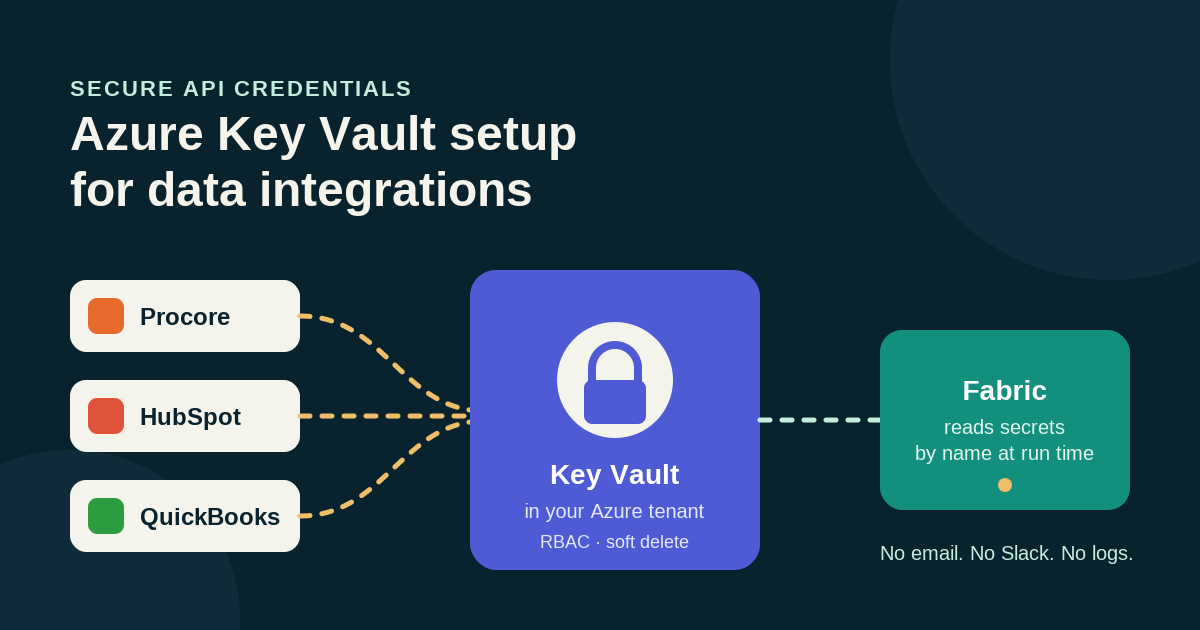
Integrations · November 14, 2026
Azure Key Vault Setup for Data Integrations: Create the Vault, Set RBAC and Assign Secrets Officer
A step-by-step guide to creating an Azure Key Vault for integration secrets: resource group and globally unique name, matching the Fabric region, Standard tier, soft delete and the purge protection trade-off, the RBAC permission model, networking, the Key Vault Secrets Officer role assignment, why 'not authorized' appears right after setup, and what it really costs.
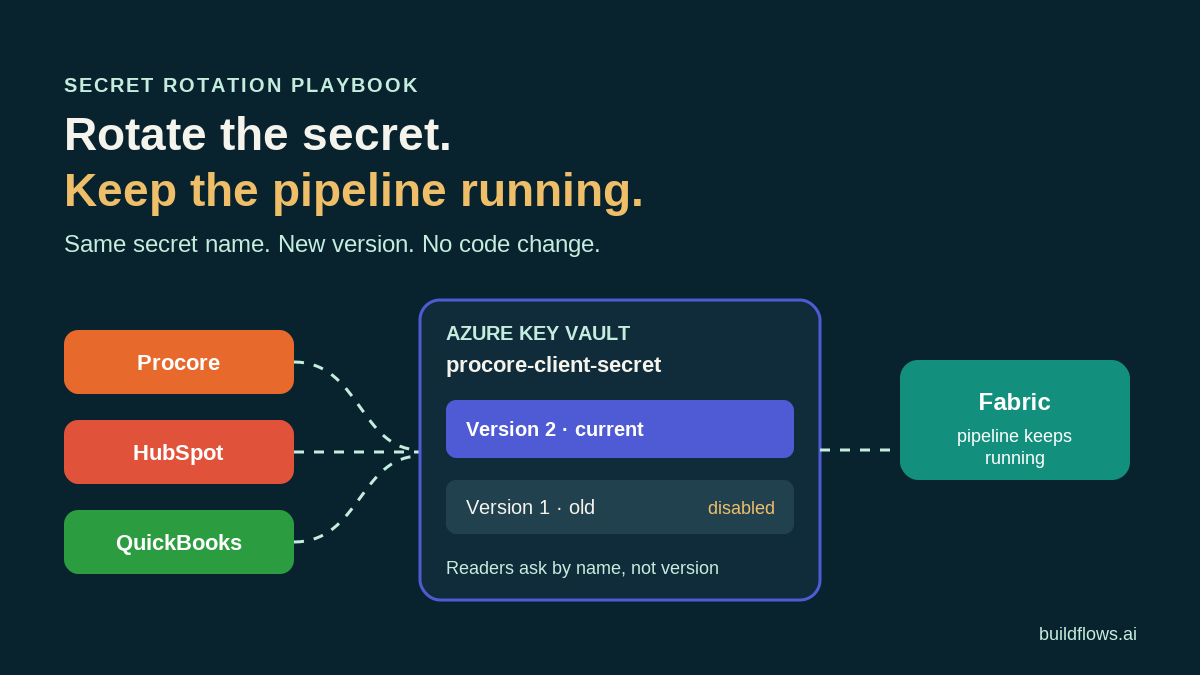
Playbooks · November 14, 2026
How to Rotate Procore, HubSpot and QuickBooks Secrets in Azure Key Vault Without Breaking Your Pipelines
When and how to rotate integration credentials: per-system steps for Procore, HubSpot service keys and QuickBooks Online, adding Key Vault versions so Fabric picks them up by name, a rotation calendar, and Event Grid near-expiry alerts.
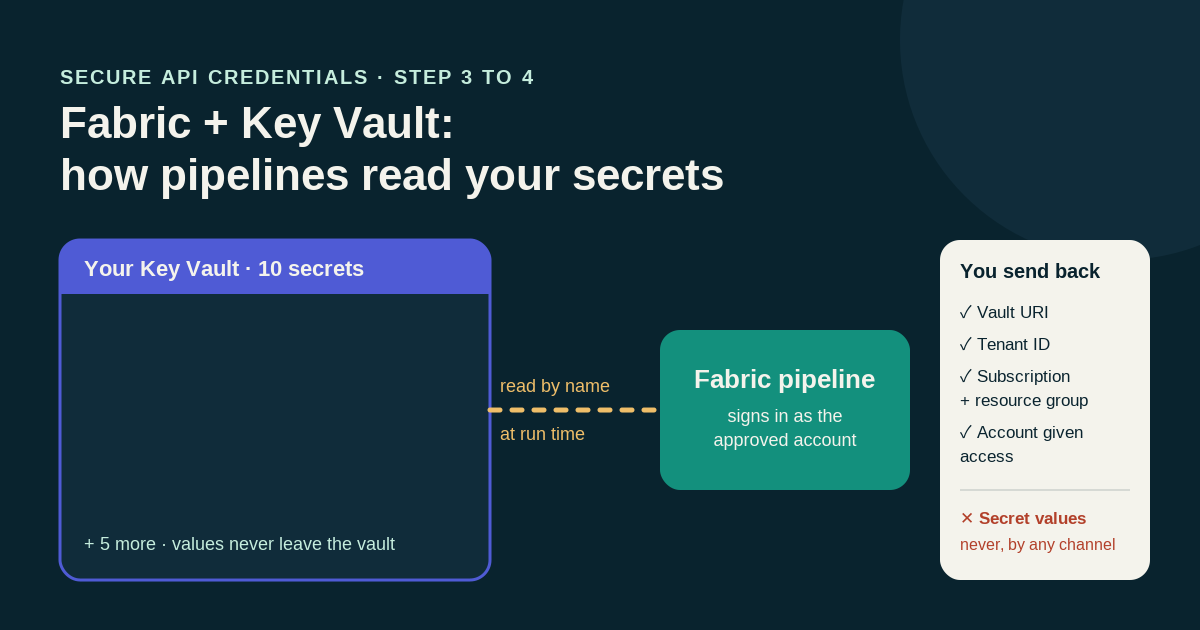
Integrations · November 14, 2026
Microsoft Fabric and Azure Key Vault: Secret Names, the Vault URI Handoff and How Pipelines Read Secrets
The last stretch of a secure credential setup: Fabric workspace access (Admin role, guest vs domain account, F2 cost), adding ten named secrets under Objects > Secrets > Generate/Import, Key Vault naming rules, what to send back to your partner and what never to send, how a Fabric pipeline reads secrets at run time with notebookutils getSecret and whose identity it uses, why Key Vault references in Fabric connections don't cover Procore, HubSpot or QuickBooks, and how to revoke access by removing one role assignment.