Key takeaways
- Climb four steps before live writes: preview only, shadow week, sandbox test, and live with the owner's recorded sign-off.
- In preview and shadow week QuickBooks doesn't change; the app shows the exact line it would write.
- Shadow week runs for five working days: field users code, the owner approves, and accounting codes the same expenses by hand for comparison. A 95% match with every miss explained is a sensible starting threshold.
- Three locks set the write mode (server ceiling, in-app setting, recorded sign-off) and the lowest wins; preview is the default.
- Every write checks that the total, vendor and payment account are unchanged, the date isn't in a closed period and the item already exists.
- Go live in widening circles: one low-value expense, a small batch, then everything, checking QuickBooks and Procore each time.
- Rollback starts with one switch back to preview, then preserve, assess, correct with accounting and pass the gate again.
40 seconds · From a Build Flows walkthrough
The rollout: agree, secure access, map, validate, go live
Proof of concept, agreement, secure access, live data with cost code mapping, numbers tied out and validated, then go live and fine-tune.
Read the clip transcript
And so here's the schedule for the rollout here and essentially then the steps here are that we're going through and aligning on is the proof of concept that I'll be showing you here today the agreement and signature and then ultimately there will be shared access and secure setup with the authentication and access to all of the details and then from there we'll provision it with live data and we'll make sure that we have all the cost code mapping between the QuickBooks costing and the Procore costing and we'll do that exercise and make sure that everything's aligned and then we'll make sure all the numbers are tied in and that everything is validated and then ultimately it's a go go live and be able to test and review and leverage it and then we can fine tune and roll out any type of different pages or
Captions adapted from the source video; proper names may reflect automatic transcription. Original segment: 10:36–11:17. Watch at the source.
The riskiest moment in any construction integration is the first time it writes to your accounting system. Up to then, a mistake is a wrong number on a dashboard. After it, a mistake is a wrong line in your books. So we never go from "the demo works" straight to "it's live." We go up four steps: preview only, shadow week, sandbox test, and live with sign-off. Nothing moves up a step without the owner's say-so.
This guide covers each step for a QuickBooks Online write integration: what runs, what to compare, what passes and what fails, and how to roll back. The example is the expense approver we built for Cattlemen Construction Services in Fort Worth, which rewrites card expenses in QuickBooks so Procore can read them. The same steps work for any integration that changes records in QuickBooks, Procore or an ERP. You can watch the walkthrough; the app in it runs on sample data.
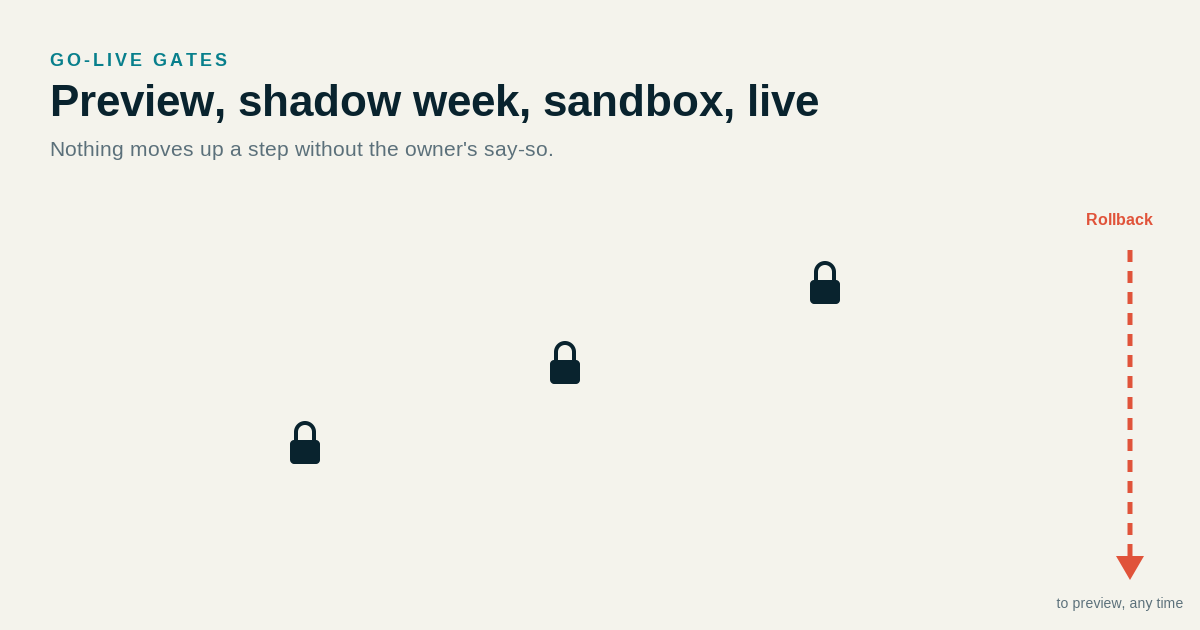 Four steps up, with a lock between each
The short version
| Step | What runs | What QuickBooks sees | Passes when | Typical time |
|---|---|---|---|---|
| 1 Preview only | Live data in; the app proposes each line | Nothing | Every proposed line is explained and every needed item exists | 2–3 days |
| 2 Shadow week | Field users code, owner approves, accounting codes the same expenses by hand | Nothing | The app matches accounting on 95%+ of lines, and every miss is explained and fixed | 5 working days |
| 3 Sandbox test | The full write path, against a test company | A test company | Every write passes the safety checks and lands as expected | 1–2 days |
| 4 Live, with sign-off | Real writes: one expense, a small batch, then all | Your real books | 20+ live expenses on the right cost code; totals, vendors and payment accounts never change; every write in the audit log | 3–5 days to the gate |
The 95% figure is our suggested starting point. Agree your own threshold with the owner before step 1.
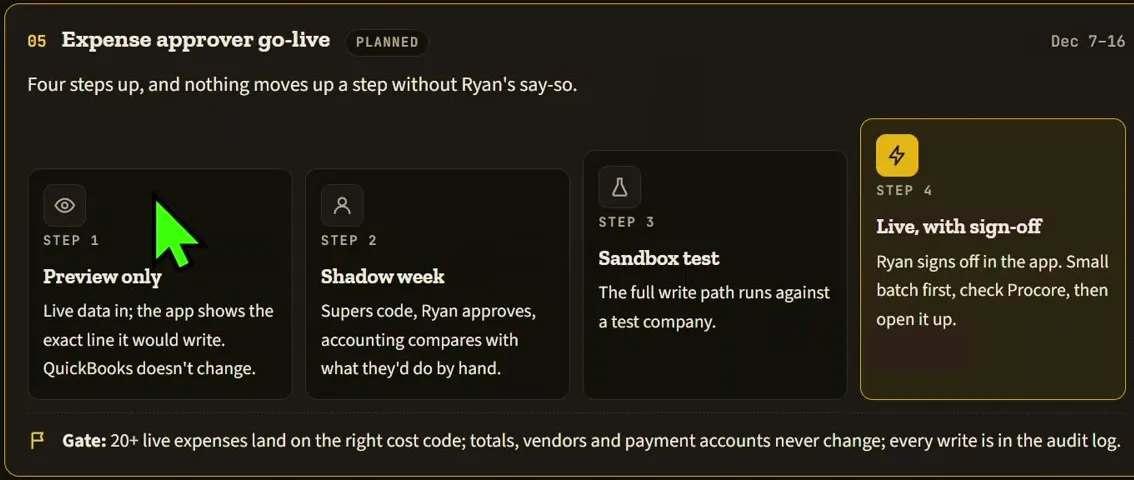 The four steps as shown on the roadmap
Before step 1: what has to be true
Don't start the go-live steps until the earlier stages of the rollout roadmap have passed their gates:
- Every connection is green and has passed its self-test.
- The cost-code mapping is agreed, and the projects and cost codes in the app match Procore.
- Two or three known jobs tie out to the last month-end.
- The owner has named who approves, and who in accounting will do the comparison.
- Everyone has agreed the pass thresholds below, in writing.
If tie-out isn't done, a shadow week will spend its time on data problems that have nothing to do with the writes.
The three locks
Before the steps, it helps to know what stops a write from happening by accident. In the Cattlemen app, three separate locks decide the write mode, and the mode in effect is the lowest of the three:
- The server ceiling. Set by us in the hosting environment: preview, sandbox or live. It defaults to preview.
- The in-app setting. Changed by a contractor admin. It can never go above the server ceiling.
- A recorded sign-off. To go live, the admin types a confirmation phrase saying the owner signed off. That goes into the audit log.
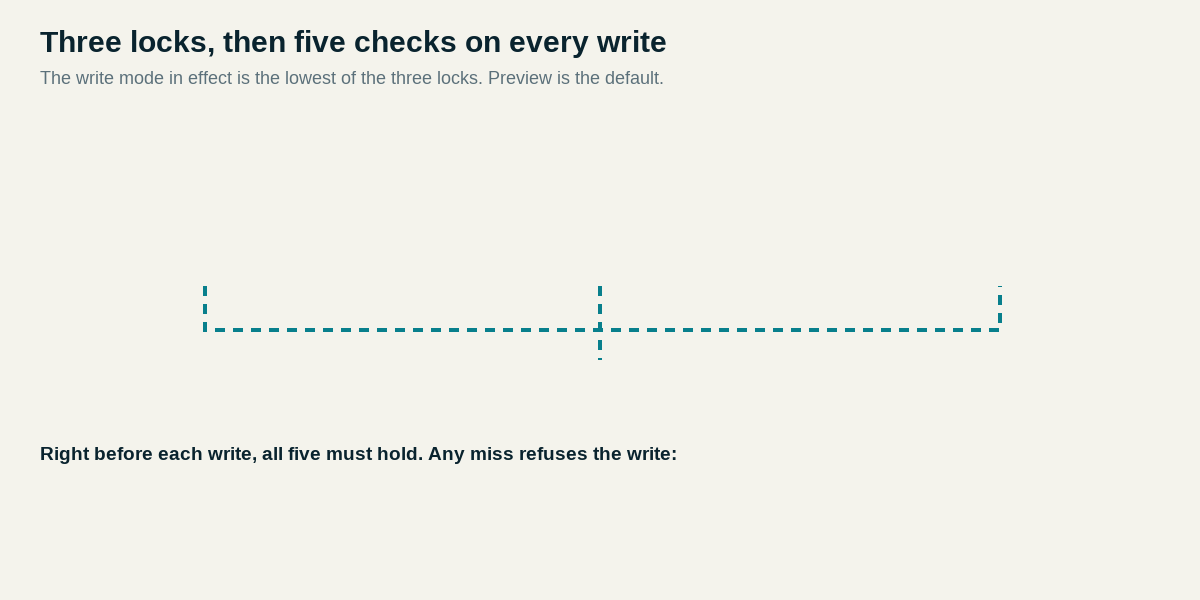 Three locks, then five checks on every write
Then, right before each write, the app checks five things and refuses the write if any fails:
- The total amount is unchanged.
- The vendor is unchanged.
- The payment account is unchanged.
- The transaction date isn't in a closed period.
- The QuickBooks item already exists. The app never creates items; a missing one is flagged for a person.
Every write is logged with the before and after values, who approved it and QuickBooks' response. The thinking behind these rules is in safe QuickBooks write automation guardrails.
Ask any vendor whose software will write to your books how many locks there are, who holds each one, and what the default is. If the answer is "it's live as soon as you connect," that's your answer.
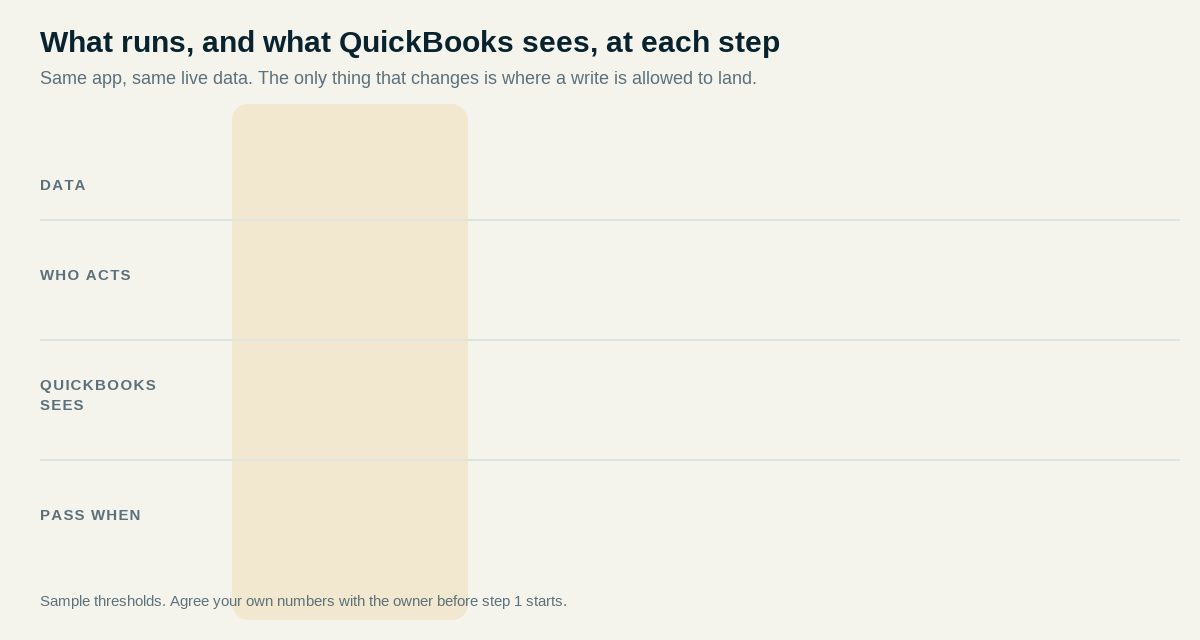 What runs, and what QuickBooks sees, at each step
Step 1: Preview only
What runs. Real card spend comes in from Ramp and real transactions from QuickBooks. For each coded expense the app shows the exact line it would write: the service item (for example 26-004-09-300.M, which is project number, cost code and cost type), the description, the amount and the project. QuickBooks doesn't change.
What to look at. Go through every proposed line with the person who knows the books. You're looking for three kinds of problem:
- Missing items. A cost code that has no QuickBooks service item yet, usually because there's no budget line for it in Procore, so Procore's connector never created the item.
- Wrong defaults. A mapping that sends a category to a cost code nobody would choose.
- Lines the app shouldn't touch. Anything linked to a payment, anything in a closed period, overhead that isn't job cost.
Pass. Every proposed line has an explanation the bookkeeper agrees with, and every item the lines need exists in QuickBooks.
Fail. Any line nobody can explain. Fix the mapping or the item and run preview again.
How long. Two or three days, usually overlapping the end of tie-out.
Step 2: Shadow week
Shadow week is the step most rollouts skip, and the one that finds the most problems. For five working days the whole process runs as if it were live: field users code their expenses from their phones, the owner approves them, and the app records what it would write. Accounting, separately, codes the same expenses by hand the way they always have. Then you compare.
 Shadow week: compare every proposed line
What to compare, line by line:
| Field | App's proposed line | Accounting's line | Should match? |
|---|---|---|---|
| Service item (project-cost code.cost type) | From the user's pick | From accounting's judgment | Yes. This is the main test |
| Project | From the item | From the item | Yes |
| Amount | Unchanged from the original | Unchanged | Always. A difference is a bug |
| Vendor and payment account | Unchanged | Unchanged | Always |
| GL account tag in the description | Added by the app | Usually absent | No, but accounting should be happy with it |
| Date and period | Original date | Original date | Always |
Pass. We suggest 95% or more of lines match accounting's choice, every mismatch has a written cause, and each cause is fixed at its source: the mapping, a Procore budget line, a user's habit, or a rule in the app. Also check the people side: approvals happen within a day or two, and field users code without calling anyone.
Fail. A match rate below the threshold, any change to an amount, vendor or payment account (even proposed), or a mismatch nobody can explain. Fix and run another shadow week, or at least another few days.
A mismatch isn't always the app's fault. Sometimes the field user picked a reasonable code and accounting would have picked a different reasonable code. Those are worth a conversation, because the owner needs to decide whose judgment wins before the system goes live.
How long. Five working days. Shorter than that and you won't see enough variety in the card spend.
Step 3: Sandbox test
What runs. The full write path, end to end, against a QuickBooks test company instead of your real books. Intuit provides sandbox companies for developers, and Procore offers developer sandboxes for testing apps. We replay the expenses approved during shadow week through the real write code.
What to check.
- Each write lands as an item line with the right service item, amount and project.
- The five safety checks fire when they should. Deliberately try a closed-period date, a changed total and a missing item, and confirm each one is refused and flagged.
- Every write and every refusal is in the audit log with the before and after values.
- Turning the write mode back to preview stops writes immediately. Practice this now; it's step 1 of the rollback plan.
Pass. Every write passes the safety checks, every refusal happens where it should, and the audit log has all of it.
Fail. Any write that changes something it shouldn't, any refusal that doesn't happen, or any write missing from the log.
How long. One or two days. If a sandbox company isn't available or doesn't mirror your setup closely enough, say so and lean harder on shadow week and a very small first live batch. Sandbox companies don't always have the same items, settings or Procore connection as production, so treat this step as a test of the code path more than of your data.
Step 4: Live, with sign-off
What runs. Real writes to your books, in three widening circles:
- One expense. A low-value one. Write it, open it in QuickBooks, check the line. Wait for Procore's next sync and check that the cost shows up on the right cost code in the job's direct costs.
- A small batch. Ten or so, across two or three projects and several cardholders. Same checks.
- Open it up. All approved expenses flow.
Who signs off. The owner, in the app, and the sign-off is recorded. For Cattlemen that's Ryan Blankers. Not the builder, and not the bookkeeper on the owner's behalf.
The gate for the whole stage. From the Cattlemen roadmap: "20+ live expenses land on the right cost code; totals, vendors and payment accounts never change; every write is in the audit log."
How long. Three to five days to reach the gate, depending on how fast real card spend comes in.
The rollback plan
Write this down before step 1 and practice the first step during the sandbox test.
 If a live write looks wrong
- Stop. Set the write mode back to preview. In the Cattlemen app, either the server ceiling or the in-app setting does it, and the server ceiling caps every write path at once. Approvals can keep queueing; nothing gets written.
- Preserve. Export the audit log for the window, take a database backup and keep the hosting logs.
- Assess. List every write in the window from the audit log: who approved it, what the line was before, what it became, and what QuickBooks said.
- Correct. Work with accounting to fix the wrong lines in QuickBooks, using the recorded before values. The app doesn't silently undo real writes; a person corrects them, deliberately. Then check Procore after its next sync.
- Re-enter. Go back to the step that would have caught it (usually shadow week), fix the cause and pass the gate again.
Because the safety checks stop any change to totals, vendors, payment accounts or closed periods, a bad write is a wrong cost code on a known line. Fixing it is a small correction, and the audit log tells you exactly which lines.
What the owner signs
At each step the owner should sign one line: the step, the date, the evidence and the decision. A sample:
| Step | Evidence | Decision | Signed |
|---|---|---|---|
| Preview | 46 proposed lines reviewed with the bookkeeper; 2 items added in Procore | Move to shadow week | Owner, date |
| Shadow week | 112 lines compared; 108 match (96%); 4 causes fixed | Move to sandbox | Owner, date |
| Sandbox | 30 writes; 3 deliberate refusals fired; audit log complete | Move to live | Owner, date |
| Live | 1, then 12, then 24 expenses; all in Procore on the right code; no total, vendor or payment account changes | Open it up | Owner, date |
The numbers above are sample data. The printable rollout gates checklist has this sheet ready to fill in.
Your next step
Before your integration writes anything, ask three questions: what does it write in preview, who compares it during shadow week, and how do you turn writes off in one move. If nobody can answer the third question, don't go past step 1.
For the stages before and after this one, see the rollout roadmap from proof of concept to live. For the job-cost problem these writes fix, see why Ramp bills show $0 in Procore, and for the app around it, the construction project operating system tour.
Need a hand?
If you're about to switch on writes to QuickBooks or Procore and want a second pair of eyes on the plan, or want us to run it, email charley@buildflows.ai or tell us what you're building.
References
- Intuit Developer: Create and test with a sandbox company
- Procore Developers: Developer sandbox environments
- Procore Support: About the QuickBooks Online integration
Frequently asked questions
What is a shadow week in an integration rollout?
A shadow week is a period, usually five working days, where the new process runs exactly as if it were live but writes nothing. Users code and approve as normal, the app records the line it would have written, and accounting does the same work by hand so the two can be compared line by line.
What is the difference between preview mode and shadow week?
In preview the app reads live data and shows the exact line it would write, so the team can check mappings and missing items. In shadow week real users also code and approve through the app, and accounting compares every proposed line with its own by-hand choice. QuickBooks doesn't change in either.
Do I need a QuickBooks sandbox company to test an integration?
A sandbox company lets the full write path run end to end without touching your books, so it is the safest way to test writes and deliberate refusals. Sandbox companies don't always mirror your items and settings, so treat it as a test of the code path and rely on shadow week and a small first live batch for your real data.
What should pass before an integration writes to QuickBooks live?
Preview lines explained, a shadow week match rate agreed in advance with every mismatch explained and fixed, sandbox writes and refusals behaving as expected, and the owner's recorded sign-off. The live stage then passes when 20 or more expenses land on the right cost code with no change to totals, vendors or payment accounts.
How do you roll back a bad QuickBooks write?
Set the write mode back to preview so nothing else is written, export the audit log and back up the database, list every write in the window with before and after values, correct the lines in QuickBooks with accounting, and pass the failed gate again before switching writes back on.
Who should sign off on going live?
The business owner, recorded in the app. Not the builder and not the bookkeeper on the owner's behalf. In this example the admin types a confirmation phrase that the owner signed off, and it is written to the audit log.
Next step
Need this connection in your environment?
Scope one integration: the records, direction, timing, and business rules behind the connection.
Prefer email? charley@buildflows.ai
Keep learning
Playbooks · November 19, 2026
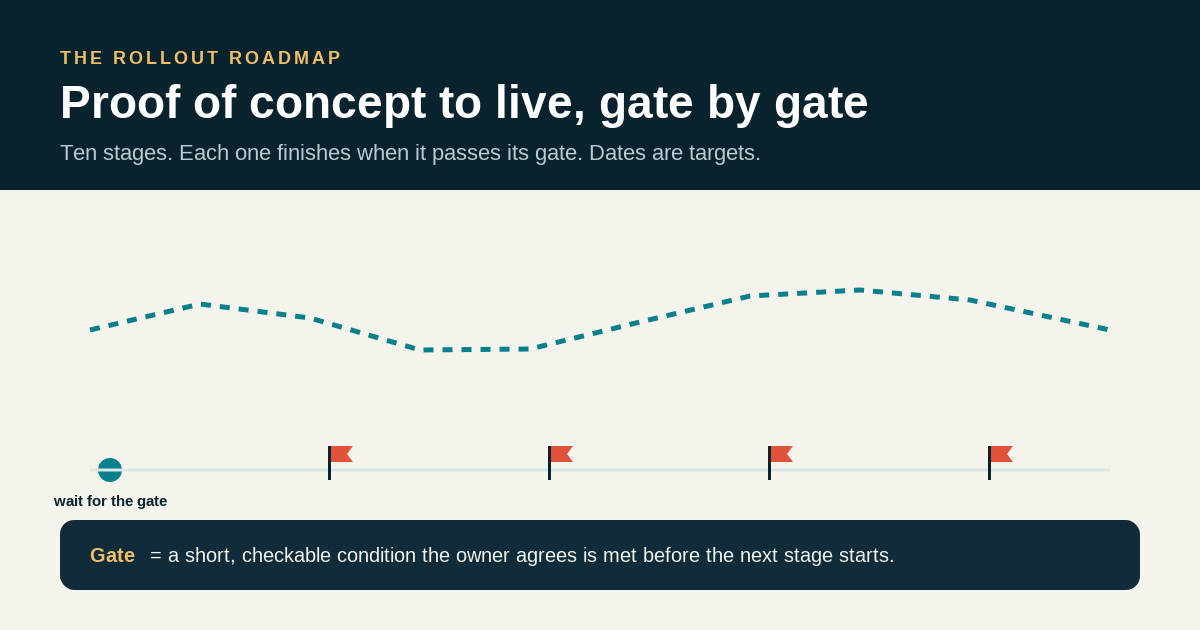
Construction Software Rollout Roadmap: From Proof of Concept to Live, Gate by Gate
The rollout roadmap we walked Cattlemen Construction Services through after building a proof of concept on sample data: proof of concept, agree and sign, access and secure setup, live data and cost-code mapping, tie out the numbers, expense approver go-live (preview, shadow week, sandbox, live), tailor and roll out, SharePoint folders and Convert to won, connecting an AI vendor, and run and improve. For each stage: what happens, what the contractor provides, what the builder does, the gate that ends it and how long it usually takes. About six weeks from signature to fully live, with dates as targets and gates as the real finish line.
Workflow automation · November 19, 2026
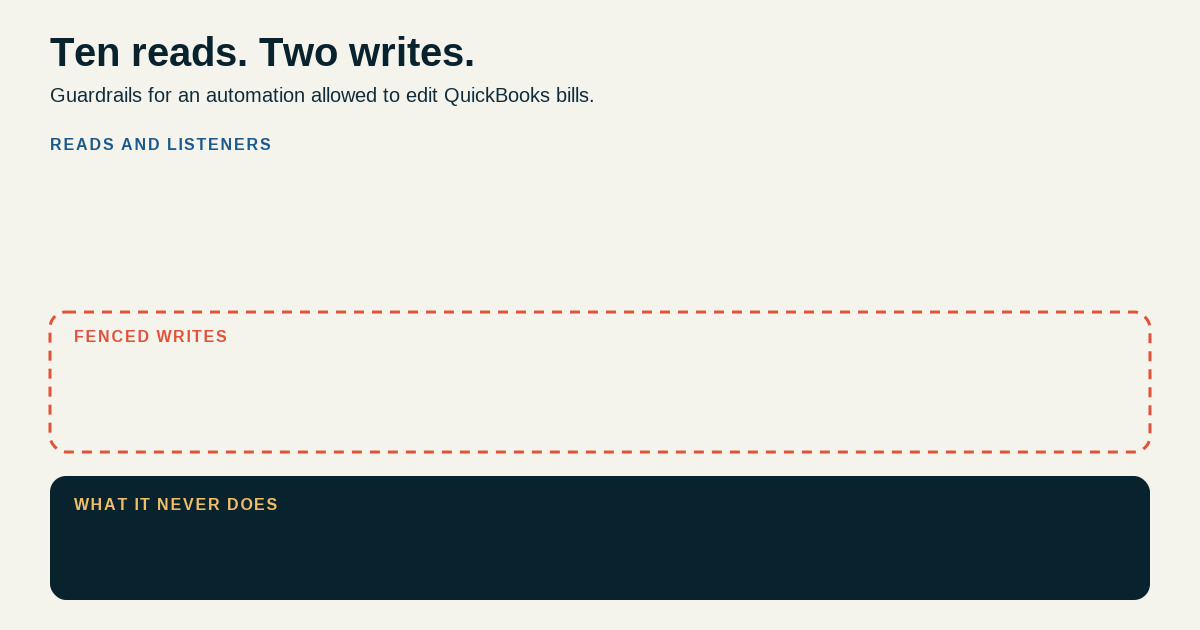
Guardrails for an Automation That Writes to QuickBooks: Ten Reads, Two Writes
From a real job-cost plan for Cattlemen Construction Services: the rules for an automation that rewrites Ramp bills in QuickBooks Online so Procore's QuickBooks Online connector can read them. It covers the full endpoint map (ten reads and two fenced writes across QuickBooks, Ramp and Procore), dedicated integration users, the sparse update with SyncToken, the never list (amounts, vendors, payment links, closed periods, item creation), confidence scoring and a review queue, idempotent re-runs, logging, a nightly reconciliation that never types into Procore, shadow mode with a 20-in-a-row gate, and a risks and controls table.
Playbooks · November 19, 2026
Prove a Job-Cost Fix First: Re-Code Three Ramp Bills by Hand in QuickBooks Online
A step-by-step hand test that proves a Ramp to QuickBooks Online to Procore job-cost fix before anyone builds automation. Pick three paid Ramp bills on synced projects with three cost types, capture the before state in Ramp, QuickBooks and Procore, check the closing date and each service item's expense account, move each Category details line to an Item details line on the Procore-created service item with the same amount and description, confirm the bill is still paid with its payment linked, run an on-demand Procore job cost sync, and read the budget. Includes pass and fail rules for Gate B, what each failure means, the four-gate rollout that follows, and a printable worksheet. From the job-cost flow plan written for Cattlemen Construction Services, shown with sample data.