Key takeaways
- Ramp syncs card transactions to QuickBooks Online as expenses with Category details lines. Procore's QuickBooks Online integration builds job costs from Item details lines tied to a cost code, so card spend can show $0 in Procore even when it is coded to the job in QuickBooks.
- It can't be fully automated: one GL account such as Supplies & Materials belongs to many Procore cost codes, and cardholders only see GL categories. A person has to pick the cost code.
- The agreed fix is a hosted coding portal: each user signs in, sees their uncoded expenses, picks a cost code and presses Approve, and the QuickBooks expense is rebuilt with an Item details line that Procore picks up.
- An admin view, reassignment, bulk approval and an audit log let one person control where costs go without checking everyone's work by hand.
- A GL to cost code mapping sets defaults and shortens the pick list. The GL account is tagged in the line description so accounting keeps its view.
- The portal sits inside a larger role-based operating system with WIP, cash and an adjustable KPI scorecard, plus SharePoint folder and Procore convert-to-won automations.
- The OS embeds in the client's separate AI platform through an iframe and exposes data through a secure API or MCP server. Access control is the main risk to design for.
24 seconds · From a Build Flows walkthrough
Automate so you can hire performers, not administrators
The reason a young GC invests in integrations: every hour not spent moving data between systems is an hour a good hire spends on the work.
Read the clip transcript
Hi. Finding good help is difficult and then managing the good help is also difficult, especially from like a cash flow standpoint. And so I really see so much value in just trying to like automate our system so that we can hire. We can hire performers rather than administrators. And I think I think it's it's just a it's
Captions adapted from the source video; proper names may reflect automatic transcription. Original segment: 2:53–3:16. Watch at the source.
39 seconds · From a Build Flows walkthrough
The liability hole: card costs missing from WIP
Subcontractor invoices already run through Procore. The gap is ad-hoc card spend, and it makes WIP and cash forecasting unreliable.
Read the clip transcript
[—] my business partner and we were just talking about how we have a kind of like a liability hole right now on our end where we're not getting like a full picture of WIP and uh we think that Procore has capabilities of it and we're pretty much running all of our um subcontractor invoices through there we have like I said we have a gap right now where we're not seeing some of these like these ad hoc costs that are coming through from uh credit cards and whatnot um so I don't I think our WIP is is it's not it's not where we want it to be right now and it's creating issues for us
Captions adapted from the source video; proper names may reflect automatic transcription. Original segment: 25:02–25:41. Watch at the source.
Cattlemen Construction Services pays for a lot of small job costs on Ramp cards: a run to the hardware store, materials picked up on the way to site, fuel, an equipment rental. Every one of those charges syncs into QuickBooks Online against the right job. Then Ryan Blankers, Cattlemen's co-founder, opens the same job in Procore and the card spend isn't there. The job cost report shows $0 for it.
This guide walks through the discovery call where we worked out why, and what we agreed to build. It covers the root cause, why it can't be fixed with a switch, the expense coding portal we designed, the mapping exercise behind it, and the bigger operating system Ryan wants around it. Cattlemen is a young general contractor and design-build firm in Fort Worth, Texas. Ryan agreed to let us share the call. You can watch the recording or read the walkthrough here.
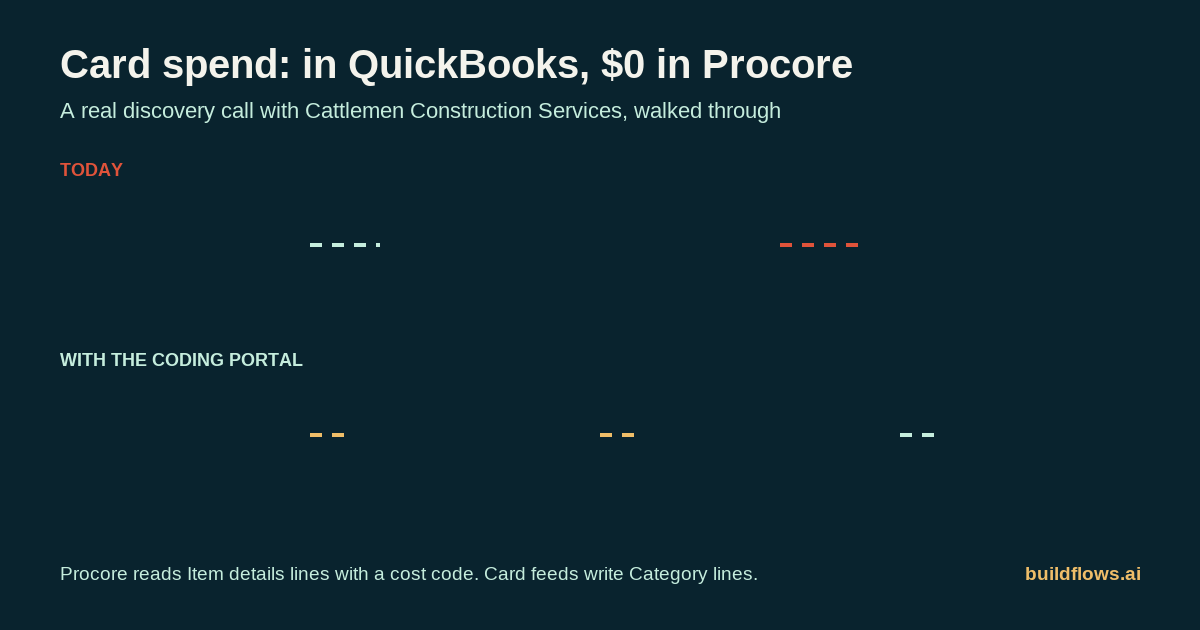 Card spend reaches QuickBooks but not Procore
The short version
| Question | What we found on the call |
|---|---|
| Why does Procore show $0 for card spend? | Ramp writes QuickBooks expenses with Category details lines (a GL account). Procore's QuickBooks Online integration brings in job costs from Item details lines tied to a cost code. |
| Can it be automated end to end? | Not fully. One GL category maps to many Procore cost codes, and cardholders only see GL categories. A person has to pick the cost code. |
| What's the fix? | A small hosted web app where each cardholder picks a cost code and presses Approve. The QuickBooks expense is rebuilt with an Item details line, and Procore picks it up. |
| What else came up? | A role-based "Cattlemen OS" dashboard with KPIs, flatter SharePoint project folders, a Procore "convert to won" automation, and embedding all of it into the AI platform Cattlemen is building with another vendor. |
| Timeline | 1 to 2 weeks once credentials are provisioned |
The problem: a hole between the card and the job
Subcontractor invoices at Cattlemen already run through Procore, so the big commitments show up where they should. The gap is everything bought on a card. Those costs are real, they're coded to the job in QuickBooks, and they're missing from Procore's view of the job.
Ryan described it as a liability hole. Work in progress "isn't where we want it," and cash forecasting is harder than it should be, because the project team is looking at Procore and Procore is short.
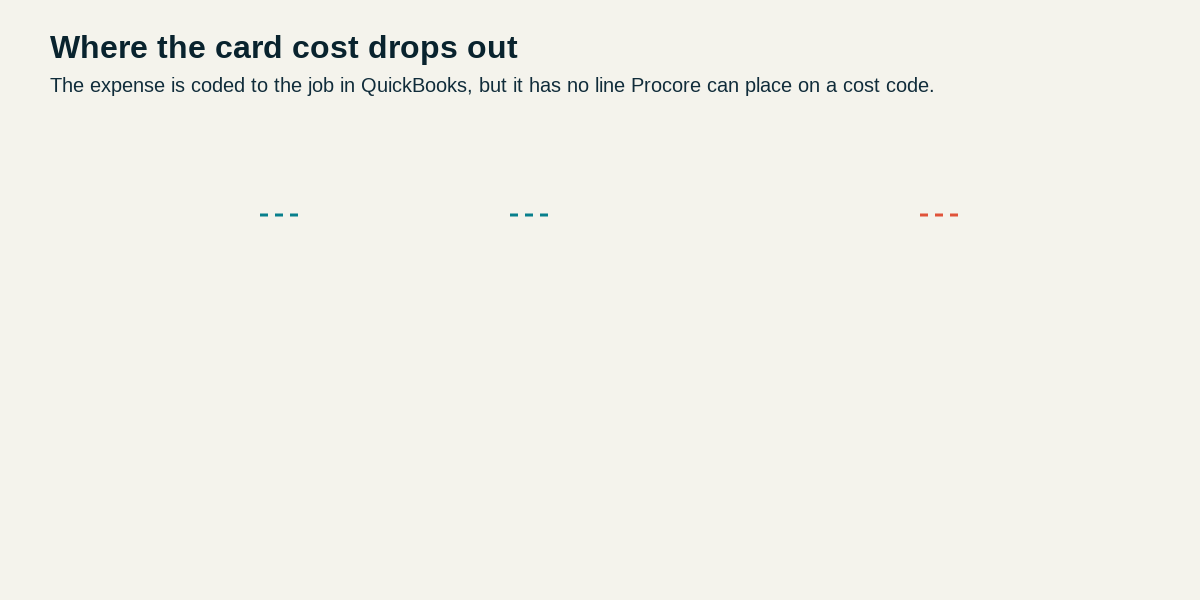 Where the card cost drops out
On the call we opened one of these card expenses in QuickBooks together. The Category details section was filled in: the GL account, a description, the amount, the customer and project, and a class. The Item details section was empty. Procore's integration was doing what it's built to do. It looks for item lines with a cost code, and this expense didn't have one.
To check the theory, we added an Item details line to that expense using a Procore cost code product (Lighting + Controls) so we could see the shape of the fix. That one test answered Ryan's question from earlier in the call about how a Ramp charge was ever supposed to get a cost code: "Is that some voodoo magic that happened behind the scenes?" It isn't. Someone has to put it there.
The full explanation of the two line types, the fields each one carries and how to check your own transactions is in QuickBooks Category details vs Item details.
Why it can't be fully automatic
The first instinct is to map each QuickBooks category to a Procore cost code and let a script do the rest. That breaks quickly, because the relationship isn't one to one.
Cattlemen's chart of accounts follows a common pattern: the 5000s are cost of services, the 7000s are general and administrative. A single cost-of-services account like Supplies & Materials can belong to a dozen Procore cost codes: electrical systems, lighting controls, plumbing, finishes and so on. Nothing on the card transaction says which one.
The person holding the card doesn't help much either. Ramp shows cardholders GL categories, not project cost codes. Ryan was realistic about that: "If I go swipe something, it's probably going to supplies & materials." Asking superintendents to learn a cost code list on a card app isn't going to work.
So a human has to choose the cost code. The design question became: who, where, and how little effort can it take? Ryan had two firm requirements:
- "I'm trying to make this as intuitive as possible."
- "I don't want to create myself another job of having to go check somebody."
And one about control: "I want one person to be able to control where it goes."
The agreed solution: an expense coding portal
What we agreed on is a small web app, which I described on the call as "a simple React app, hosted." Ryan called it a jumper, or a hub, between systems. It does one job: get a Procore cost code onto each card expense with the least work possible.
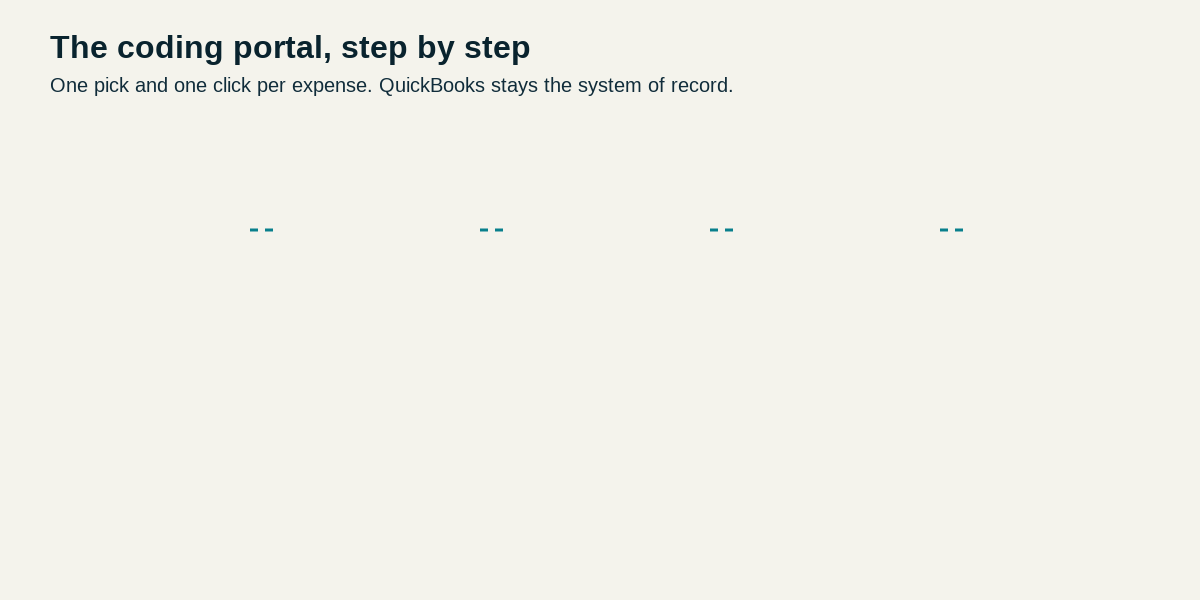 How the coding portal works
How it works:
- Each user signs in with their own email and password. The app sits behind authentication.
- They see their own Ramp expenses that haven't been coded yet. The description and GL category are already there from Ramp, so they aren't typing anything twice.
- They pick the Procore cost code from a list. Where the mapping suggests a default, it's pre-selected.
- They press Approve.
- The QuickBooks expense is regenerated with Item details for that cost code. Description, quantity, rate and amount carry over from the category line. The GL account (for example 5010) is tagged in the description so accounting can still see where it came from.
- Procore picks it up on its next sync as an actual cost against the job.
Around that core there are a few pieces that make it safe to run:
- An admin, or super-user, view. One person sees every user's expenses, can reassign an expense to someone else, and can bulk approve. This is Ryan's "one person controls where it goes."
- An audit log of every sign-in, assignment and submission, so nobody has to check work by hand. If a cost lands in the wrong code, the log says who coded it and when.
- Notifications along the lines of "you have 5 expenses to code," with optional email reports.
The full design, including approval rules and what to log, is in Construction expense coding portal: approval workflow.
The portal doesn't replace Ramp or post to Procore directly. QuickBooks stays the system of record for the cost, and Procore reads it the same way it already reads item-based bills.
The mapping exercise
Even though a person picks the final cost code, a mapping between QuickBooks categories and Procore cost codes does most of the work. It narrows the pick list and sets sensible defaults.
The example I gave Ryan: a bill where GL 5000 is associated with Procore cost code 2001. The line item shows 2001, and 5000 is tagged in the description. Accounting sees its GL account, Procore sees its cost code, and both are on the same line.
The steps:
- Export the 5000-series categories from QuickBooks (or Ramp's category list, if it's the same).
- Export the Procore cost code list.
- For each category, list every cost code it can belong to.
- Where a category maps to exactly one cost code, make that the default and let the portal pre-select it.
- Where it maps to several, the portal shows only those codes, so the pick is short.
- Review the mapping after a month of real use and tighten it.
Our GL to Procore cost code mapping guide goes through this in detail, and you can start from the mapping template (CSV).
Hosting
Cattlemen doesn't host software today. Their website sits on a shared host and that's it. So Build Flows hosts and manages the portal: the server, the API keys for QuickBooks, Procore and Ramp, and monitoring. If Cattlemen later wants it in their own Azure environment, it can be handed over to a VM they own. That option keeps the client in control of where their data and keys live over the long run.
The bigger picture: a Cattlemen OS
Partway through the call the conversation moved from one integration to the whole operation. Ryan had seen Build Flows' operating-system dashboards and wants one for Cattlemen, white-labeled: Procore and QuickBooks (and Ramp) in one view.
What he described:
- Role-based views. Field staff and project managers see their projects. Executives see everything.
- WIP and cash in one place, so the forecasting problem from the start of the call has a home.
- A KPI scorecard. Ryan was candid: "I couldn't tell you what good looks like right now. I know what good feels like, but I couldn't tell you how to measure it." He wants an out-of-the-box KPI set with tolerances he can adjust as he learns what his numbers should be. Our construction KPI scorecard starter set is where we'd begin.
- The expense portal inside the same app, not as a separate tool.
Ryan's strategy for getting data in was clear: "Procore is kind of my vehicle, my Trojan horse." Everyone works in Procore, and Procore feeds the dashboard and the AI layer.
My point back to him was about inputs. The analysis is only as good as what goes in. So the order is:
- Standardize inputs in Procore. Decide which fields get filled, by whom, and how often (weekly is a good start).
- Score them. Turn those inputs into KPIs with tolerances.
- Validate each data point against its source of truth. Sit down with the people who own the numbers and check the dashboard against QuickBooks and Procore until they trust it.
Ryan also asked a side question that comes up a lot: should a contractor at Cattlemen's stage move from QuickBooks Online to Sage 100? My answer was that many contractors start on QuickBooks, which is great for quick invoicing. Sage handles cost-code structure and one-off cases better. Many firms move on to Sage or Spectrum, and larger ones to CMiC or Vista. A lot of it comes down to preference. The longer version is in Sage 100 vs QuickBooks Online for contractors.
SharePoint project folders and "convert to won"
Cattlemen keeps project files on one SharePoint site, nested several levels deep (Documents, then Active, then Projects, then client, then project). Ryan works from OneDrive sync. It works, but it's slow to navigate and hard to report on.
What he wants:
- Flatter folders with metadata. Project numbers in the format YY-NNN (26-001), each project linked to its client.
- Client-level material stays at client level. Drone photos, qualifications and supplier documents that apply across projects live with the client, not copied into each project.
- Views by role. Executives browse by client. PMs and superintendents browse by project.
The project lifecycle shaped the automation. An RFP arrives and a folder is created. The team estimates. Only if the job is won does it go to Procore. Lost bids never reach Procore.
So we agreed on two automations:
- Create new project. A form takes the project name, number and client, creates the standard folder set from a template, and lists the project on a Projects page with drill-down to its files. A typical template covers buyout, change orders, contracts, estimating, drawings, inspections, permits, photos, RFIs, schedule, submittals, subcontractors and closeout.
- Convert to won. One action creates the Procore project from the same record, so names and numbers match.
We built something similar for Connect, where creating a project also created its OneDrive folder set. The folder template and metadata design are in SharePoint and OneDrive project folder structure for contractors.
Embedding into Cattlemen's AI "brain"
Ryan is also working with a separate AI vendor on what he calls Cattlemen's brain: an aggregator that uses several language models over SharePoint, Outlook, calendars and text messages, and acts on them. His requirement for everything we build: "I want it to be one system if possible." He doesn't want two separate tabs in his browser.
We agreed on a clean split. Build Flows builds the integrations and the operating system. The vendor builds the brain. The two meet in two places:
- The OS embeds in their platform through an iframe, with authentication kept, so users see it inside the brain without signing in twice.
- The OS exposes its data to their agents through a secure API key or an MCP server. An agent can ask "what's billed to date on job 24-017?" and get the answer from the same numbers the dashboard shows.
The risk I flagged was access control: who has access to view what. A brain that can read everything will happily tell a superintendent what the executives see. Ryan is already working on "gates" for this. Our side has to respect the same roles in the iframe and the API. Both workstreams run in parallel. More on the patterns in Embed a construction dashboard in an AI assistant: iframe, API or MCP.
Why any of this matters
Ryan summed up the goal: automate "so that we can hire performers rather than administrators." Construction runs thin margins on big budgets. A few points of operating efficiency, such as costs showing up on the right job the same week, are worth a lot more than they look on a project of that size.
Timeline and next steps
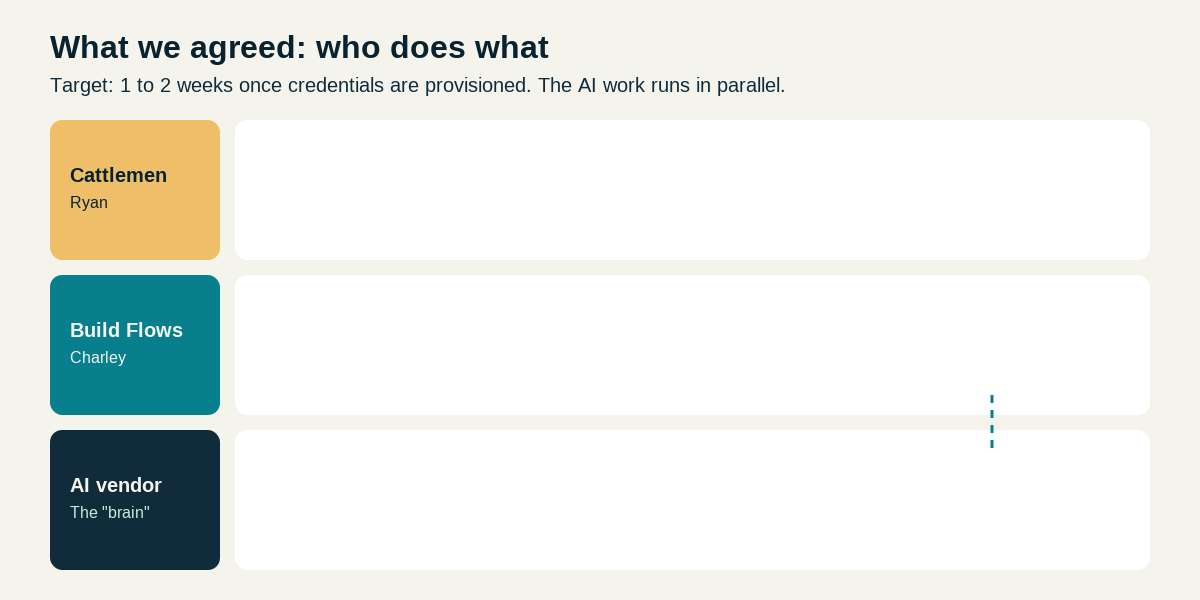 Who does what after the call
The plan is 1 to 2 weeks once credentials are provisioned. Next steps from the call:
- Build Flows: send a recap and a credentials list; build a proof of concept on sample data; demo it.
- Ryan: send the 5000-series category list and the Procore cost code list; name the portal users and admins; introduce the AI vendor.
- Credentials needed: QuickBooks Online, Procore, Ramp, and Microsoft 365 (SharePoint and OneDrive).
What to do if this is you
If your card spend shows in QuickBooks but not in Procore, start here:
- Open one card expense in QuickBooks Online. Is the Category details section filled and Item details empty? If so, that's the cause.
- Check your Procore QuickBooks integration settings and Procore's help pages for which transaction types and line types it imports.
- Check your card platform's accounting settings for any option to code to items or projects at the source.
- Export your cost-of-services GL accounts and your Procore cost code list.
- Map each GL account to every cost code it can belong to. Mark the one-to-one cases.
- Decide who codes: each cardholder, one coordinator, or both with an admin.
- Decide where they code: in QuickBooks, in a portal, or in the card app if it supports it.
- Keep an audit trail of who coded what.
- Re-check the Procore job cost report after the next sync to confirm the costs arrived.
The card spend to Procore checklist is a printable version of this list.
Watch the call
The full recording covers each part in order: the problem, the live check in QuickBooks, the portal design, the OS, folders and the AI brain. Screens in the published clips use our own mockups with sample data.
Need a hand?
If your card costs are stuck between QuickBooks and Procore, or you want an operating dashboard your team will actually use, we do this kind of work every week. Email charley@buildflows.ai or tell us what you're building.
References
Frequently asked questions
Why do Ramp card expenses show $0 in Procore?
In Cattlemen's setup, Ramp syncs each card transaction to QuickBooks Online as an expense with a Category details line: a GL account, description, amount, customer/project and class. Procore's QuickBooks Online integration builds job costs from Item details lines linked to a Procore cost code. The expense is on the job in QuickBooks, but it has no line Procore can place on a cost code.
Can I automatically map Ramp categories to Procore cost codes?
Only where one category belongs to exactly one cost code. Usually a category like Supplies & Materials spans many cost codes, such as electrical systems, lighting controls and plumbing, and cardholders don't see project cost codes. A mapping can set defaults and shorten the list, but a person still picks the code.
What is an expense coding portal?
A small web app between the card platform, QuickBooks and Procore. Each user signs in and sees their own uncoded card expenses with description and category already filled. They pick a Procore cost code and press Approve, and the portal rebuilds the QuickBooks expense with an Item details line for that cost code so Procore imports it as an actual cost. An admin can reassign and bulk approve, and every action is logged.
Does the coding portal post costs directly to Procore?
No. It updates the expense in QuickBooks Online, which stays the system of record. Procore picks up the item-based line through its existing QuickBooks integration, the same way it already reads item-based bills.
Who hosts a tool like this if the contractor doesn't host software?
On this call, Build Flows agreed to host and manage it, including the server, API keys and monitoring, with the option to hand it over to a virtual machine in the client's own Azure environment later.
How long does a project like this take?
The plan on this call was 1 to 2 weeks once credentials for QuickBooks Online, Procore, Ramp and Microsoft 365 are provisioned, starting with a proof of concept on sample data and a demo.
Can a construction dashboard plug into a separate AI assistant?
Yes. The approach agreed on this call was to embed the dashboard in the AI platform through an iframe with authentication kept, and to expose its data to the platform's agents through a secure API key or an MCP server. The main risk is access control: the AI layer must respect who can view what.
Next step
Need this connection in your environment?
Scope one integration: the records, direction, timing, and business rules behind the connection.
Prefer email? charley@buildflows.ai
Keep learning
Integrations · November 18, 2026
QuickBooks Category Details vs Item Details: Why Procore Shows $0 Job Cost
QuickBooks Online expenses, bills and checks have two line sections: Category details (account-based) and Item details (item-based). This guide compares the fields each carries, explains why Procore's QuickBooks Online integration builds job costs from item lines tied to a cost code, why card feeds like Ramp land as category lines, how to check a transaction in six steps, and three fixes: code at the source, re-code in QuickBooks, or a coding portal that rebuilds the expense with an Item line.
Integrations · November 18, 2026
Map QuickBooks GL Accounts to Procore Cost Codes (When It Isn't One-to-One)
A step-by-step guide to building a GL-to-cost-code mapping table for card spend, from a recorded discovery call with Cattlemen Construction Services. Export the cost-of-services accounts and keep G&A out, export Procore cost codes and cost types, set a default code and a short allowed list per account, flag one-to-many accounts like Supplies & Materials for a human pick, add keyword hints, route the rest to needs review, and keep the table current so it can drive an expense coding portal.
Integrations · November 18, 2026
Design a Human-in-the-Loop Expense Coding Portal for Ramp, QuickBooks and Procore
The expense coding portal designed on a recorded discovery call with Cattlemen Construction Services. Cardholders sign in and see only their uncoded card expenses, pick a suggested Procore cost code and approve; the portal rebuilds the QuickBooks Online expense with Item details and Procore's own integration brings it in as actual cost. Covers the admin view, notifications, roles, audit log, failure handling, idempotency, API scopes, hosting, the proof of concept and the metrics that show it's working.