Topic
Custom applications and portals for construction
Sometimes the right answer is software built around how your team actually works. These pieces cover when a custom application makes sense and how we build it on top of the systems you already run.
Start with the guides
Custom applications · October 10, 2026
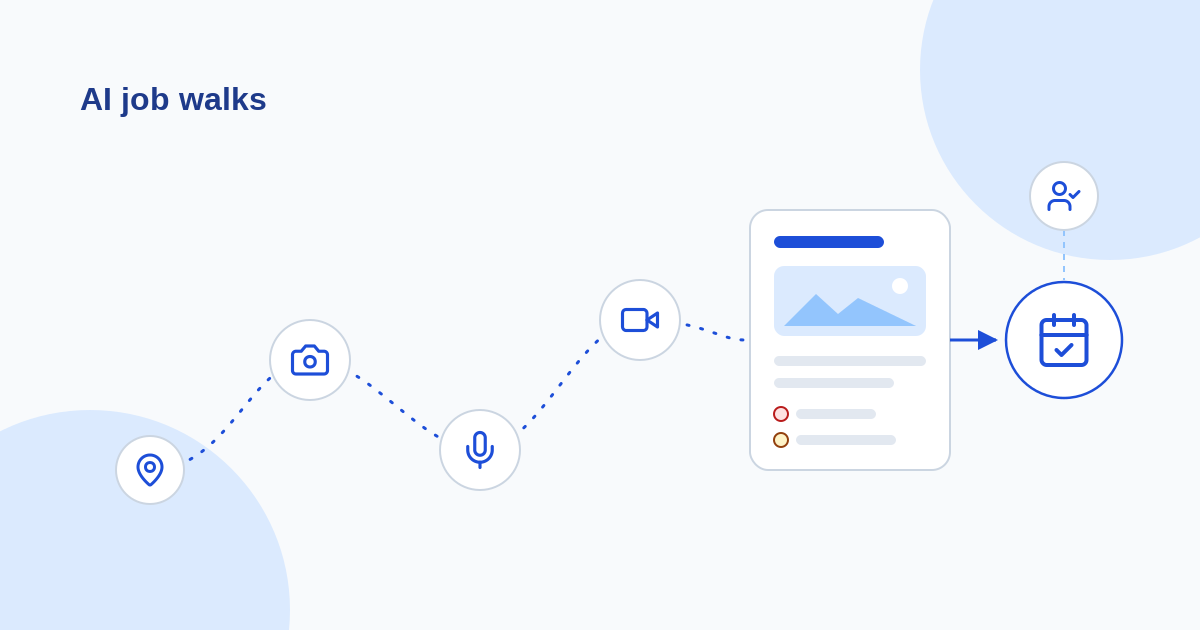
AI job walks: turning site audio, photos and video into reports and schedule actuals
A deep dive into how Connect's job walks buffer media offline, transcribe audio with Azure Speech, analyze photos with a vision agent, compose a report and record schedule actuals only after a person confirms them.
Custom applications · October 10, 2026
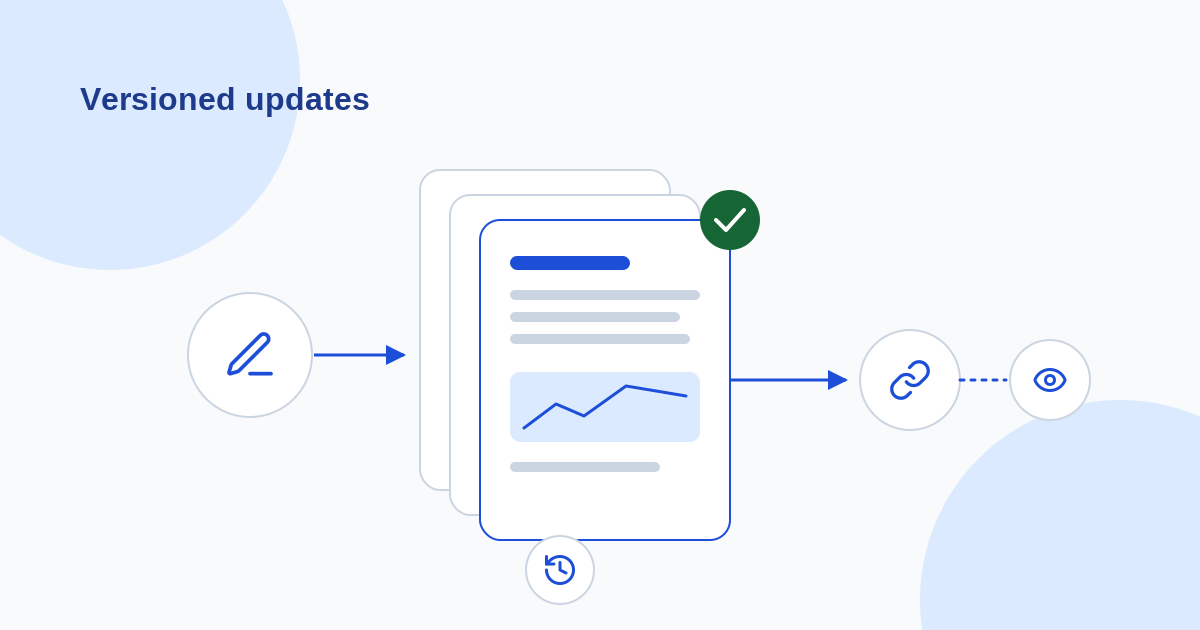
Versioned Client Project Updates, Written by AI and Approved by People
Connect turns the weekly client update into a versioned object: engines compute the facts, a model rewrites only the prose, a person publishes, and the client reads the approved revision through a hashed share link.
Custom applications · October 9, 2026
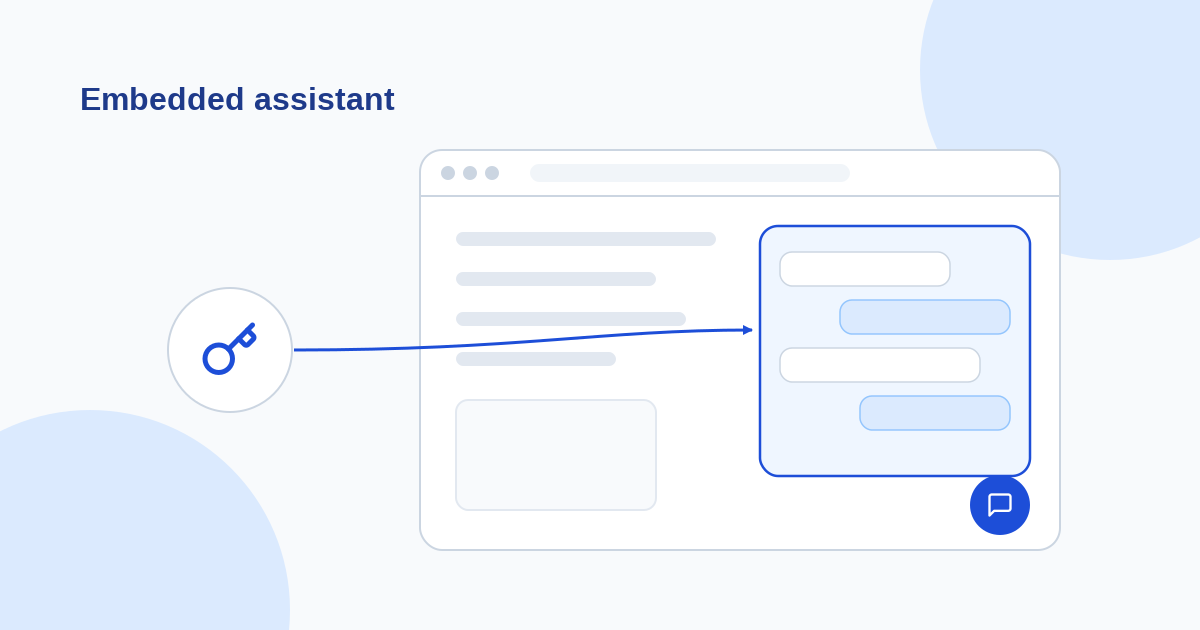
How to Safely Embed an AI Chat Widget in a Client Portal
The design behind Connect's embeddable assistant: a dependency-free loader, an isolated iframe, admin-minted embed tokens that are scoped, short-lived, hashed and revocable, and the checklist for embedding any AI assistant safely.
Custom applications · October 9, 2026
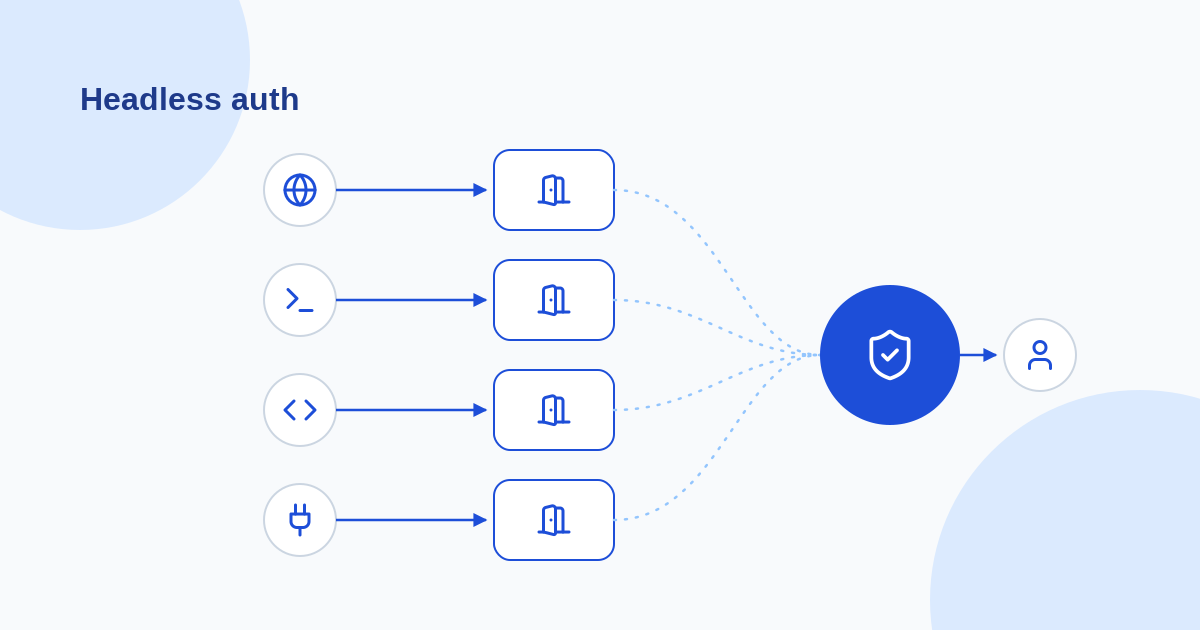
Headless Auth: Personal Access Tokens, Embed Tokens and One Door per Credential
How Connect handles browser sessions, CLI personal access tokens, cross-site embed tokens and MCP OAuth, with each credential confined to one route scope and resolved to the same authorization rules.
Custom applications · October 9, 2026
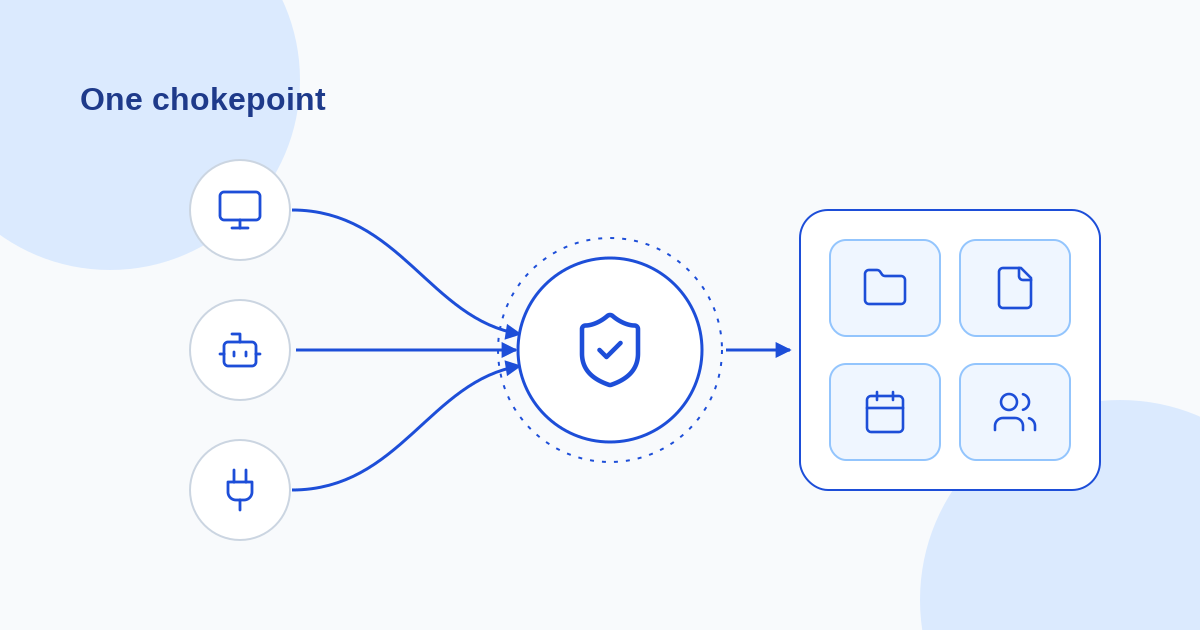
Multi-Tenant RBAC With a Single Authorization Chokepoint
A walkthrough of Connect's role-based access control: workspaces as tenants, an admin flag instead of an admin role, feature packages, one authorization function, and a route manifest that tests keep honest.
Custom applications · October 9, 2026
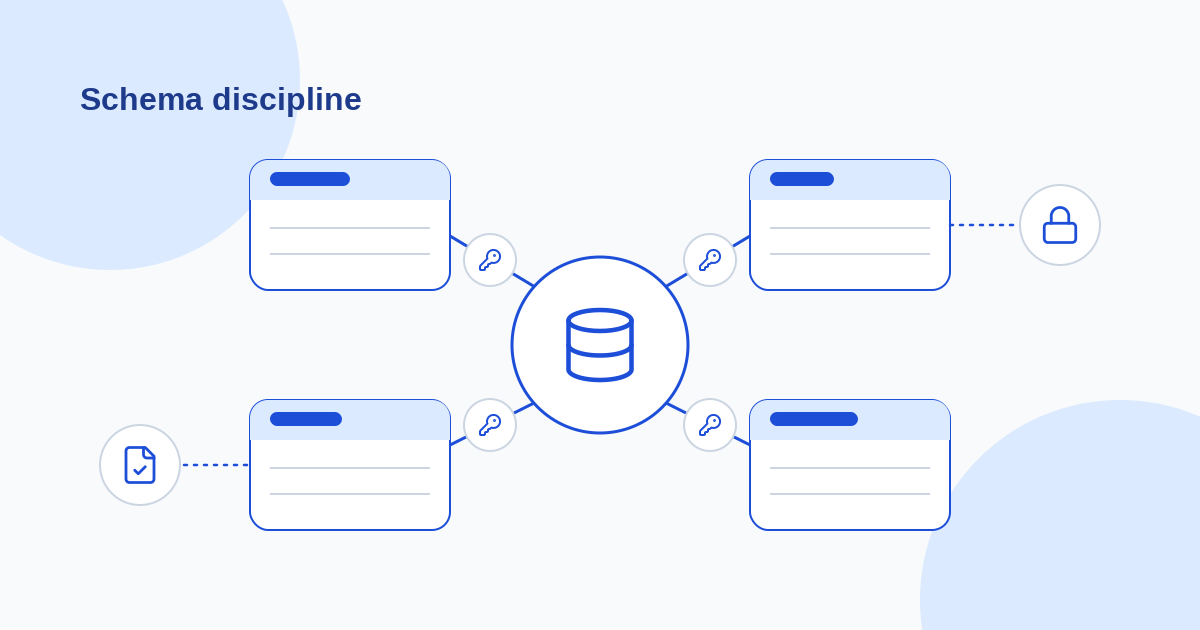
Postgres Schema Design for an Enterprise AI Platform: 120+ Tables, No ORM, Verified Migrations
A tour of the Postgres schema behind Connect, why it uses direct SQL instead of an ORM, how it splits work with DocumentDB, and the migration discipline that stops the server booting on a mismatched database.
Custom applications · October 9, 2026
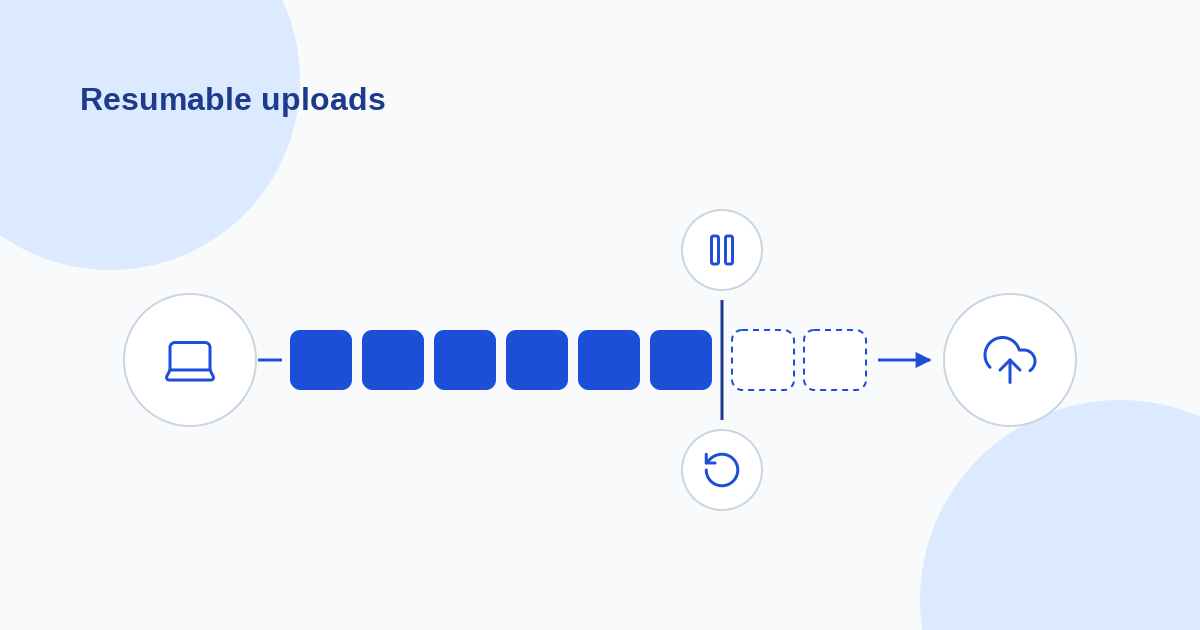
Resumable Large File Uploads to Azure Blob for Construction Files
An engineering walkthrough of Connect's Files layer: signed direct-to-blob uploads, server-side sessions that let multi-gigabyte uploads pause and resume, idempotent ZIP expansion, provenance and the handoff to indexing.
Custom applications · October 9, 2026
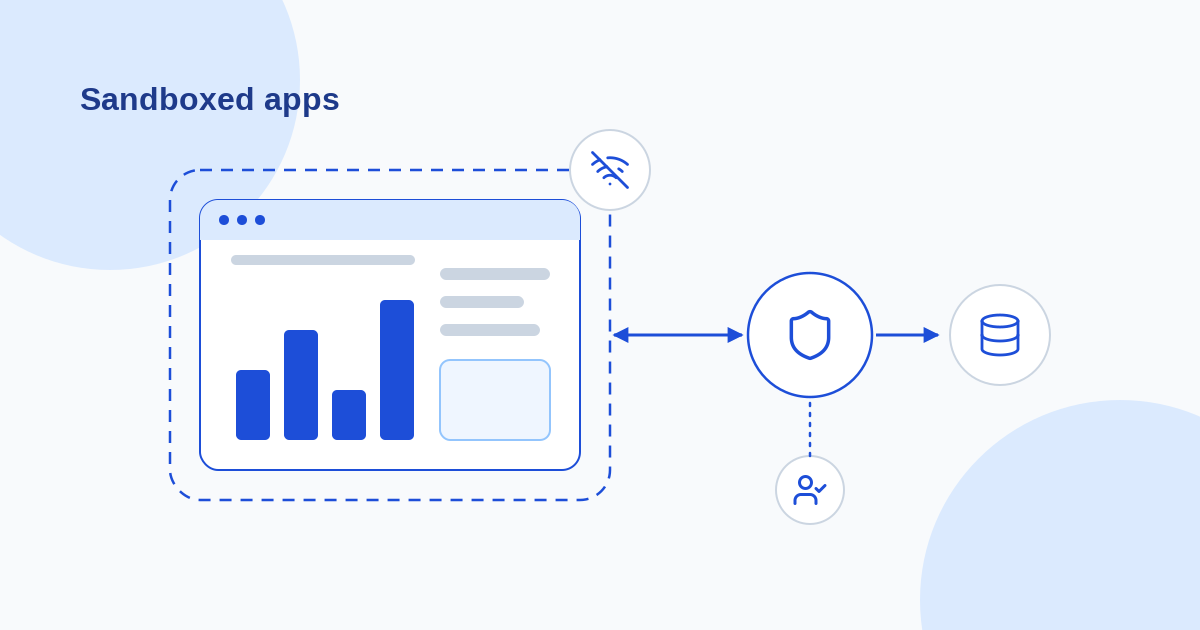
Sandboxed AI App Builder: Letting AI Generate Apps Without Your Database
AI-generated apps run in an opaque-origin iframe with no network, reach data only through an SDK bridge that runs named, pre-approved queries against scoped views, and are rendered and reviewed before a person installs them.
Real build breakdowns
Custom applications · November 19, 2026
A Contractor's Project Operating System, Screen by Screen: What Each Role Sees and Why
A screen-by-screen tour of the Cattlemen OS proof of concept built for Cattlemen Construction Services in Fort Worth, Texas, on sample data over QuickBooks Online, Procore, Ramp and Microsoft 365. Covers sign-in and Home, My expenses and the approvals queue that gets card spend onto Procore cost codes, the Projects list with convert to won and SharePoint folders, the project page tabs (overview, grade, job cost, expenses, subs, files), the weighted project grade, the month-end cost-to-complete close, the company dashboard, alerts, reports, the platform console with read-only view as, the help center and the AI brain connection through iframe, read-only API and MCP. For each screen: what it shows, which role sees it and why, with sample numbers and timestamps from the walkthrough video.
Custom applications · November 19, 2026
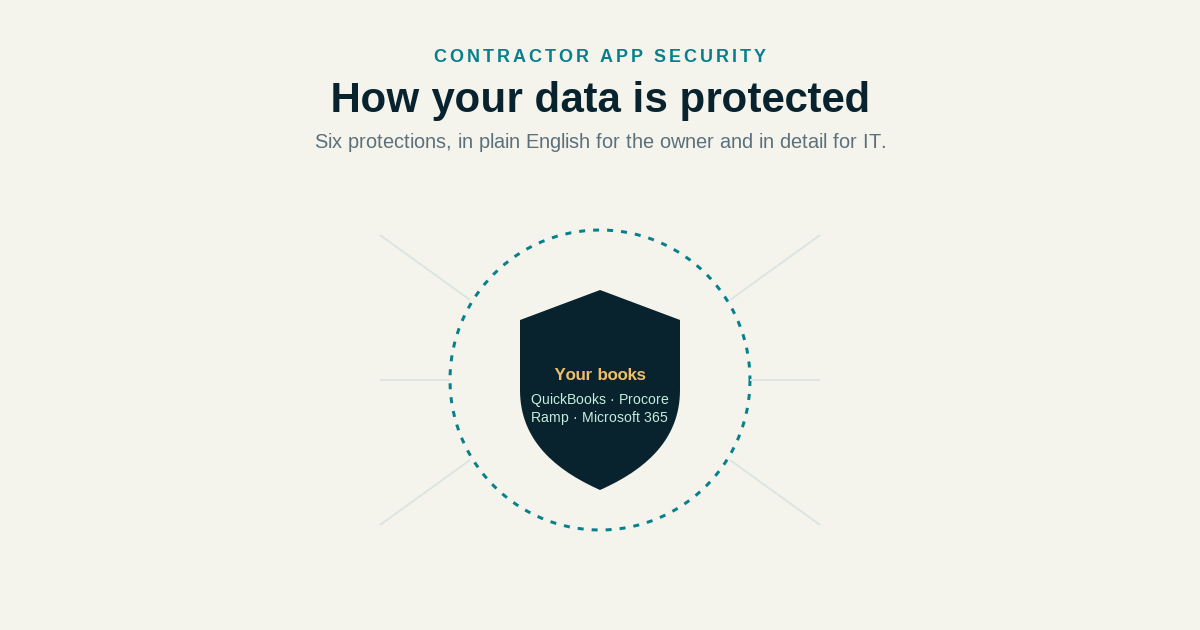
How Your Data Is Protected: Six Security Controls for a Contractor App, for Owners and IT
The six protections on the Cattlemen OS roadmap, each explained in plain words for the owner and in detail for their IT person: your own login (per-user sign-in, two-step for admins, session timeouts), see only your part (role capabilities and server-side scoping from field to super admin, a read-only view-as), approve don't share (OAuth connections, encrypted revocable tokens), QuickBooks guarded (three-lock write mode and write invariants), everything logged (150+ audit actions), and hosting with HTTPS, backups and an exit. Also covers read-only access for an AI vendor and a list of security questions to ask any vendor.
Custom applications · November 19, 2026
Roles and View-As in a Contractor App: Who Sees What, and How Support Checks Safely
The access model in the Cattlemen OS proof of concept for Cattlemen Construction Services in Fort Worth, Texas, shown on sample data. Five roles nest like rings: field users see only their own card expenses, project managers add team expenses and assigned projects, executives see all projects and financials, admins add users, connections, settings and API keys, and the BuildFlows super admin adds the platform console. Routes check capabilities rather than role names, and lists are filtered on the server. A super-admin-only view-as mode shows the app exactly as a user sees it, refuses any write that matters, logs every request under both identities and ends after 30 minutes by default. Also covers the audit log, sign-in and two-step rules, sessions, the platform console tabs, and offboarding.

Custom applications · October 9, 2026
Custom Client and Owner Portals for Contractors: Build or Buy?
A practical guide to owner and client portals for contractors: when the vendor portal is enough, what a custom one should include, and how to secure it, sync it and keep it running.
Watch the walkthroughs
Ramp → QuickBooks → Procore Bill Coding, and the Contractor Operating System Built Around It
See why Ramp bills show $0 in Procore and the automation that fixes it, the rollout plan from proof of concept to live, and a full tour of the contractor operating system built on the same connections: approvals, projects, month-end, reports, grades and AI agent access.
Connect: Agentic AI for Construction Scheduling
Standardize how schedulers plan, build, validate, and deliver CPM schedules—with agents, evidence, and an audit trail.
Construct.Chat Agents
AI agents on live project data—MCP tools working against Procore in the open.
Next step
What would you like to build?
An app, an integration, an automation, a dashboard or an AI agent. Tell us what your team does today and what you want to change. You get a straight answer on fit, then a written scope and price before any work starts.
Prefer email? charley@buildflows.ai