Key takeaways
- Agree expected behavior before the first test run.
- Test unknown mappings, repeated deliveries, late arrivals and corrections.
- Give every exception an owner and verify the recovery path.
An integration can return a successful response and still put the wrong number in a construction report. The useful acceptance question is more specific: can your team explain what happened to a few deliberately chosen records from source to report?
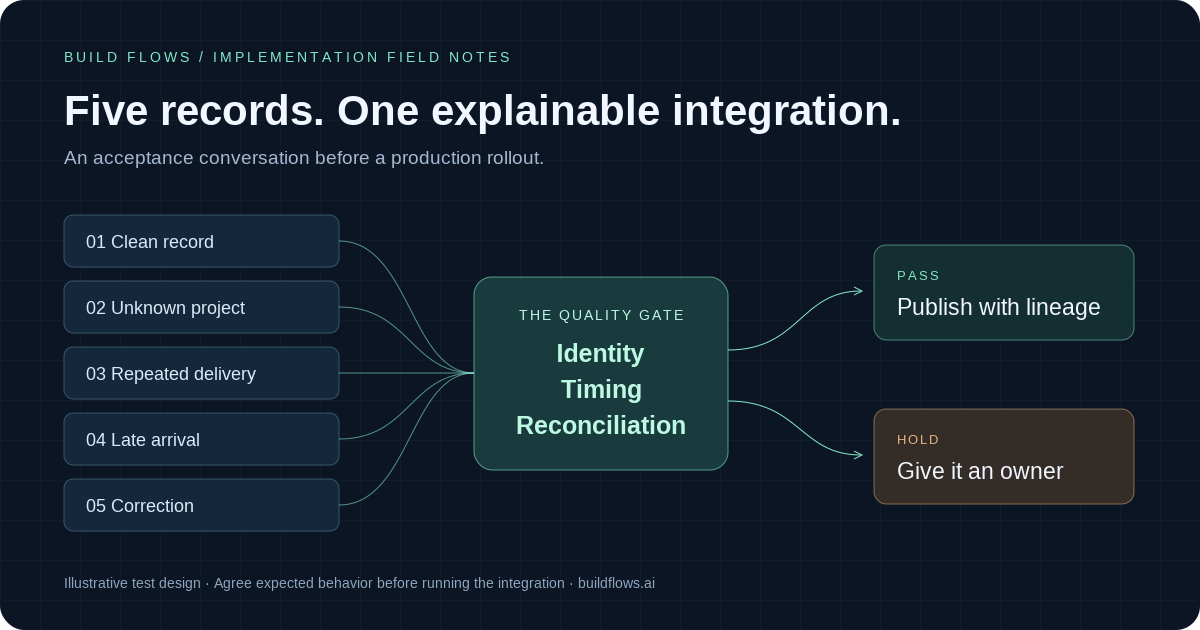
Before a full rollout, run the five-record test below. It gives a controller, project manager, and developer a shared way to examine mappings, timing, duplicates, exceptions, and corrections. These are proposed acceptance tests, not results from a named client.
Pick a slice you can explain
Choose one project and one record type, such as an approved commitment or a posted job-cost transaction. Agree which application owns the record and which downstream view should reflect it. Use a sandbox or approved test environment for deliberate bad inputs; do not alter live accounting records to test a connector.
Write down the project identifier in each system, the cost-code mapping, the source status, and the reporting cutoff. Save the source record ID. Screenshots help explain a result, but a screenshot alone is not a reproducible test: keep the input, expected result, actual result, and run timestamp together.
The integration mapping workbook is a useful starting point. If the mapping discussion is still vague, use the systems atlas to identify the systems involved before selecting an architecture.
The five records
Want to see the decisions first? Open the interactive acceptance lab, run each fictional scenario, and explore how a held record can be the correct result. Nothing connects to your systems.
| Test | Deliberate condition | What should happen | Evidence to retain |
|---|---|---|---|
| 1. A clean record | Known project and cost code, allowed status, inside the cutoff | One expected record appears in the target | Source ID, target ID, mapped values, run ID |
| 2. An unknown project | No approved project crosswalk | The record is held for review; it is not silently assigned to a default job | Rejection reason, owner, and resolution |
| 3. A repeated delivery | The same source record arrives again | The agreed upsert or duplicate policy prevents unintended double counting | Stable key and before/after row counts |
| 4. A late record | The record arrives after the reporting cutoff | It follows the agreed late-arrival policy; a closed report does not silently change | Source date, arrival date, reporting period, policy |
| 5. A correction | A known source record changes | The permitted correction is applied with traceable history, or explicitly held | Original and revised values, version, approval if required |
Download the blank acceptance-test CSV. Fill in your expected behavior before running the test. There is no universal rule that every integration should overwrite a target, accept a late transaction, or write in both directions. Those decisions belong in the scope.
Compare meaning, not just totals
A matching grand total is useful, but it can hide two offsetting errors. Compare the selected records individually, then compare the total for the same project, period, status, and currency. Keep excluded or rejected records visible alongside the accepted set.
Ask three questions when a total differs:
- Identity: Are both sides talking about the same project and cost classification?
- Timing: Do transaction date, posting date, extraction time, and report cutoff mean the same thing here?
- Definition: Are both sides including the same statuses and applying the same treatment to credits and adjustments?
For a reporting example, the October Fabric walkthrough shows a pipeline that checks data before publishing it to Power BI. Its engineering breakdown explains the layers and quality gate. That implementation is evidence of one approach; your acceptance criteria still need to match your own systems and business rules.
Test the recovery path
Do not stop at proving that a bad record is rejected. Fix the mapping in the approved location, rerun the record, and verify that it becomes eligible exactly as expected. Check what happens when a run stops halfway through and resumes. An error message without a recovery procedure simply moves the manual work to a different screen.
Give each exception a reason, an owner, a source link, and a next action. Keep access to credentials and client data out of screenshots, public issue trackers, and article drafts. A useful handover should tell the next person what to do without exposing the system.
Agree what “ready” means
Acceptance is the beginning of the operating process. Use the failure-recovery runbook to define who investigates a failed run, what can be safely repeated, and what evidence closes the incident. Try the workflow reliability lab to follow a lost response and repeated delivery.
Five records are an acceptance conversation, not comprehensive test coverage. Before production, add the edge cases that matter to your environment: pagination, deletions, permissions, rate limits, partial failures, and the volume you actually expect. Verify the relevant vendor API behavior against its current documentation.
The deliverable is a short, agreed test pack with expected results and a repeatable run—not a promise that a connector will never fail. Use it when comparing a native connector, an integration platform, or a custom build. Our comparison guide explains where each can fit.
Want to test one handoff together? Email charley@buildflows.ai with the two systems, the record type, and the number that does not agree. Leave confidential exports out of the first email. Or book a conversation and we can define the smallest useful test.
Next step
Need this connection in your environment?
Scope one integration: the records, direction, timing, and business rules behind the connection.
Prefer email? charley@buildflows.ai
Keep learning
Reporting & analytics · October 7, 2026
How We Built Construction Reporting in Microsoft Fabric
The engineering behind a nightly Procore + Sage + Outbuild reporting platform in Microsoft Fabric: medallion lakehouse, cost-code mapping, a quality gate, and building it with Claude and MCP servers.
Integrations · October 9, 2026
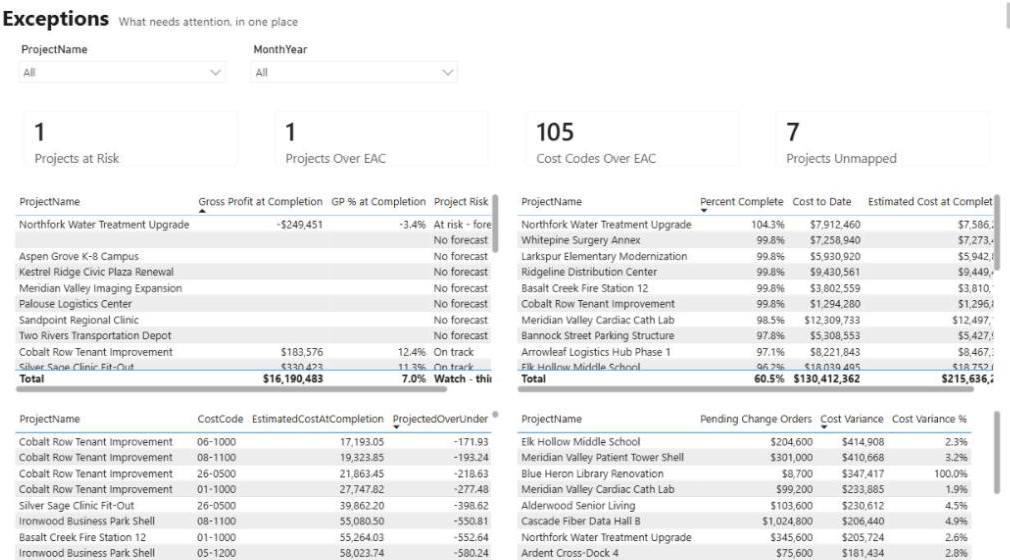
A Worked Source-Mapping Example: Procore, Accounting and CRM
How to link a Procore project, an accounting job and a CRM deal when they share no ID: match rules in order of trust, a sample crosswalk, old-to-new cost codes, and fixing exceptions at the source.
Integrations · November 21, 2026
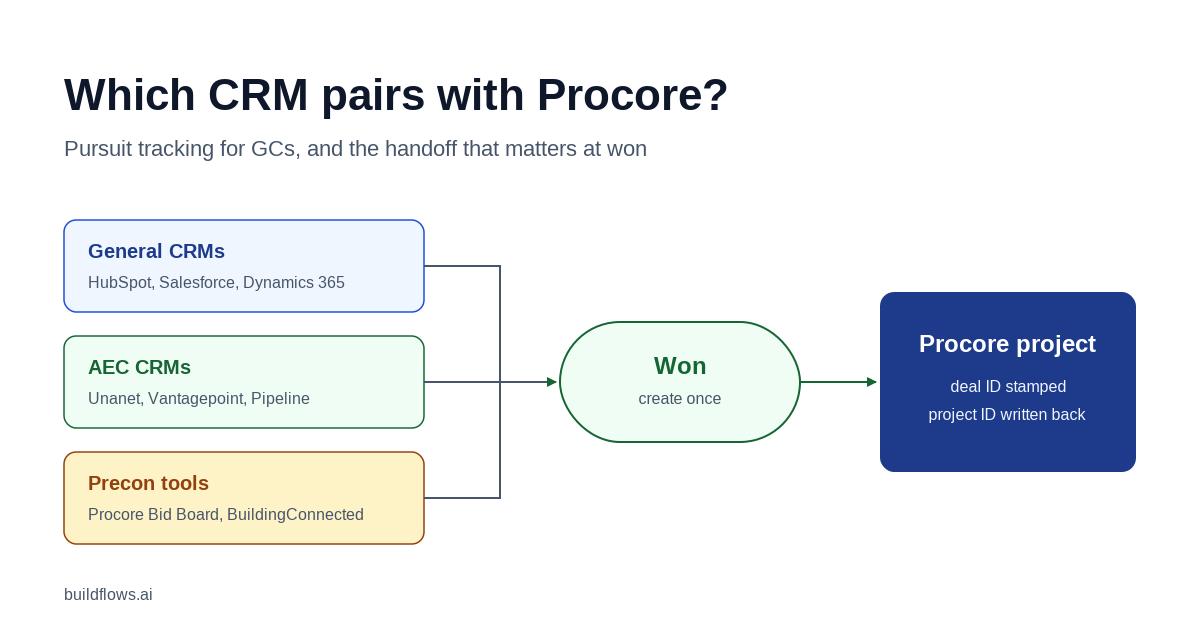
CRM for Procore: Comparing Options for GC Pursuit Tracking
A fair buyer's comparison of CRMs general contractors pair with Procore for pursuit and preconstruction pipeline tracking: what each one connects with, how, what syncs and what pricing is public, plus the won-deal handoff pattern and the HubSpot webhook retry trap that creates duplicate projects.