Key takeaways
- Start from the report you need, then grant the smallest read permission that feeds it; WIP and AR aging need no HubSpot access at all.
- In Procore, set the service account tools to Read Only, keep company Admin at None, and have the company admin permit only the projects you report on.
- A HubSpot service key needs only .read CRM scopes such as crm.objects.deals.read and crm.objects.owners.read for pipeline reporting.
- QuickBooks Online has no read-only accounting scope, so choose com.intuit.quickbooks.accounting only and keep the secret and refresh token in Key Vault.
- In Key Vault, the pipeline identity needs Key Vault Secrets User; Secrets Officer is for loading and rotating keys, and Administrator is never needed for reporting.
- In Fabric, Contributor is enough to build and run pipelines; Admin adds workspace identity, Git and membership control, and report readers need neither.
When a contractor connects Procore, HubSpot and QuickBooks Online to a reporting platform, the question that stalls the project is rarely technical. It is "what exactly are we giving this thing access to?" The easy answer is admin everywhere, because admin always works. It also means one leaked credential can change budgets, delete deals or post journal entries.
This page is the reference we use to answer that question the other way round. Start from the report you need (WIP, backlog, pipeline, AR aging, cash), find the smallest read permission that feeds it, and grant only that. Every scope and role name below was checked against the vendor's own documentation, linked at the end. It is a companion to the full secure API credential setup guide.
Three rules before you grant anything
- Grant at the source, not just in the pipeline. A pipeline that only sends GET requests is good. A credential that can only read is better, because it stays safe even if the code changes or the key leaks.
- Start from the report, not the menu. Each system offers dozens of tools and scopes. Tick only what feeds a report you can name, and add more when a specific field turns out to be missing.
- Know where read-only is not available. Procore and HubSpot let you grant read-only access. QuickBooks Online does not have a read-only accounting scope, so there the read-only promise comes from how the pipeline is built and who holds the keys. More on that below.
Report needs at a glance
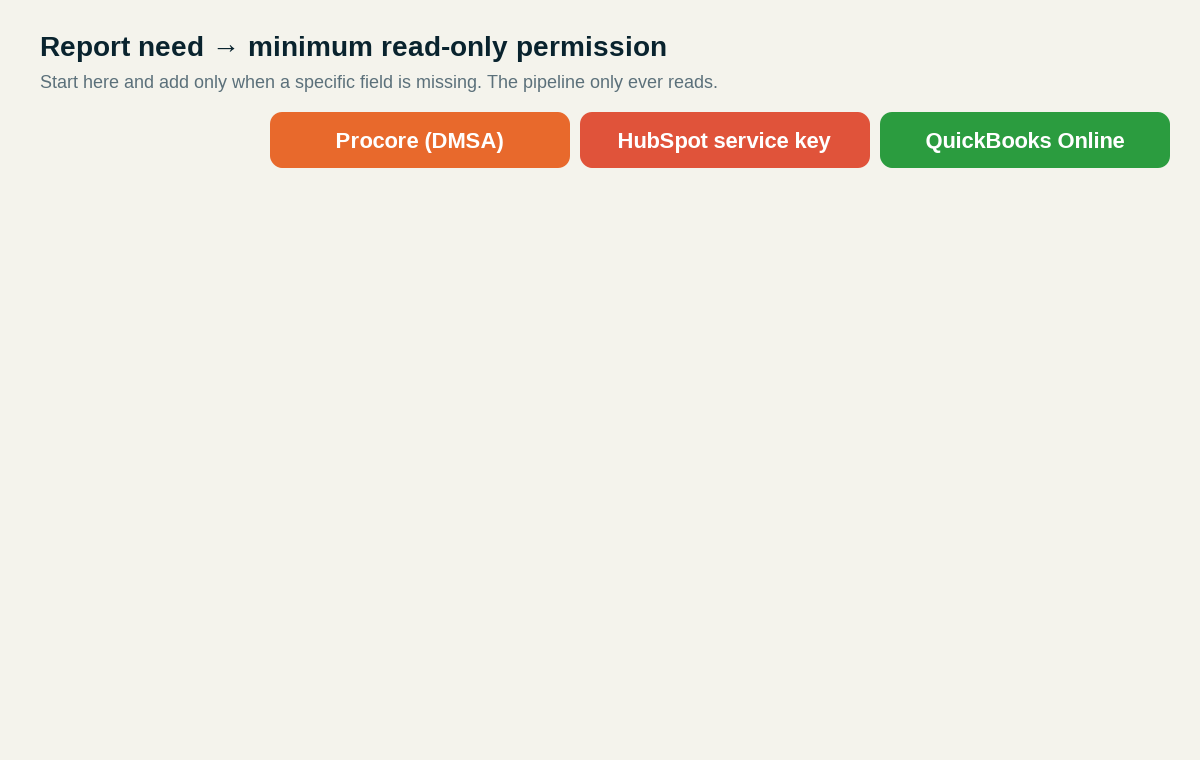 Start from the report. Most reports need only one or two systems, and the pipeline only ever reads.
| Report | Procore (service account) | HubSpot (service key) | QuickBooks Online |
|---|---|---|---|
| WIP | Read Only: Budget, Prime Contracts, Commitments, Change Orders, Direct Costs | Not needed | com.intuit.quickbooks.accounting for actual cost |
| Backlog | Read Only: Prime Contracts, Change Orders, Invoicing | crm.objects.deals.read for won work not yet in Procore | Accounting scope, optional, for billed to date |
| Pipeline | Not needed | crm.objects.deals.read, crm.objects.owners.read, crm.objects.companies.read; crm.objects.line_items.read optional | Not needed |
| AR aging | Read Only: Invoicing, optional cross-check | Not needed | Accounting scope |
| Cash | Read Only: Commitments, Invoicing, for the forecast | crm.objects.deals.read, for expected closes | Accounting scope |
If you only want two reports to start, WIP and AR aging, you can skip HubSpot entirely. If you only want a sales pipeline, you only need HubSpot.
Procore: Read Only tools on a service account
Procore's Developer Managed Service Account (DMSA) lets the app developer declare the exact company-level and project-level tool permissions the integration needs. A company admin then installs the app and decides which projects it can reach. Procore's general permission levels are None, Read Only, Standard and Admin. Read Only "allows users to see information in a tool, but not interact with it."
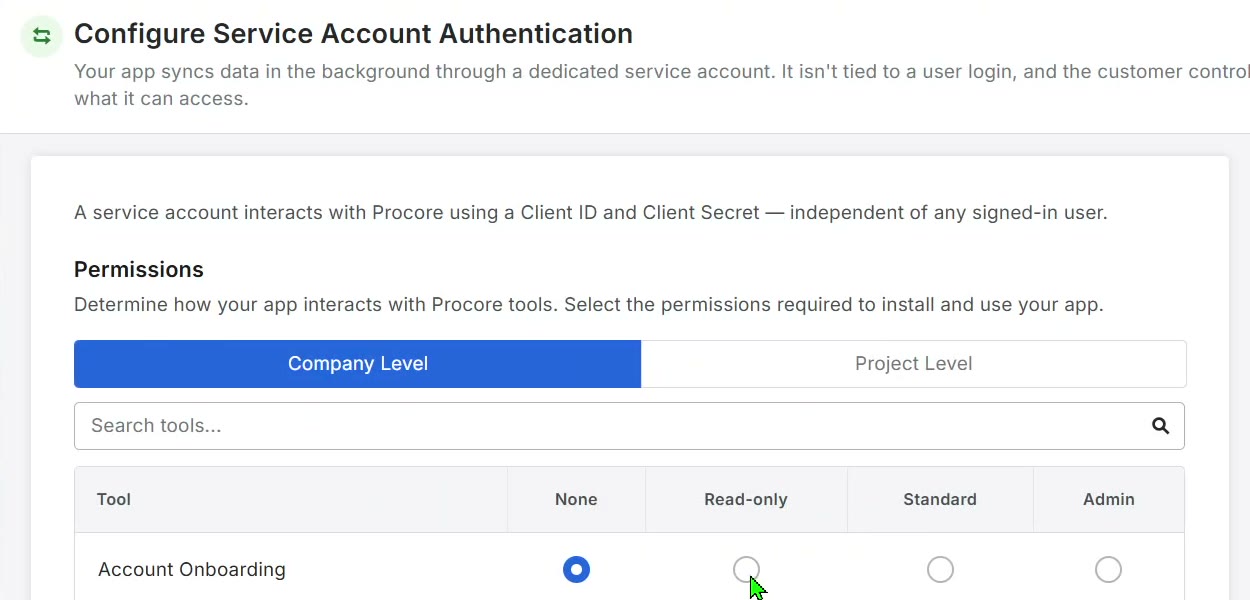 In the Developer Portal, each tool gets its own level on the Company Level and Project Level tabs. Pick Read-only and nothing higher.
| Level | Tool | Minimum | Feeds |
|---|---|---|---|
| Company | Directory | Read Only | Vendor and subcontractor names on commitments |
| Project | Budget | Read Only | Original budget, revised budget, cost to date |
| Project | Prime Contracts | Read Only | Contract value, owner change orders |
| Project | Commitments | Read Only | Subcontracts and purchase orders, committed cost |
| Project | Change Orders | Read Only | Approved and pending change orders |
| Project | Direct Costs | Read Only | Costs not on a commitment |
| Project | Invoicing | Read Only | Owner and subcontractor invoices, billed to date |
| Project | Change Events | Read Only, optional | Potential changes for an exposure line on WIP |
Leave every other tool at None. In particular, keep company Admin at None. It is the most common over-grant because it looks like it is needed to install the app. It is not: the person installing needs admin rights, the app does not.
To set it up:
- In the Developer Portal, open your app and its version. In the Components section, add Service Account Authentication, then open it to configure permissions.
- On the Company Level tab, set Directory to Read-only. Leave the rest at None.
- On the Project Level tab, set the tools in the table to Read-only.
- Save the version, promote it to production, and give the company admin the production App Version ID.
- The company admin goes to Company Admin → App Management → Install App → Install Custom App, pastes the 36-character App Version ID and clicks Install. Procore requires Admin on the company Directory tool for this step.
- Choose the projects the app may reach. The admin picks them in the Add Permitted Projects step of the install, and can change them later under App Management → View → Permissions → Permitted Projects. Procore does not add new projects automatically, so add each new job when it starts.
Do not edit the service account's permissions by hand in the Company Directory. The permissions come from the app version, and Procore's install guide warns against hand-editing app users in the Directory grid. When a field is missing, look up its endpoint in the Procore API reference to see which tool it belongs to, raise that one tool to Read-only in a new app version, and have the admin update the install. Do not raise anything to Standard. The Procore DMSA setup guide walks through every screen.
HubSpot: read scopes on a service key
HubSpot service keys are created under Development → Keys → Service keys → Create service key. You name the key, add scopes and click Create. Super admins and users with the Developer tools access permission can create them. A service key can only make REST API calls, which is all a reporting pipeline needs.
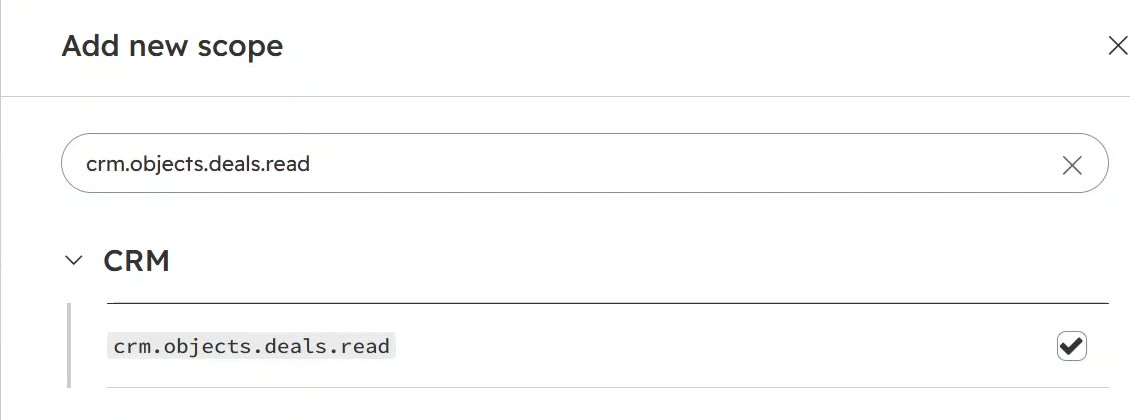 Search for each scope by its exact name and tick only the .read version.
| Scope | What it unlocks | Report |
|---|---|---|
crm.objects.deals.read | Deal properties: amount, stage, close date, pipeline | Pipeline, backlog, cash forecast |
crm.objects.owners.read | The users records are assigned to | Pipeline by salesperson |
crm.objects.companies.read | Company properties | Pipeline by customer or GC |
crm.objects.contacts.read | Contact properties | Optional: only if a report names contacts |
crm.objects.line_items.read | Line items on deals | Optional: scope split by trade or service |
crm.schemas.deals.read | Deal property settings and definitions | Optional: labels for custom deal properties |
Leave out every .write scope, and leave out anything outside CRM objects (marketing, content, conversations). Before you create the key, check the Scope requirements box on the HubSpot Pipelines API reference if the report needs pipeline and stage labels, and add only what it lists.
Older setup guides, including an earlier version of ours, point at Settings → Integrations → Private Apps. HubSpot's docs now describe service keys for simple REST integrations, and private apps now live under Development → Legacy apps. A service key uses the same object-level scopes, so the table above applies either way. The HubSpot service key guide covers the differences and key rotation.
QuickBooks Online: the accounting scope, and what it does not include
When you create an app on developer.intuit.com, you choose scopes. For reporting, choose only com.intuit.quickbooks.accounting.
| It includes | It does not include |
|---|---|
| Customers, vendors, accounts (chart of accounts) | Payments processing data: that is com.intuit.quickbooks.payment |
| Invoices, payments, deposits | Payroll: Intuit uses separate payroll scopes, and the sensitive ones need extra onboarding with Intuit |
| Bills, bill payments, purchases, journal entries | Access to any other company file than the one the admin connects |
| Reports such as Profit and Loss and Aged Receivables | A read-only variant |
The last row matters. The accounting scope covers the whole Accounting API, reads and writes alike. Intuit does not list a read-only version, so the safeguards move elsewhere:
- The pipeline only issues read and query calls. No create, update or delete code exists.
- The client secret and refresh token live in your Key Vault, not on anyone's laptop.
- A QuickBooks admin authorizes the connection once, and can disconnect the app from QuickBooks at any time.
Skip the Payments and Payroll boxes even if the app setup offers them. They add no data to WIP, AR or cash reporting from the books. The QuickBooks credentials guide covers production keys, the realm ID and the refresh token.
Azure Key Vault: Secrets User, Secrets Officer or Administrator
With the Azure role-based access control permission model, Key Vault uses data-plane roles. Three of them come up in every integration, and the difference between them is the whole point of least privilege.
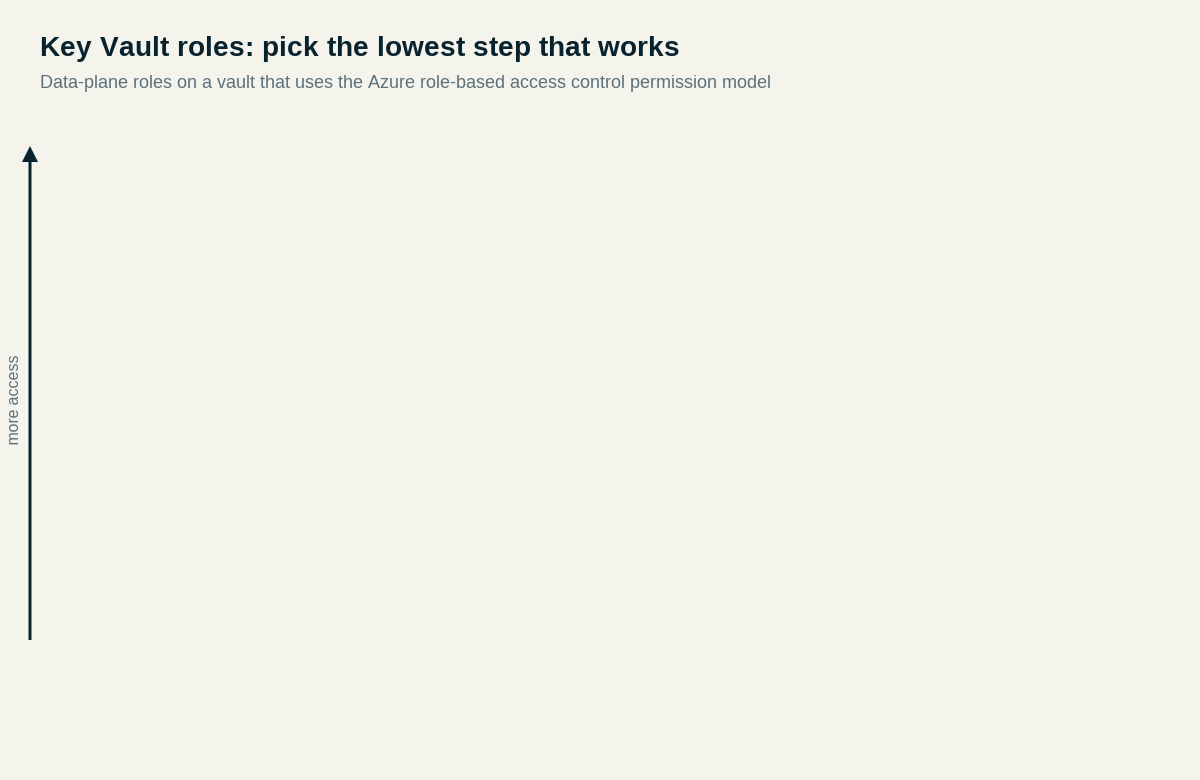 Pick the lowest step that works. Reading at run time needs Secrets User; loading keys needs Secrets Officer.
| Role | Can do | Who should hold it |
|---|---|---|
| Key Vault Reader | Read metadata of the vault and its secrets. Cannot read secret contents. | Auditors who need to see what exists |
| Key Vault Secrets User | Read secret contents | The identity the pipeline runs as, after go-live |
| Key Vault Secrets Officer | Any action on secrets, except managing permissions | Your admin, and the builder while keys are loaded and rotated |
| Key Vault Administrator | All data-plane operations on keys, secrets and certificates | Nobody, for a reporting integration |
| Key Vault Contributor | Manage the vault resource. No access to keys, secrets or certificates. | Not useful here |
Assigning any of these roles needs Owner, User Access Administrator or the narrower Key Vault Data Access Administrator at the vault or above.
Our setup guide asks for Secrets Officer for the builder, because someone has to add the QuickBooks refresh token during the setup call and update a key if one is ever reissued. If your security policy prefers, drop that assignment to Secrets User once everything is live, and switch it back to Officer only for a planned rotation. Assign at the vault, not the subscription, so the role covers this one vault. The Key Vault setup guide has the click path.
One note on Fabric: Microsoft's Fabric guide for Azure Key Vault references lists "at least Key Vault Certificate User" for whoever creates the reference, and separately says the identity needs Get and List on secrets. In practice, give that identity Secrets User. See how Fabric pipelines read Key Vault secrets.
Microsoft Fabric: Admin, Member, Contributor or Viewer
Fabric workspaces have four roles. The question is which one the person building the pipelines needs, and which one the people reading the reports need.
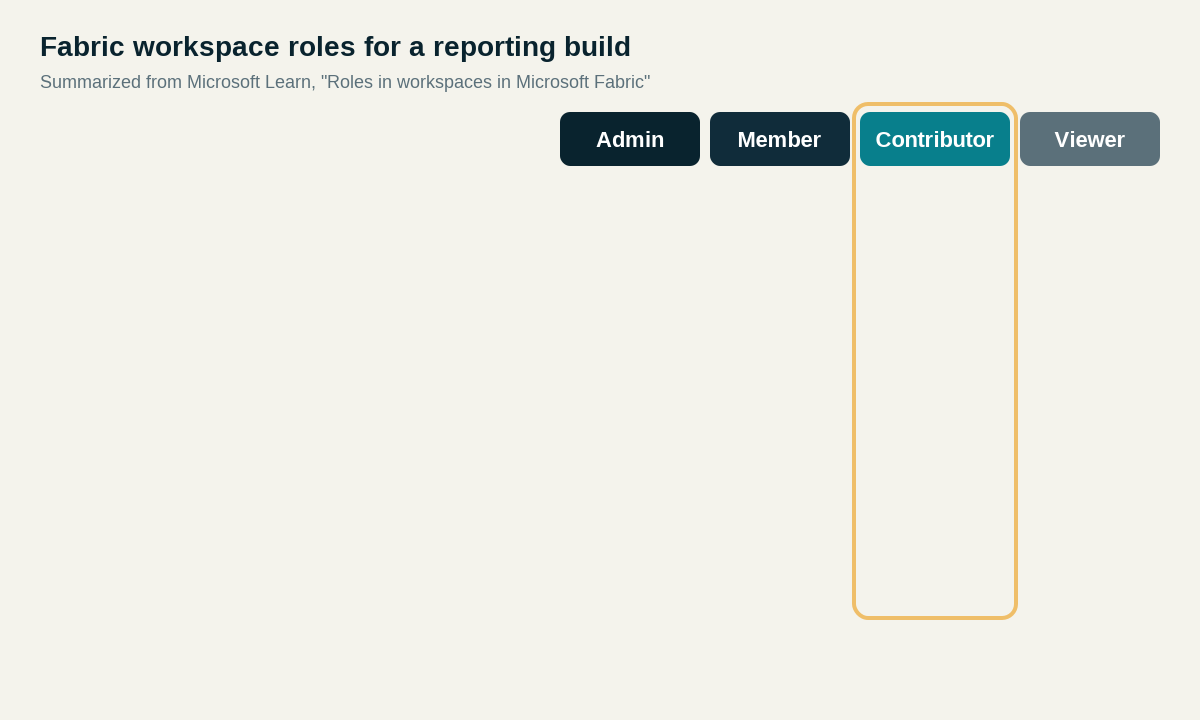 Contributor can build and run everything. Admin adds workspace identity, Git and membership control.
| Role | Adds over the role below it | Use it for |
|---|---|---|
| Viewer | View items and run output, read warehouse data with T-SQL | Report readers who need the data, not the build |
| Contributor | Create, edit, run and delete pipelines, notebooks, lakehouses and warehouses | The minimum for the person building the reporting |
| Member | Add people with the same or lower permissions, allow resharing | Your internal workspace owner |
| Admin | Update or delete the workspace, add admins, create a workspace identity, connect Git | Your IT owner, and the builder if they set up identity or Git |
Our setup guide invites the builder as Admin, because creating a workspace identity and connecting the workspace to Git are Admin-only. If you would rather keep Admin in house, invite the builder as Contributor and have your admin do those two tasks. Most people who only read reports do not need a workspace role at all; share the report or app with them instead. The Fabric reporting guide shows what gets built in the workspace.
Common mistakes
- Granting Procore company Admin to the service account. The installer needs admin. The app does not.
- Setting Read Only at company level and forgetting projects. Project tools are set separately, and the app only sees its permitted projects. New jobs must be added to that list.
- Ticking
.writescopes in HubSpot "just in case." A reporting key never needs them. Add a read scope when a field is missing; never add write. - Assuming the QuickBooks scope is read-only. It is not. Treat the QuickBooks secret and refresh token as write-capable credentials and store them only in the vault.
- Ticking Payments or Payroll in the Intuit app. They add nothing to reporting from the books and widen what the token can reach.
- Giving Key Vault Administrator or Contributor instead of a Secrets role. Administrator is too broad; Contributor cannot read secrets at all and causes confusing "forbidden" errors.
- Assigning the Key Vault role at the subscription. Scope it to the vault.
- Making every report reader a workspace Member. Members can add people. Share the report instead.
When something still fails after you set the minimum, the troubleshooting guide lists the error messages each system returns for missing permissions.
Checklist
- List the reports you need first: WIP, backlog, pipeline, AR aging, cash
- Procore: service account tools set to Read-only, all others None, company Admin left at None
- Procore: app installed by a company admin, the right projects added as permitted projects
- HubSpot: service key with only
.readCRM scopes for the reports you named - QuickBooks: Intuit app with
com.intuit.quickbooks.accountingonly, no Payments or Payroll - Key Vault: Secrets Officer for setup, Secrets User for the pipeline identity, assigned at the vault
- Fabric: builder is Contributor (or Admin if they own identity and Git), readers get the report, not the workspace
- Write down who holds which role and when to review it
You can also work through the interactive credential setup checklist, and record the mapping between source fields and reports with the integration mapping template.
Getting it set up
If you would rather not decide every scope alone, Build Flows can do this setup with you on a short call. Your admins keep control of every grant, and the keys go straight into your vault, never into email (see why you should never email an API key). Email charley@buildflows.ai or start at buildflows.ai. You can see the finished result in the Procore, QuickBooks and HubSpot Fabric demo, and our general approach to data handling is on the security page.
References
- Procore: What are permissions in Procore and how do they work?
- Procore: What is a Developer Managed Service Account?
- Procore: Developer Managed Service Accounts (developer docs)
- Procore: Install a Custom App
- Procore: Admin: Developer Managed Service Accounts (release note)
- HubSpot: Scopes
- HubSpot: Account service keys
- HubSpot: Legacy apps overview
- HubSpot: Pipelines API
- Intuit: QuickBooks Online scopes
- Intuit: OAuth 2.0 for QuickBooks Online
- Microsoft Learn: Grant permission to applications to access an Azure key vault using Azure RBAC
- Microsoft Learn: Azure built-in roles for Security
- Microsoft Learn: Roles in workspaces in Microsoft Fabric
- Microsoft Learn: Configure Azure Key Vault references in Fabric
- Microsoft Learn: NotebookUtils credentials
Frequently asked questions
What Procore permissions does a reporting integration need?
Read Only on the project tools that feed your reports, typically Budget, Prime Contracts, Commitments, Change Orders, Direct Costs and Invoicing, plus Read Only on the company Directory for vendor names. Everything else stays at None, including company Admin. A company admin installs the app and chooses the permitted projects it can reach.
Which HubSpot scopes do I need for a sales pipeline report?
crm.objects.deals.read for deal amounts, stages and close dates, and crm.objects.owners.read to group deals by salesperson. Add crm.objects.companies.read to group by customer and crm.objects.line_items.read only if you split deals by line item. No .write scope is needed.
Is there a read-only scope for the QuickBooks Online API?
No. The com.intuit.quickbooks.accounting scope covers the whole Accounting API, reads and writes alike, and Intuit does not list a read-only variant. Keep it read-only in practice by building a pipeline that only reads and queries, and by storing the client secret and refresh token only in Key Vault. A QuickBooks admin can disconnect the app at any time.
What is the difference between Key Vault Secrets User and Key Vault Secrets Officer?
Secrets User can read secret values but cannot create or change them. Secrets Officer can perform any action on secrets except managing permissions. Give the pipeline identity Secrets User for everyday runs, and give Secrets Officer only to the people who load or rotate keys.
Does Key Vault Contributor let an app read secrets?
No. Microsoft documents Key Vault Contributor as a control-plane role for managing the vault resource; it does not grant access to keys, secrets or certificates. Use Key Vault Secrets User for reading. Keep Contributor tightly held anyway: on vaults that use the older access policy model, it can grant itself data access.
Which Fabric workspace role should a consultant building reports get?
Contributor is the minimum to create, edit and run pipelines, notebooks and lakehouses. Admin is only needed for tasks like creating a workspace identity, connecting Git or managing membership, which your own admin can do instead. People who only read reports can be shared the report or app without a workspace role.
Do I need all three systems connected to get useful reports?
No. WIP and AR aging come from Procore and QuickBooks Online alone, and a sales pipeline report needs only HubSpot. Connect the systems your first reports actually use, then add the others when a report needs them.
Next step
Need this connection in your environment?
Scope one integration: the records, direction, timing, and business rules behind the connection.
Prefer email? charley@buildflows.ai
Keep learning
Integrations · November 14, 2026
Secure API Credential Setup for Procore, HubSpot and QuickBooks with Azure Key Vault and Microsoft Fabric
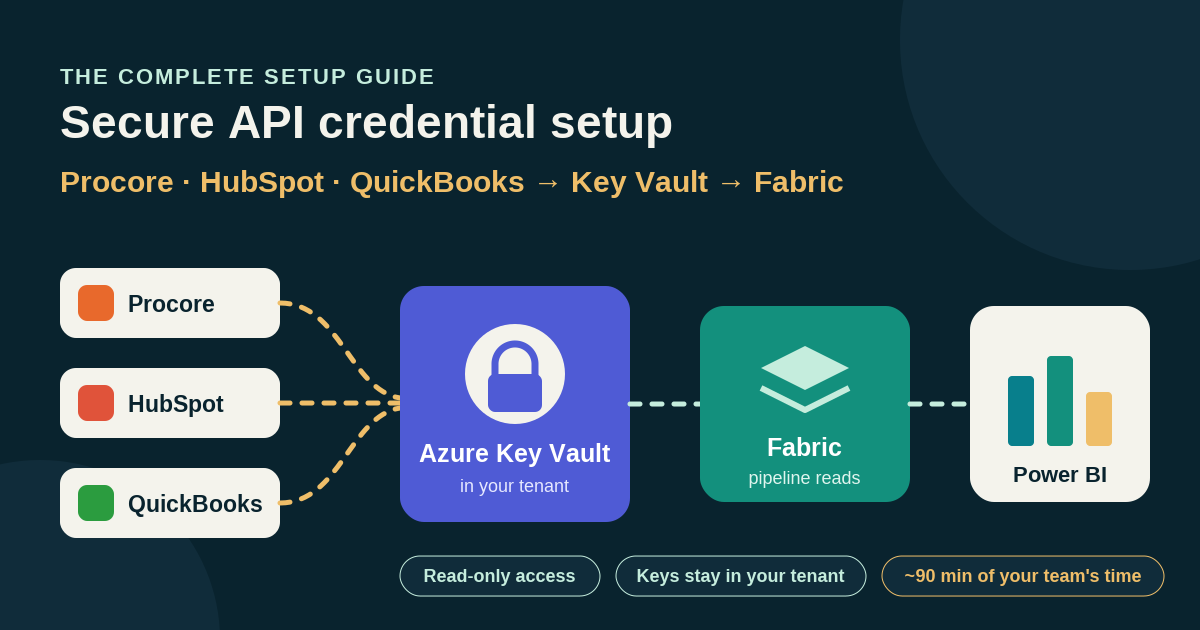
The end-to-end guide to connecting Procore, HubSpot and QuickBooks Online to Microsoft Fabric and Power BI without handing over credentials: who owns each step and how long it takes, the architecture from sources through Azure Key Vault to Fabric, the four steps (Fabric access, read-only API access in three systems, Key Vault with the Secrets Officer role, connect and go live), the exact secret names, what to send back, how to revoke access, common mistakes and a checklist.
Integrations · November 14, 2026
Procore Developer Managed Service Account (DMSA) Setup for Read-Only Reporting
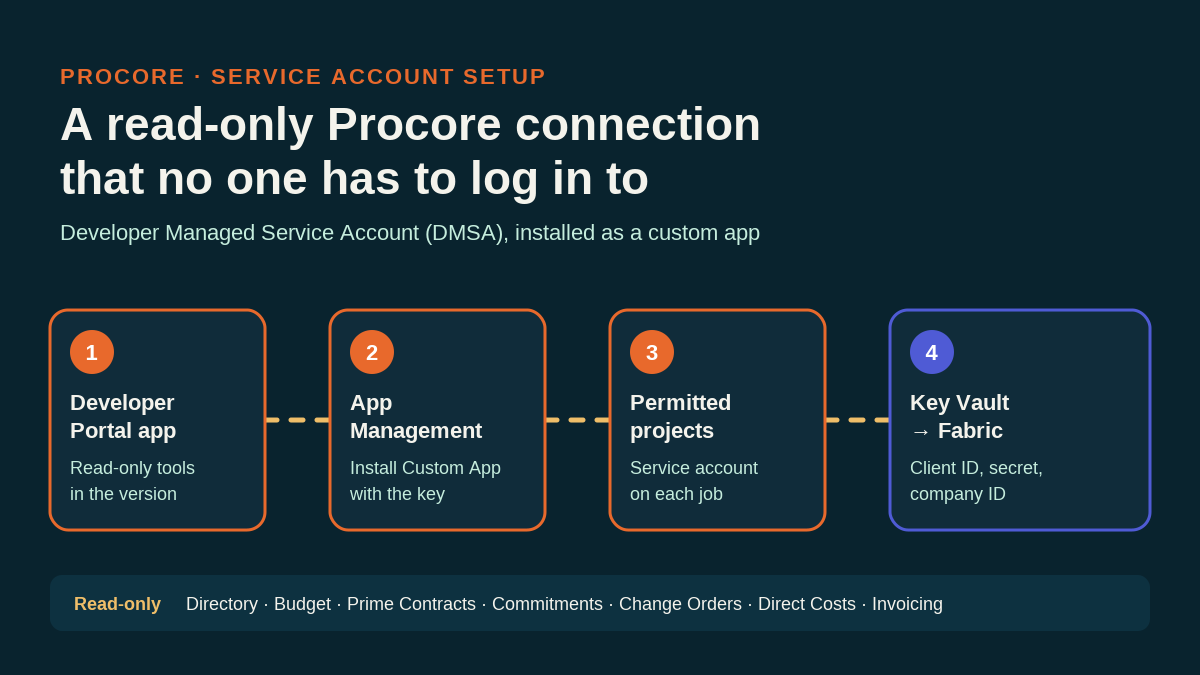
A step-by-step guide to giving a reporting integration read-only Procore access through a Developer Managed Service Account: developer account, app and components, read-only tool permissions, sandbox versus production keys, installing the custom app in App Management, permitted projects, the company ID, and storing the credentials in Azure Key Vault.
Integrations · November 14, 2026
Azure Key Vault Setup for Data Integrations: Create the Vault, Set RBAC and Assign Secrets Officer
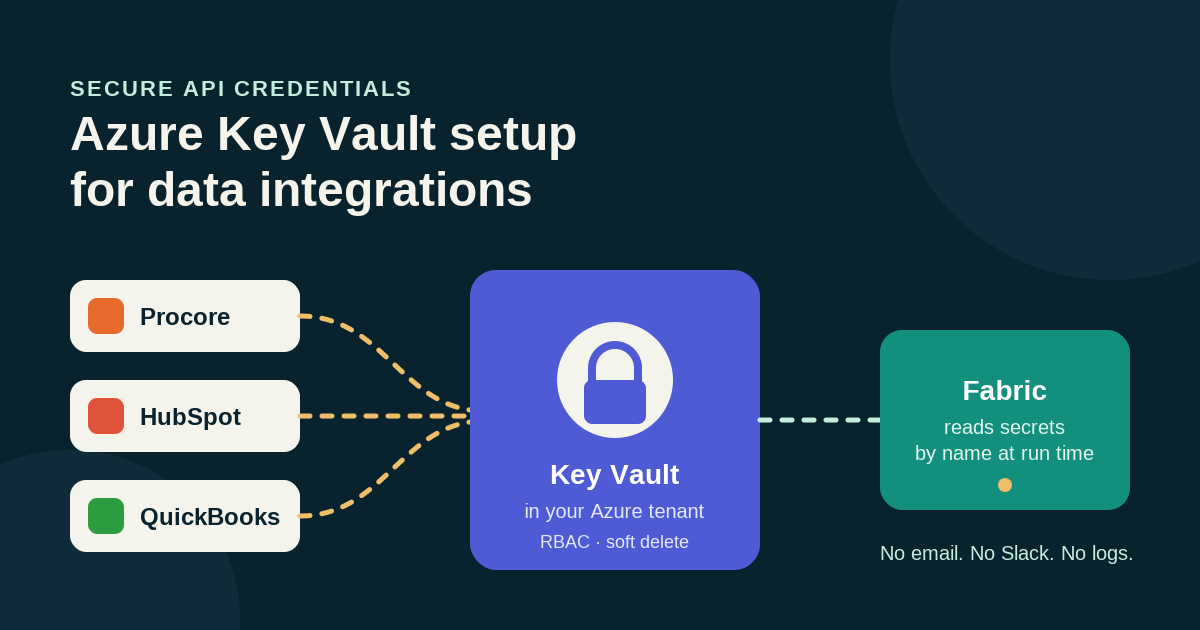
A step-by-step guide to creating an Azure Key Vault for integration secrets: resource group and globally unique name, matching the Fabric region, Standard tier, soft delete and the purge protection trade-off, the RBAC permission model, networking, the Key Vault Secrets Officer role assignment, why 'not authorized' appears right after setup, and what it really costs.