Key takeaways
- Key Vault resource logs aren't collected until you add a diagnostic setting; send the AuditEvent category to Log Analytics and alert on failed SecretGet calls.
- Key Vault raises a SecretNearExpiry event 30 days before a secret's expiration date, but the date is informational and only dated secrets produce the event, so use it as a review reminder.
- Fabric's free schedule failure emails cover scheduled runs only; Activator-based alerts cover more job events but need workspace monitoring and use capacity.
- Each vendor fails differently: QuickBooks Online shows invalid_grant and needs a reconnect, a rotated HubSpot key stops working after its 7-day overlap, and Procore returns 401 or 403 when the app install or permissions change.
- A weekly 15-minute health check catches what alerts miss: a job that never ran, a disabled rule, an undated secret or an owner who left.
- When the dashboard didn't refresh, work backwards from the semantic model to the job, the vault, the API and the row counts, and stop at the first failure.
The integration went live. The secrets are in Azure Key Vault, the Fabric pipeline reads them, and the Monday report looks right. Six weeks later the executive dashboard still shows last Thursday's numbers, and nobody noticed until a project manager asked why a change order was missing.
Credentials rarely fail loudly. A QuickBooks Online connection lapses, a HubSpot key is rotated, someone tidies up an Azure role assignment, or a pipeline is switched off during a capacity change. The data stops moving, and the report keeps showing the last good load.
This guide covers what to switch on after go-live so you hear about those problems first: Key Vault logs in Log Analytics, an alert on failed secret reads, expiry warnings through Event Grid, Fabric job alerts, the vendor-specific warning signs for Procore, HubSpot and QuickBooks Online, a 15-minute weekly health check, and a short runbook for "the dashboard didn't refresh."
It assumes the setup from the secure API credential setup guide is already done: a vault with RBAC, named secrets, and a Fabric pipeline or notebook that reads them.
 The monitoring loop: signal, alert, fix, verify
Why setup is not the same as monitoring
In the setup walkthrough, the secret form in Key Vault has Set activation date and Set expiration date checkboxes. The setup guide leaves them empty, and that is the right call on day one. The secret name and value are what matter for go-live.
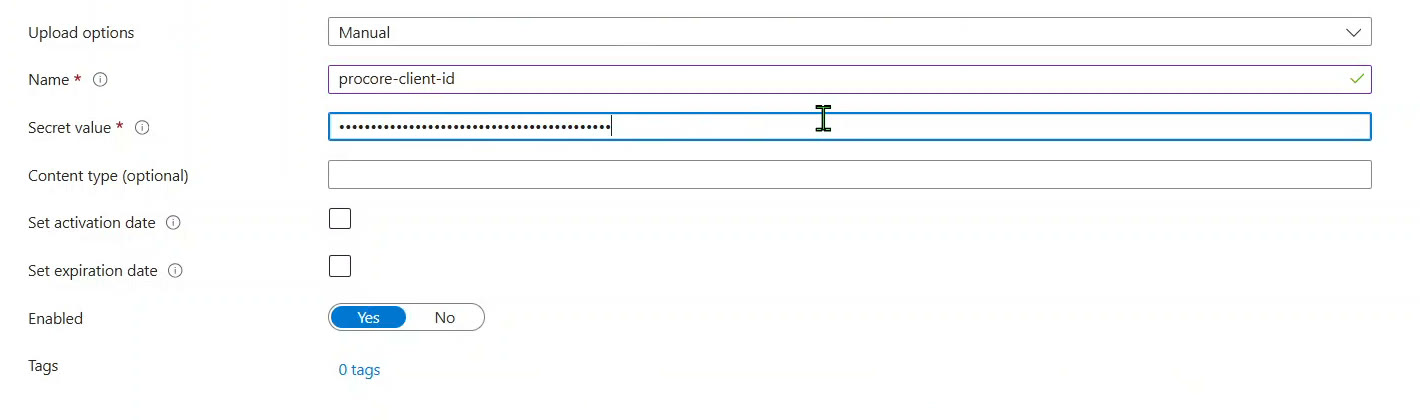 The expiration date box, left empty at setup, is one of the hooks you can use after go-live
After go-live the question changes from "can the pipeline read the secret?" to "will someone know when it can't?" Nothing in the setup steps answers that. Resource logs for Key Vault aren't collected until you create a diagnostic setting, and failure notices in Fabric need to be configured.
What breaks after go-live, and the first sign of each
| What breaks | First signal | Where you see it | Usual owner |
|---|---|---|---|
| Fabric identity loses its Key Vault role, or a network rule blocks it | SecretGet returns 403 | Key Vault AuditEvent logs in Log Analytics | Azure admin |
| A secret is renamed or deleted | SecretGet returns 404 | Same logs, plus the pipeline error | Azure admin |
| A secret you dated is approaching its review date | SecretNearExpiry event, 30 days out | Event Grid, or the vault's own log | Integration owner |
| QuickBooks Online connection lapses | invalid_grant on token refresh | Your pipeline's run log | Finance admin + integration owner |
| HubSpot service key rotated without updating the vault | 401 from HubSpot after the 7-day overlap ends | Run log; HubSpot sends rotation emails to admins | CRM admin |
| Procore app uninstalled or service account permissions reduced | 401 or 403 from Procore | Run log | Procore company admin |
| The pipeline stopped running at all | No run, or a failed run | Fabric Monitor hub | Integration owner |
| The semantic model stopped refreshing | Failed refresh; schedule disabled | Power BI refresh history | Report owner |
The last two rows matter as much as the credential rows. A pipeline that never starts produces no 401, no 403 and no error. You need a check that notices the absence of a run.
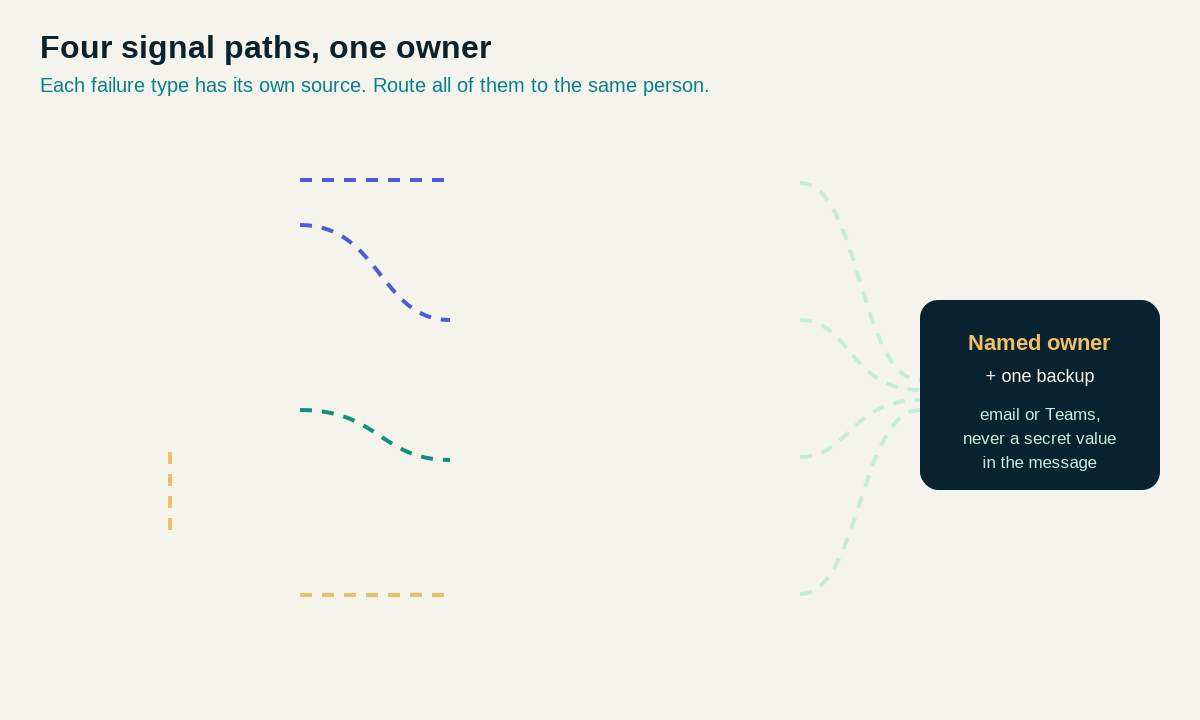 Four signal paths, one owner
Step 1: send Key Vault logs to Log Analytics
Key Vault platform metrics are collected automatically. Resource logs are not. Microsoft's monitoring guide is explicit: resource logs "aren't collected and stored until you create a diagnostic setting."
- Create a Log Analytics workspace in the same subscription if you don't already have one. Keep it in your company's tenant, next to the vault.
- Open the vault, then Monitoring > Diagnostic settings > Add diagnostic setting.
- Select the AuditEvent log category. Key Vault has a single log category,
AuditEvent. - Choose Send to Log Analytics workspace and pick the workspace.
- Save, then trigger one known read (run the pipeline once) and confirm a
SecretGetrow appears.
Microsoft says logs are available at most 10 minutes after the operation. That is fine for alerting on a nightly pipeline. It is not a real-time feed.
Each log row records the operation (for example SecretGet), the HTTP status, the caller's IP address, the identity from the token, and the request URI. The URI includes the secret name. The entry describes the request, not the secret value, so the log tells you who read what without exposing it.
Log Analytics charges for the data it ingests and keeps. A vault that is read a few dozen times a night produces very little, but check your retention setting rather than leaving the default unexamined.
Step 2: alert on failed secret reads
Start with Microsoft's sample "Are there any failures?" query and narrow it to secret reads. This uses the AzureDiagnostics table, which is what Microsoft's sample queries use:
AzureDiagnostics
| where ResourceProvider == "MICROSOFT.KEYVAULT"
| where OperationName == "SecretGet"
| where httpStatusCode_d >= 300
| summarize failures = count() by ResultSignature, requestUri_s, CallerIPAddress, bin(TimeGenerated, 1h)
ResultSignature holds the status text, such as Forbidden. A 403 on SecretGet almost always means the identity is wrong, its role assignment was removed, or a firewall setting is blocking it. A 404 usually means a secret name changed.
If your diagnostic setting writes to resource-specific tables instead of AzureDiagnostics, the table and column names differ. Check the Key Vault monitoring data reference before copying the query.
To turn the query into an alert:
- In Log Analytics, run the query and select New alert rule.
- Set the condition to fire when the count is greater than 0, evaluated every 15 minutes or hourly. For a nightly load, hourly is plenty.
- Create an action group that emails a distribution list or a named owner and backup. Microsoft recommends a team list over a single inbox.
- Name the rule plainly, for example "Reporting vault: failed secret read".
Microsoft also recommends metric alerts for availability, latency, saturation and error codes that exceed the average. Those are useful for busy applications. For a reporting vault that is read once a night, the failed-read log alert is the one that earns its keep. Microsoft notes that new alerts can take up to 10 minutes to start sending.
Step 3: get a warning before a dated secret expires
Key Vault publishes these secret events through Event Grid:
| Event | When it fires |
|---|---|
Microsoft.KeyVault.SecretNearExpiry | 30 days before the current version's expiration date |
Microsoft.KeyVault.SecretExpired | When the current version expires |
Microsoft.KeyVault.SecretNewVersionCreated | When a secret or new version is created |
Two details are easy to miss.
The expiration date is informational. Microsoft's documentation describes exp as "for informational purposes only," and a get still returns an expired secret. Setting a date will not cut off your pipeline. It gives you a reminder. That makes it useful as a review date: set it to the date you plan to rotate the credential, or to a vendor's known expiry.
Events only cover what has a date and a subscription. A secret with no expiration date never produces a near-expiry event. Microsoft also warns that notifications fire only on new versions, and that you must subscribe before they will reach you. Create the Event Grid subscription first, then save the new secret versions with their dates.
There are two ways to receive the warning:
- Event Grid subscription. On the vault, open Events, add an event subscription filtered to the near-expiry and expired event types, and send it to a Logic App that emails the owner. Microsoft has a tutorial for this pattern.
- The vault's own log. Key Vault writes
SecretNearExpiryEventGridNotificationandSecretExpiredEventGridNotificationrows to the audit log whether or not an Event Grid subscription exists. If Step 1 is done, a daily log alert works with no extra services:
AzureDiagnostics
| where ResourceProvider == "MICROSOFT.KEYVAULT"
| where OperationName in ("SecretNearExpiryEventGridNotification", "SecretExpiredEventGridNotification")
| project TimeGenerated, OperationName, SecretName = eventGridEventProperties_subject_s
The eventGridEventProperties_subject_s column comes from Microsoft's equivalent example for certificates. Run the query once in your workspace to confirm the column name for secrets before you build the alert on it.
For the rotation itself, see rotating API secrets in Key Vault for Procore, HubSpot and QuickBooks.
Step 4: alert when the Fabric job fails or doesn't run
Fabric gives you two options in the Monitor hub, under Manage > Alerts. Microsoft labels job alerting in the Monitor hub as a preview feature.
| Option | What it covers | Cost | Watch out for |
|---|---|---|---|
| Schedule failure emails | Email when a scheduled run of a pipeline, notebook or other schedulable item fails | Free | Scheduled runs only, not manual runs. Recipients must be users or groups in your Entra tenant, including B2B guests; plain external addresses aren't supported |
| Activator-based alerts | More job events (started, succeeded, failed), richer notifications, automated actions | Uses Activator capacity | Requires workspace monitoring; Owner or Contributor on the workspace; not available in every region |
To set up the free option: Monitor > Manage > Alerts > Schedule failure emails > + Configure notifications, pick the scheduled pipeline or notebook, add recipients, and save. You need at least Contributor on the workspace or Write on the item.
The Real-Time hub also exposes Fabric Job events. Microsoft.Fabric.ItemJobFailed fires when a job fails, including a job that gets stuck or is canceled. An Activator rule can listen for it.
If the pipeline's whole job is to load data that a report reads, also check the report side. Power BI disables a semantic model's refresh schedule after four consecutive failures, or straight away for an unrecoverable error such as expired or invalid credentials. It also pauses scheduled refresh after two months with no report views. In both cases the report owner gets an email and the schedule shows as disabled. Turning the schedule back on is a manual step.
If the workspace runs on a small capacity, a paused or throttled capacity looks like "nothing ran." The F2 capacity guide covers that.
Step 5: watch for each vendor's warning sign
The vault and Fabric alerts tell you that something failed. The source APIs tell you why. Have the pipeline write a small run log row per source: start time, status code, error code, rows loaded, and the timestamp of the last successful load. Never the token or secret. The Fabric notebook guide shows where that code sits.
 Four credentials, four different clocks
QuickBooks Online: the refresh token is the one that lapses
Intuit's FAQ says refresh tokens are valid for 100 days on a rolling basis, extended each time you use one to get a new access token. The refresh token value can also change, so the pipeline must save the newest value it receives back to Key Vault. So the identity that runs the refresh needs permission to write secrets, not just read them (for example the Key Vault Secrets Officer role, scoped to this one vault), and the write should happen in the same run as the refresh. If the new value is lost, the next run fails.
Intuit has since added a maximum lifetime of five years for refresh tokens. Intuit's blog says the first tokens affected start to expire in February 2027 or October 2028, depending on the scopes an app uses. When that limit is reached, someone must sign in and authorize the app again.
The warning sign is an invalid_grant error on the token refresh call. Causes include an expired refresh token or reusing an older refresh token value. Retrying won't fix either. Alert on invalid_grant immediately and route it to whoever can reconnect the company in QuickBooks Online. The QuickBooks credentials guide covers the app setup.
HubSpot: rotation has a 7-day clock
HubSpot service keys don't show a fixed expiry in the documentation. They expire when they are rotated. Rotate and expire later keeps the old key working for 7 days. Rotate and expire now revokes it immediately. HubSpot recommends rotating about every six months.
HubSpot also offers automatic rotation every 3, 6 or 12 months. It is off by default. If someone turns it on, the key changes on HubSpot's schedule, and the copy in Key Vault goes stale 7 days later. HubSpot emails Super Admins and users with Developer tools access when a key rotates and before the old one expires. Make sure one of those people knows the vault needs updating. The key's details page also has View logs for recent requests.
The warning sign in your run log is a 401 from HubSpot. For key setup and scopes, see the HubSpot service key guide.
Procore: no refresh token, so watch the install
A Procore Developer Managed Service Account uses the client credentials grant. Procore's documentation shows an expires_in of 5400 seconds (1.5 hours) and no refresh token. The pipeline requests a fresh access token each run with the client ID and secret, so there is no token to babysit.
What can change is the install. If the app is uninstalled from the company's App Management, or the service account's tool permissions are reduced, calls start failing. Procore lists 401 as a missing, expired or invalid token. A 403 typically means the request was authenticated but isn't permitted. Another cause of 401 is mixing sandbox and production credentials, which are different. The Procore service account guide covers the install.
Step 6: run a 15-minute weekly health check
Alerts catch failures. A weekly look catches drift: the alert that stopped firing because its rule was disabled, the secret with no date, the owner who left.
| Check | Where | Healthy looks like |
|---|---|---|
| Last successful load per source | Pipeline run log or a small status table | Every source loaded within its expected window |
| Failed secret reads this week | Log Analytics, Step 2 query over 7 days | Zero, or each one explained |
| Secrets with expiration dates in the next 45 days | Key Vault Secrets list, Expiration date column | None you didn't plan for |
| Fabric job history | Monitor hub, filtered to the workspace | Scheduled runs present and succeeded |
| Semantic model refresh | Power BI refresh history | Schedule on, last refresh succeeded |
| Alert rules and action groups | Azure Monitor, Fabric Monitor hub | Enabled, recipients current |
| Vault role assignments | Key Vault Access control (IAM) | Only the identities you expect |
Write the result in one line in a shared place: date, who checked, anything found. If you run the check for a client, give them the same line. The RACI guide helps decide who owns the check on each side.
Runbook: "the dashboard didn't refresh"
Work backwards from the report. Stop at the first "no" and fix that before going further up the chain.
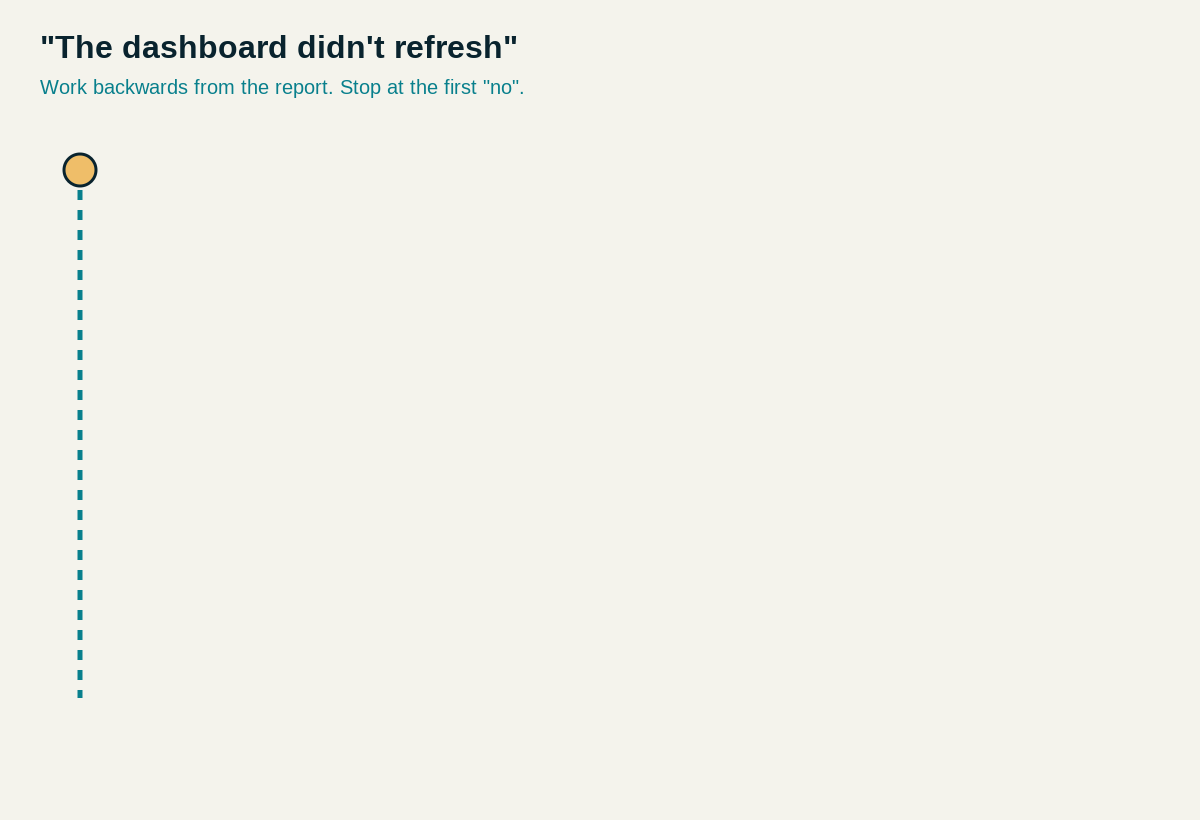 Work backwards from the report
- Did the semantic model refresh? In Power BI, open the semantic model, then Refresh > Refresh history. If the schedule shows as disabled, fix the cause first, then turn it back on.
- Did the Fabric job run? In the Monitor hub, check the last run for the pipeline or notebook. No run at all points to a schedule that was turned off or a paused capacity.
- Did it read Key Vault? Run the Step 2 query for the time of the run. A 403 points to the role assignment or a network rule. A 404 points to a renamed secret.
- Did the source API accept the credential? Check the run log for each source.
invalid_grantmeans a QuickBooks reconnect. A HubSpot 401 means a rotated key. A Procore 401 or 403 means checking the app install, permissions and environment. - Did rows land? If every call succeeded but row counts are zero or unusually low, it's a data problem, not a credential problem. Move to the construction automation failure recovery runbook, which covers deciding what is safe to repeat.
After the fix, rerun the pipeline once, refresh the model, and look at a number on the report you can check against the source system. A green run is evidence, but the report showing the right total is the result. More fixes for specific error messages are in the credential troubleshooting guide.
Keep secrets out of the alerts
Monitoring should not become a new place for credentials to leak.
- Alert on secret names, status codes and error codes. Never include a secret value, token or full request body.
- Keep payload logging off in the pipeline. Log counts and IDs, not records.
- Send alerts to a named owner and a backup, or a small distribution list. A broad team channel is the wrong place for vault details.
- Restrict who can read the Log Analytics workspace. The audit log shows which identities read which secrets.
- If you need to send someone a new credential after a rotation, follow the secure handoff guide.
Checklist
- Diagnostic setting on the vault sends
AuditEventto a Log Analytics workspace - A test pipeline run shows
SecretGetrows in the log - Log alert for failed secret reads, with an action group to a named owner and backup
- Review dates set as expiration dates on secrets that have a known rotation date
- Event Grid subscription or daily log alert for near-expiry and expired secrets
- Fabric schedule failure emails on every scheduled pipeline or notebook
- Power BI refresh failure emails go to someone who reads them
- Pipeline run log records status code, error code, rows loaded and last successful load per source
- Immediate alert on QuickBooks
invalid_grant - HubSpot admins know a rotated key must be updated in the vault within 7 days
- Procore company admin knows uninstalling the app stops the integration
- Weekly 15-minute health check scheduled with a named owner
- "Dashboard didn't refresh" runbook saved where the owner can find it
- No secret values in any alert, log or ticket
The API credential setup checklist covers the setup steps that come before this list.
Need a hand with this?
Build Flows sets up construction reporting on Microsoft Fabric with Procore, HubSpot and QuickBooks Online, including the monitoring that tells you when a connection needs attention. If you want help wiring these alerts into an existing setup, send a short brief or email charley@buildflows.ai. More guides are at buildflows.ai.
References
- Microsoft Learn: Monitor Azure Key Vault (diagnostic settings, sample Kusto queries, suggested alert rules)
- Microsoft Learn: Azure Key Vault logging (AuditEvent fields, operation names, 10-minute availability)
- Microsoft Learn: Configure Azure Key Vault alerts (action groups, recommended thresholds, near-expiry log query example)
- Microsoft Learn: Azure Key Vault monitoring data reference
- Microsoft Learn: Monitoring Key Vault with Azure Event Grid
- Microsoft Learn: Azure Key Vault as Event Grid source (event types and 30-day near-expiry timing)
- Microsoft Learn: Tutorial: Create and monitor Key Vault events with Event Grid
- Microsoft Learn: About Azure Key Vault secrets (exp and nbf are informational; get works on expired secrets)
- Microsoft Learn: Troubleshooting Azure Key Vault access issues
- Microsoft Learn: Set up job alerts in the Monitor hub (preview)
- Microsoft Learn: Explore Job events in Fabric Real-Time hub
- Microsoft Learn: Configure scheduled refresh in Power BI (deactivation after four consecutive failures, inactivity pause)
- Intuit Developer: Authorization FAQ (refresh token lifetime, invalid_grant causes)
- Intuit Developer: QuickBooks Online release notes and Important changes to refresh token policy (five-year maximum validity)
- HubSpot Developers: Account service keys (rotation, 7-day expiry, automatic rotation, View logs)
- HubSpot Developers: Service keys changelog
- Procore Developers: Using the OAuth 2.0 client credentials grant type (expires_in 5400, no refresh token) and Developer Managed Service Accounts
- Procore Developers: Error code reference
Frequently asked questions
How do I get alerted when Azure Key Vault denies access to a secret?
Create a diagnostic setting on the vault that sends the AuditEvent log category to a Log Analytics workspace. Then run a query for SecretGet operations with an HTTP status of 300 or higher, select New alert rule, and attach an action group that emails a named owner or team list. Logs can take up to 10 minutes to arrive.
Does an expired secret in Azure Key Vault stop my pipeline?
No. Microsoft documents the expiration attribute on secrets as informational, and a get operation still returns an expired secret. Setting an expiration date gives you a SecretNearExpiry event 30 days before and a SecretExpired event on the date, which makes it a useful review reminder rather than a cut-off.
How do I get an email when a Microsoft Fabric pipeline fails?
In the Fabric Monitor hub, go to Manage, Alerts, Schedule failure emails, and configure notifications for the scheduled pipeline or notebook. It is free but covers scheduled runs only, and recipients must be users or groups in your Entra tenant. Activator-based alerts cover more job events and automated actions, but need workspace monitoring. Microsoft lists job alerting in the Monitor hub as preview.
Why does the QuickBooks Online connection stop working after a few months?
Intuit refresh tokens are valid for 100 days on a rolling basis, and the token value can change, so the integration must save the newest value it receives. If it doesn't, or the connection isn't used for 100 days, the refresh call returns invalid_grant and someone must reconnect. Intuit has also added a five-year maximum lifetime for refresh tokens.
What happens when a HubSpot service key is rotated?
With Rotate and expire later, the old key keeps working for 7 days and then expires. With Rotate and expire now, it stops immediately. If the new key isn't saved to Key Vault in time, the integration starts getting 401 errors. HubSpot's optional automatic rotation is off by default.
Do Procore service account tokens expire?
Procore's client credentials access tokens last 5400 seconds, about 1.5 hours, and no refresh token is issued, so the pipeline requests a new token each run. The more common failure is the app being uninstalled or its permissions reduced in the company's App Management, which shows up as 401 or 403 errors.
What should I check first when a construction dashboard didn't refresh?
Work backwards. Check the semantic model's refresh history, then whether the Fabric job ran, then whether it read Key Vault without a 403, then whether each source API accepted the credential, then whether rows actually loaded. Stop at the first failure and fix that before rerunning anything.
Next step
Want this workflow automated?
Tell us the handoff, approval, or reminder your team repeats. We'll scope the automation, the approvals it needs, and who owns it.
Prefer email? charley@buildflows.ai
Keep learning
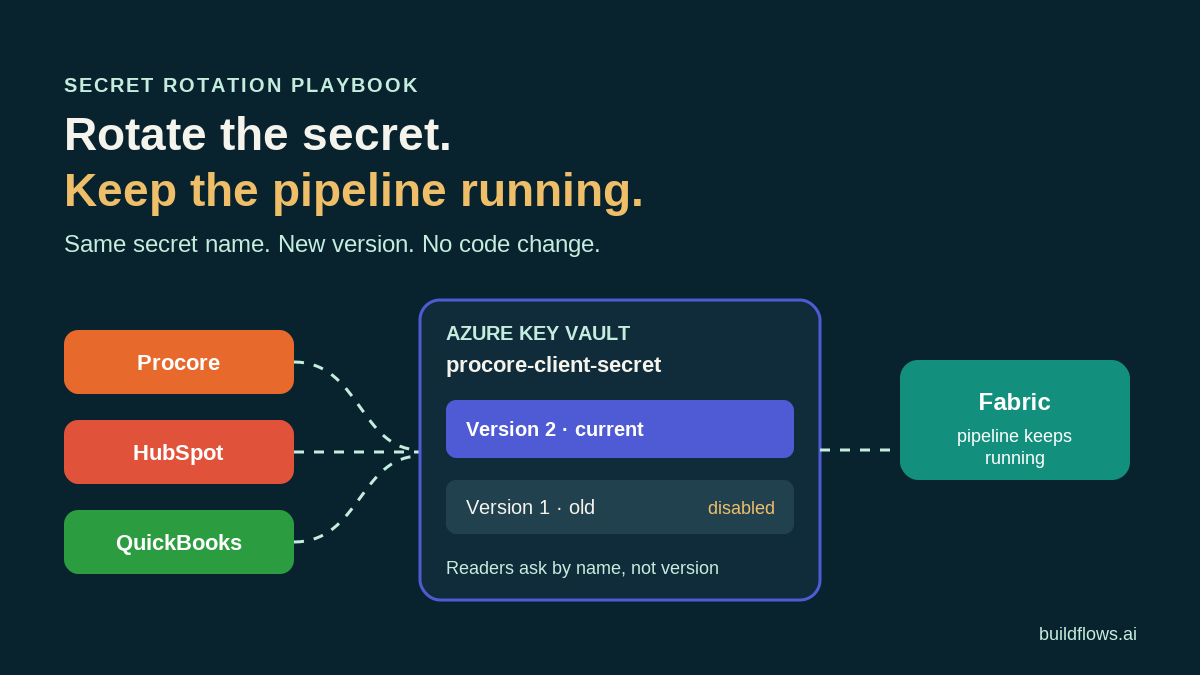
Playbooks · November 14, 2026
How to Rotate Procore, HubSpot and QuickBooks Secrets in Azure Key Vault Without Breaking Your Pipelines
When and how to rotate integration credentials: per-system steps for Procore, HubSpot service keys and QuickBooks Online, adding Key Vault versions so Fabric picks them up by name, a rotation calendar, and Event Grid near-expiry alerts.
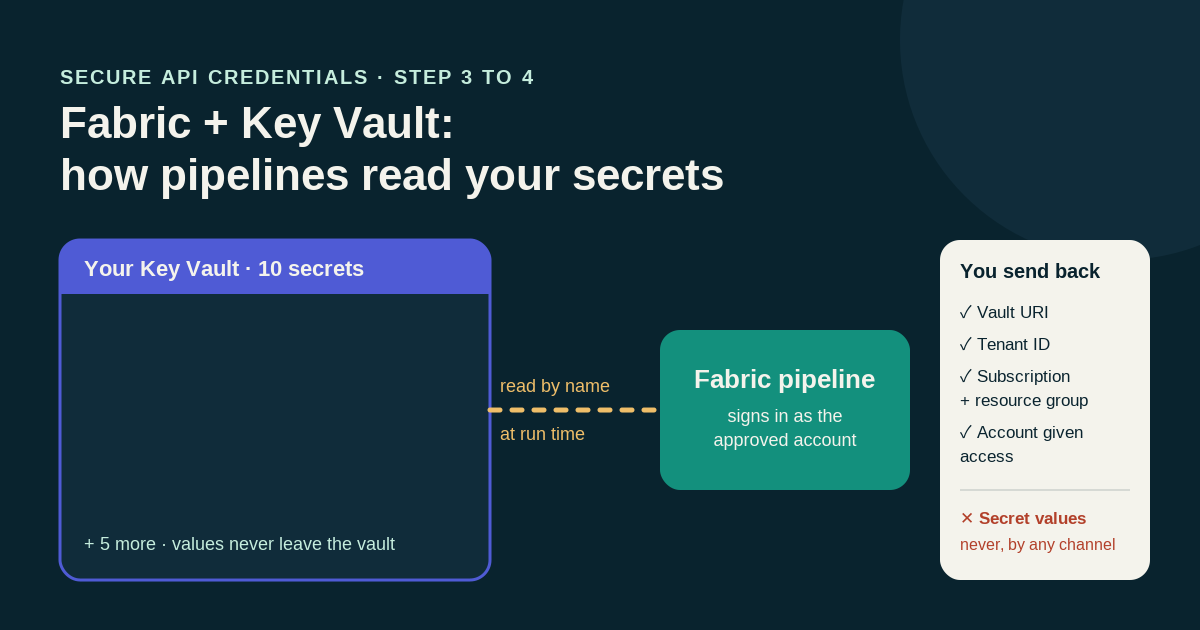
Integrations · November 14, 2026
Microsoft Fabric and Azure Key Vault: Secret Names, the Vault URI Handoff and How Pipelines Read Secrets
The last stretch of a secure credential setup: Fabric workspace access (Admin role, guest vs domain account, F2 cost), adding ten named secrets under Objects > Secrets > Generate/Import, Key Vault naming rules, what to send back to your partner and what never to send, how a Fabric pipeline reads secrets at run time with notebookutils getSecret and whose identity it uses, why Key Vault references in Fabric connections don't cover Procore, HubSpot or QuickBooks, and how to revoke access by removing one role assignment.
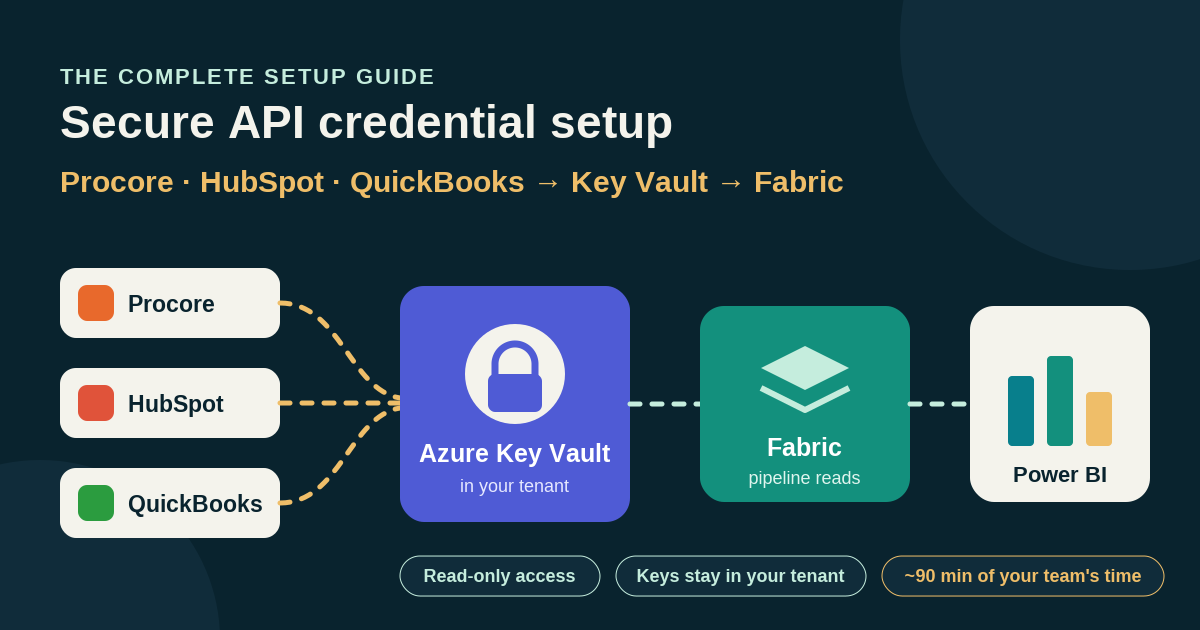
Integrations · November 14, 2026
Secure API Credential Setup for Procore, HubSpot and QuickBooks with Azure Key Vault and Microsoft Fabric
The end-to-end guide to connecting Procore, HubSpot and QuickBooks Online to Microsoft Fabric and Power BI without handing over credentials: who owns each step and how long it takes, the architecture from sources through Azure Key Vault to Fabric, the four steps (Fabric access, read-only API access in three systems, Key Vault with the Secrets Officer role, connect and go live), the exact secret names, what to send back, how to revoke access, common mistakes and a checklist.