Key takeaways
- Related records answer different questions and need their own status.
- Preserve identifiers, decision history and reporting cutoffs.
- Use explicitly labeled sample data to demonstrate product ideas.
One field change can create work in several places: a daily log, an RFI, a change record, the schedule, a cost forecast, and a payment application. The records describe related events, but they do not all mean the same thing.
The useful design question is: can someone follow the relationship without assuming that every status and amount should match? That question matters whether you connect existing software or build a construction product.
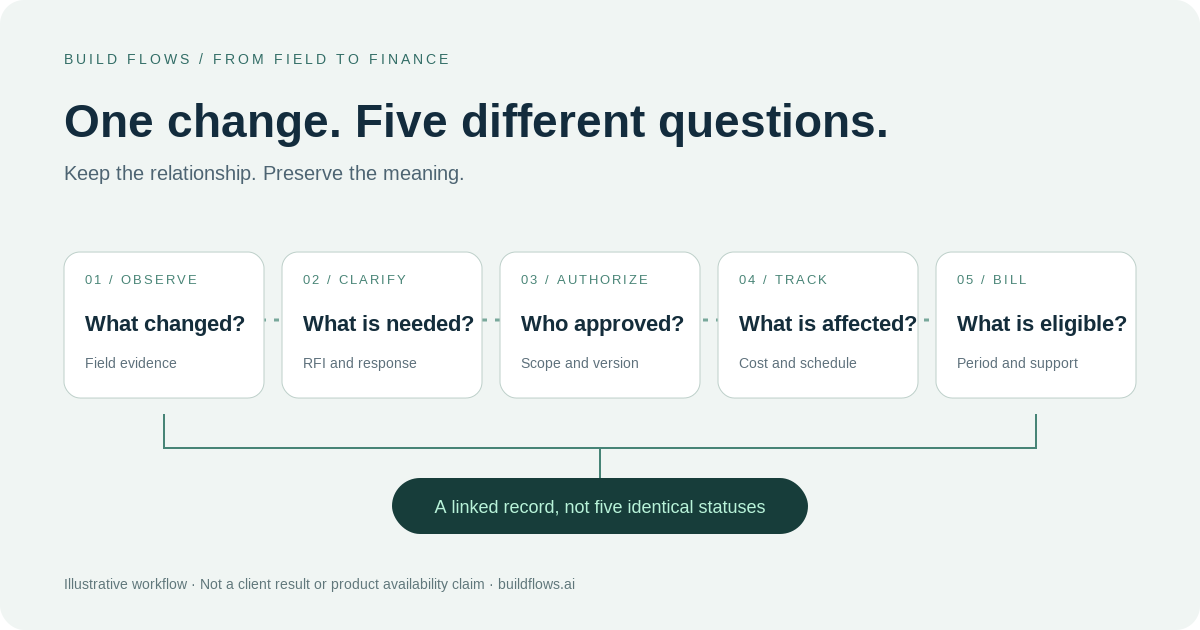
A fictional change, five different questions
Imagine a fictional office fit-out where the field team discovers additional firestopping work. The example below is a workflow illustration, not a client result or accounting policy.
| Record | Question it answers | What to preserve |
|---|---|---|
| Field observation | What did the team find, where, and when? | Location, description, supporting evidence, author |
| Clarification or RFI | What information is needed before proceeding? | The question, response, responsible party, linked observation |
| Change authorization | What scope and commercial change has been approved? | Scope, version, status, approval evidence |
| Cost and schedule impact | What work, forecast, or sequence needs to change? | Relevant cost codes, activities, assumptions, effective date |
| Billing record | What is eligible for this application under the agreed process? | Billing period, eligible scope, amounts, supporting references |
An answered RFI is not automatically an approved commercial change. An approved change does not mean its full amount has been billed. A cost forecast and an owner-facing change value can legitimately differ. Software needs to preserve those distinctions rather than making every screen display a superficially consistent number.
Build relationships before building the dashboard
Start with a stable identifier for the change and explicit links to its source records. If the systems have different project IDs, maintain an approved crosswalk. If a cost code is missing, route that record to a person who can resolve it; a default code may make a chart look complete while hiding the problem.
Capture both the status and the time of the decision. A report for last month should not silently adopt a decision made this morning unless that is an intentional, documented reporting rule. Show the report's cutoff and last refresh where readers can see them.
For a practical test, follow five selected records through an integration. For reporting terminology and examples, use the metric dictionary. The point is to make the meaning inspectable before making the presentation impressive.
Where os.construction fits
I’m building os.construction as a construction software product, alongside the integration and implementation services at Build Flows. Its public experience uses an explicitly labeled sample project to illustrate related records across construction workflows. That is a useful way to explain the design problem—not evidence of a customer's savings or adoption.
Some product areas are labeled preview or planned on the public site. Check those labels when evaluating the product. This article makes no claim that every illustrated workflow is a generally available production capability. Build Flows remains the place to discuss services around the systems you already use.
A useful next video: follow the record
For a demonstration, choose one sample change and show the relationship at every step. Keep the original identifier visible, explain why an amount or status changes, and show what happens when a required link is missing. End with the exception and its resolution, not only the polished final dashboard.
That format gives a project manager something to recognize, a controller something to question, and an IT lead something to verify. A diagram can show the relationship; a screen recording can show whether the software actually preserves it. Label sample data and distinguish implemented behavior from a proposed design throughout.
Use the idea in your own stack
Write down one handoff that repeatedly creates questions for your team. Name the source of truth, the receiving system, the person responsible, and the condition that should prevent the next step. You do not need to replace your platform to begin that conversation.
Explore the Procore and QuickBooks integration use case, or try the stack mapper to think through the systems involved. Then email charley@buildflows.ai with the handoff you want to improve. If a live discussion is easier, schedule a call.
Product reference checked November 8, 2026. The scenario above is fictional; no customer outcomes are asserted.
Next step
Want help running this playbook?
Bring the report or workflow. We'll help map the work behind it.
Prefer email? charley@buildflows.ai
Keep learning
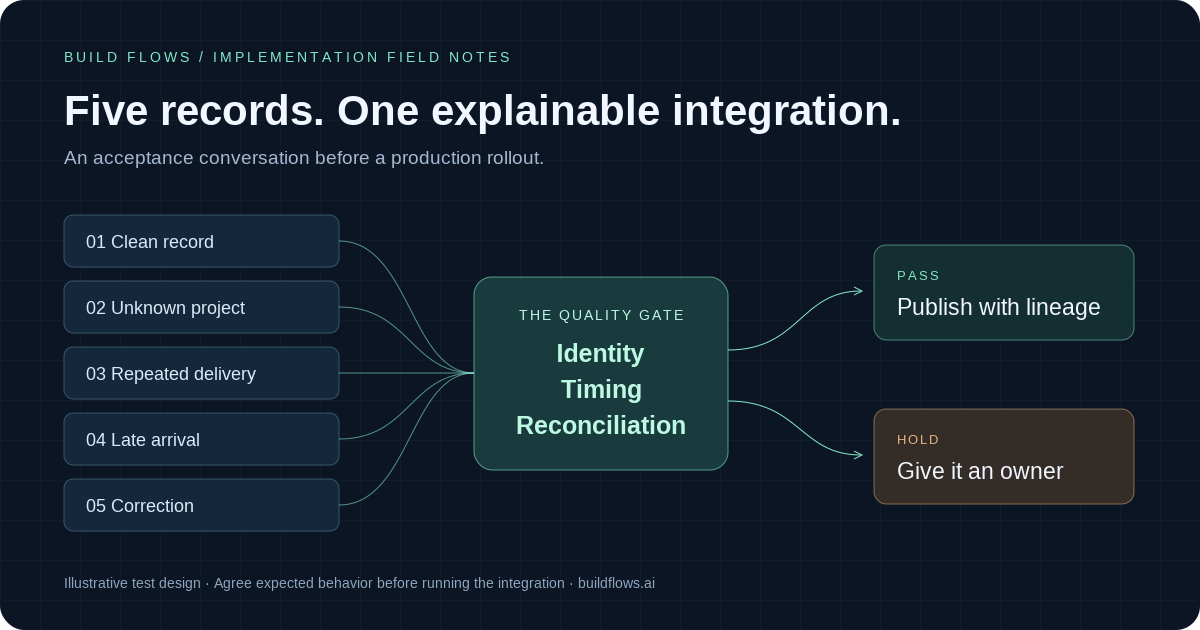
Integrations · November 8, 2026
Can You Trust the Sync? A Five-Record Construction Integration Test
Five deliberately chosen records expose the gaps a successful API response cannot. A practical acceptance checklist for controllers, project managers and IT.
Reporting & analytics · October 10, 2026
Change Order Aging: The Report That Protects Your Margin
The change order lifecycle and the four clocks worth measuring, aging buckets, pending exposure and approved-not-billed, the data problems that break aging reports, and how to track owner and subcontractor sides together.
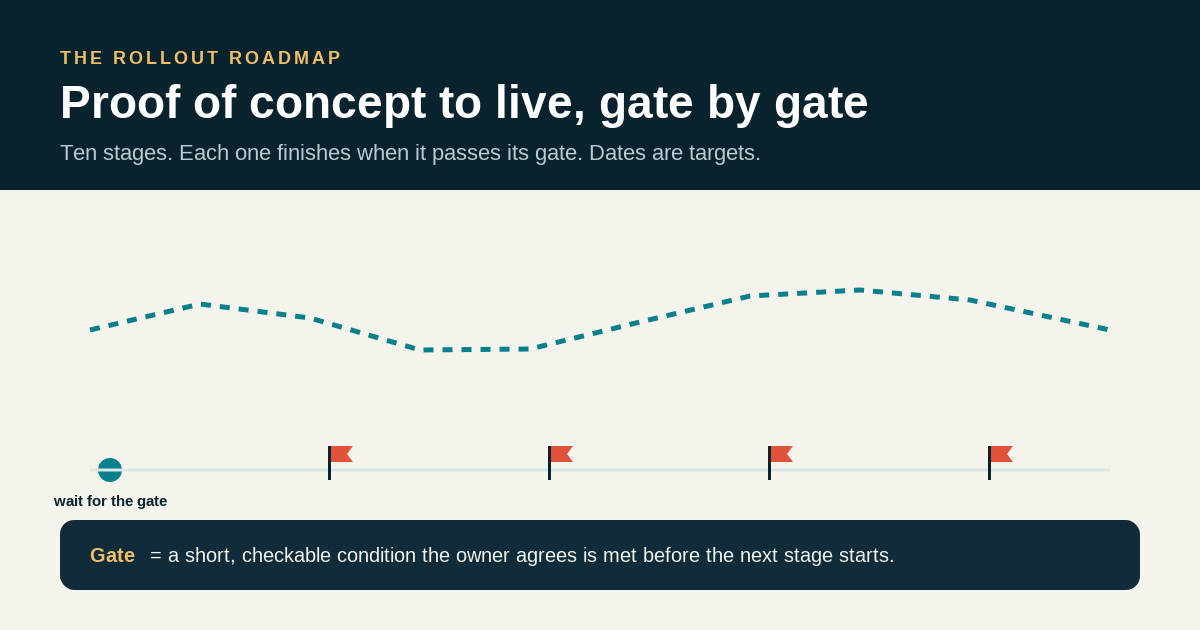
Playbooks · November 19, 2026
Construction Software Rollout Roadmap: From Proof of Concept to Live, Gate by Gate
The rollout roadmap we walked Cattlemen Construction Services through after building a proof of concept on sample data: proof of concept, agree and sign, access and secure setup, live data and cost-code mapping, tie out the numbers, expense approver go-live (preview, shadow week, sandbox, live), tailor and roll out, SharePoint folders and Convert to won, connecting an AI vendor, and run and improve. For each stage: what happens, what the contractor provides, what the builder does, the gate that ends it and how long it usually takes. About six weeks from signature to fully live, with dates as targets and gates as the real finish line.