Fixing a GC's Ramp → QuickBooks → Procore job costs, then building the operating system around it
A hosted operating system for a Fort Worth general contractor: bill and card coding approvals that rewrite QuickBooks lines so Procore sees the cost, plus projects, month-end forecasts, reports, grades and read-only AI agent access.
- Ramp
- QuickBooks Online
- Procore
- SharePoint
- OneDrive
- Microsoft 365
- Model Context Protocol
- React
- FastAPI
- Postgres
By the numbers
- workflows documented in the app
- 25
- automated tests passing
- 1,600+
- phone and desktop layout checks
- 2,296
- writes to QuickBooks during the proof of concept, by design
- 0
The problem
Cattlemen Construction Services pays bills and card spend through Ramp. Ramp syncs them to QuickBooks Online on the right job, but with the coding on the Category details line. Procore's QuickBooks Online connector only imports job costs from lines coded to the project service items it creates, so the cost was in QuickBooks and showed $0 in Procore.
The fix
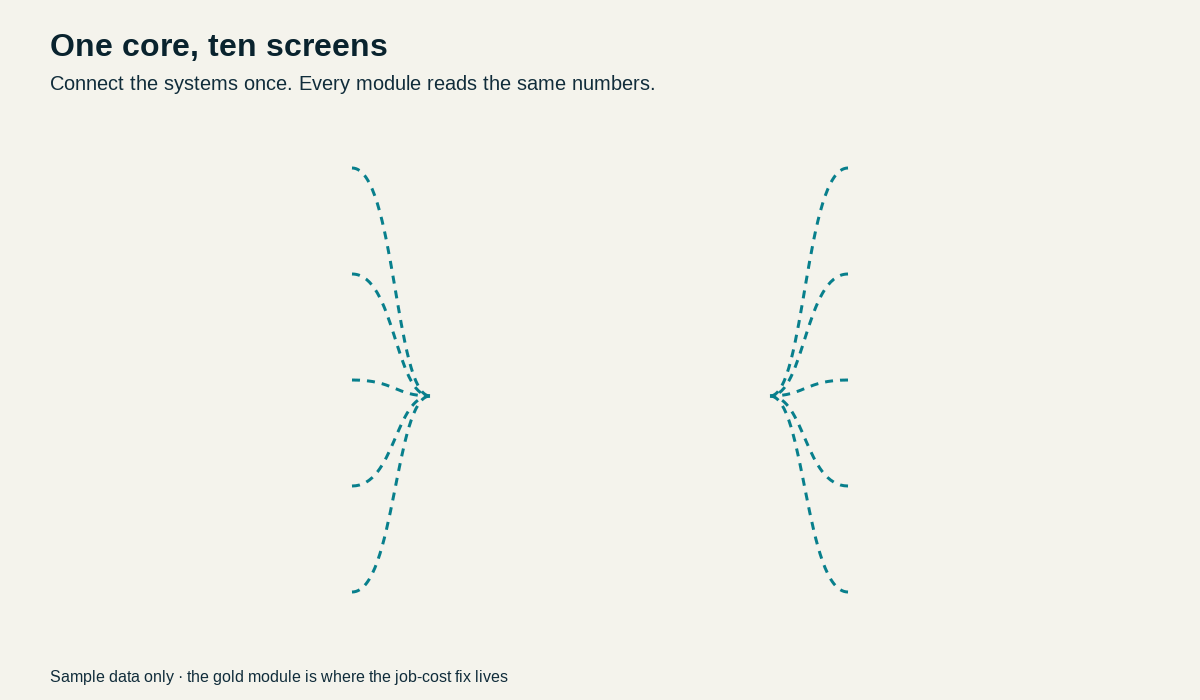
An automation detects each new bill, reads the Ramp coding, translates it to the Procore budget code, and either rewrites the line as an Item details line or queues it with a suggested cost code for a person to approve. It never changes amounts, vendors, payment links, closed periods or items, and every write is logged. Before any automation, three bills are re-coded by hand to prove Procore picks them up.
The operating system
The same connections run a role-based app: an approvals queue, a home screen that leads with what needs attention, projects with Create project (templated OneDrive folder) and Convert to won (Procore project), month-end cost-to-complete forecasts, an executive panel, weighted project grades, subcontractor insurance tracking, alerts, WIP, 13-week cash, profitability, commitments and vendor spend reports, view-as for support, a help center, and read-only API and MCP access for the client's AI vendor.
Where it stands
The proof of concept is live on sample data with the same data structures as the real systems. Next comes secure access to the client's QuickBooks, Procore, Ramp and Microsoft 365, cost code mapping, tie-out of the numbers, a preview and shadow week, then go-live with the owner's sign-off.
Scope
A hosted web app with sign-in and roles, connectors to Ramp, QuickBooks Online, Procore and Microsoft 365, a coding and approval workflow, reports, and an agent API with an MCP server.
About this example
Live as a proof of concept on sample data. Screens and numbers shown are sample data; the client agreed to be named.
Watch the walkthrough
Video unavailable? Watch on YouTube or read the written breakdown.
Every page, as delivered
Select any page to view it full size. Screenshots are from the proof of concept running on sample data.
Home
Approvals
Executive
Projects
Rollout
Next step
What would you like to build?
An app, an integration, an automation, a dashboard or an AI agent. Tell us what your team does today and what you want to change. You get a straight answer on fit, then a written scope and price before any work starts.
Prefer email? charley@buildflows.ai